The OpenDesign Motion introduction video and a production demo using DeepSeek V4.1 Flash have been released. The introduction video was made with OpenDesign Motion, and the demo used DeepSeek V4.1 Flash. OpenDesign Motion is presented as a tool that is not tied to any particular model.
You don’t have to switch models to make video
OpenDesign Motion is presented as a tool for creating animation and motion graphics by connecting the AI model and agent you want, without depending on a specific model. It is also described as an open source alternative to Claude Motion.
So, can you connect the agent you already use?
OpenDesign Motion connects the AI you already use
OpenDesign recommends coding agents such as Claude Code, Codex, and Cursor, or OpenDesign Cloud, as ways to get started. You can connect an agent installed locally, register your personal API key, or use a model hosted in the cloud.
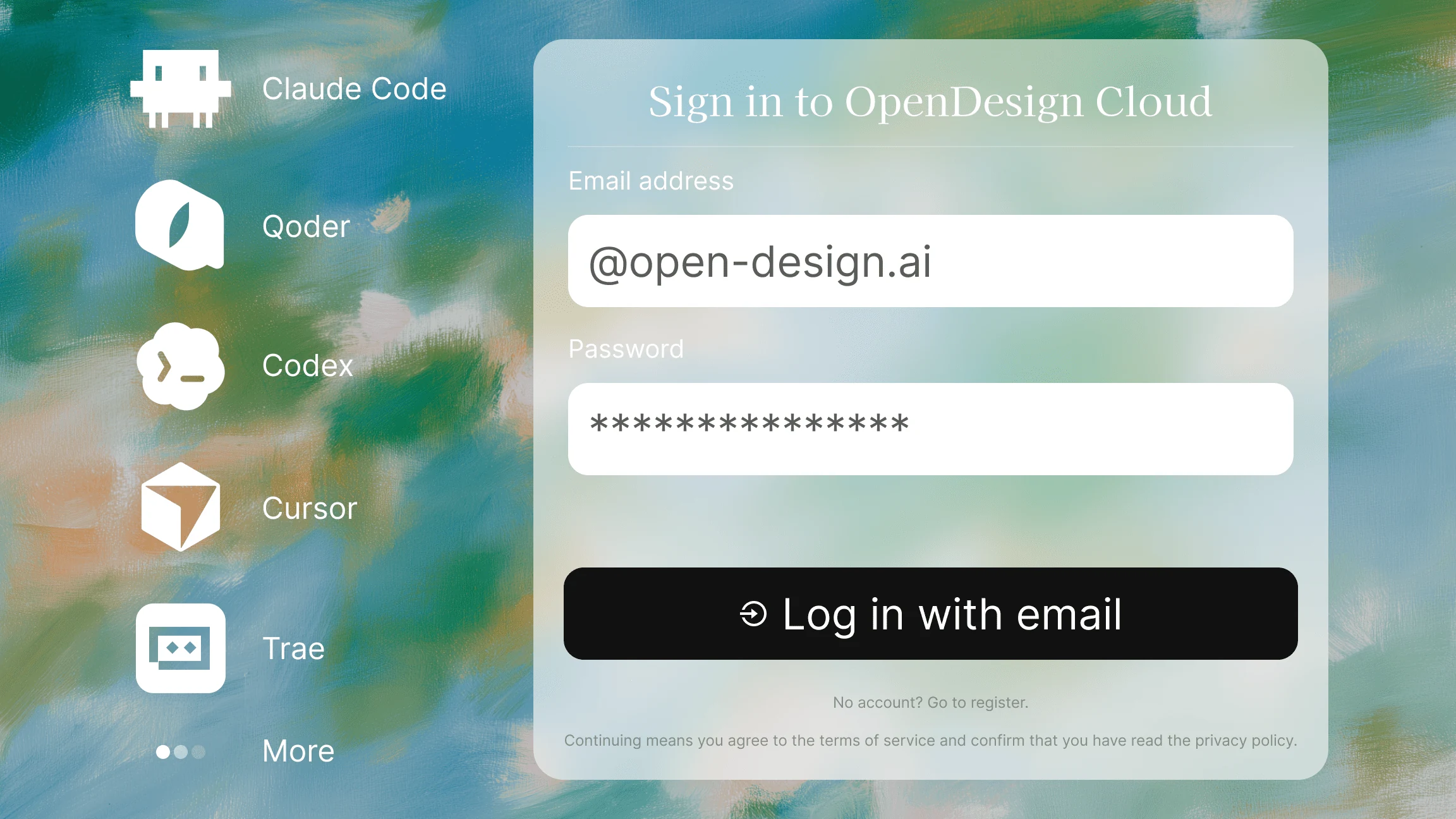
The official guide lists several agent and model names, including Claude, Codex, and DeepSeek. But this list shows connection options. It is not a performance comparison showing that each model creates motion graphics at the same level.
So there is room to use the tools you already work with. The account and cost conditions vary depending on how you connect.
The app can be free, while model costs are separate
OpenDesign divides connection options into Local CLI, BYOK, and Hosted. Local CLI connects a coding agent installed and signed in on your computer. You do not need an OpenDesign account, but subscription or API usage fees for the connected agent still apply.
With BYOK, you configure your own API key, endpoint, and model. You can also use this option without an OpenDesign account, but the provider bills you for model usage. Hosted, on the other hand, uses hosted models after you sign in with an OpenDesign account, drawing on the monthly model credits included in your plan.
According to the official guide, the free plan supports local agents and BYOK, while paid plans add credits for hosted models. Being able to start the app for free is not the same as being able to use models for free. When estimating costs, look at how the connected model is billed, not just the app price.
Whether it fits your work depends on the editing flow
If you already use a coding agent, Local CLI is a natural place to start. You can connect without an OpenDesign account, but your existing agent fees still apply. If you manage your own API key, you can choose BYOK. If you want to start without installation or key management, there is Hosted.
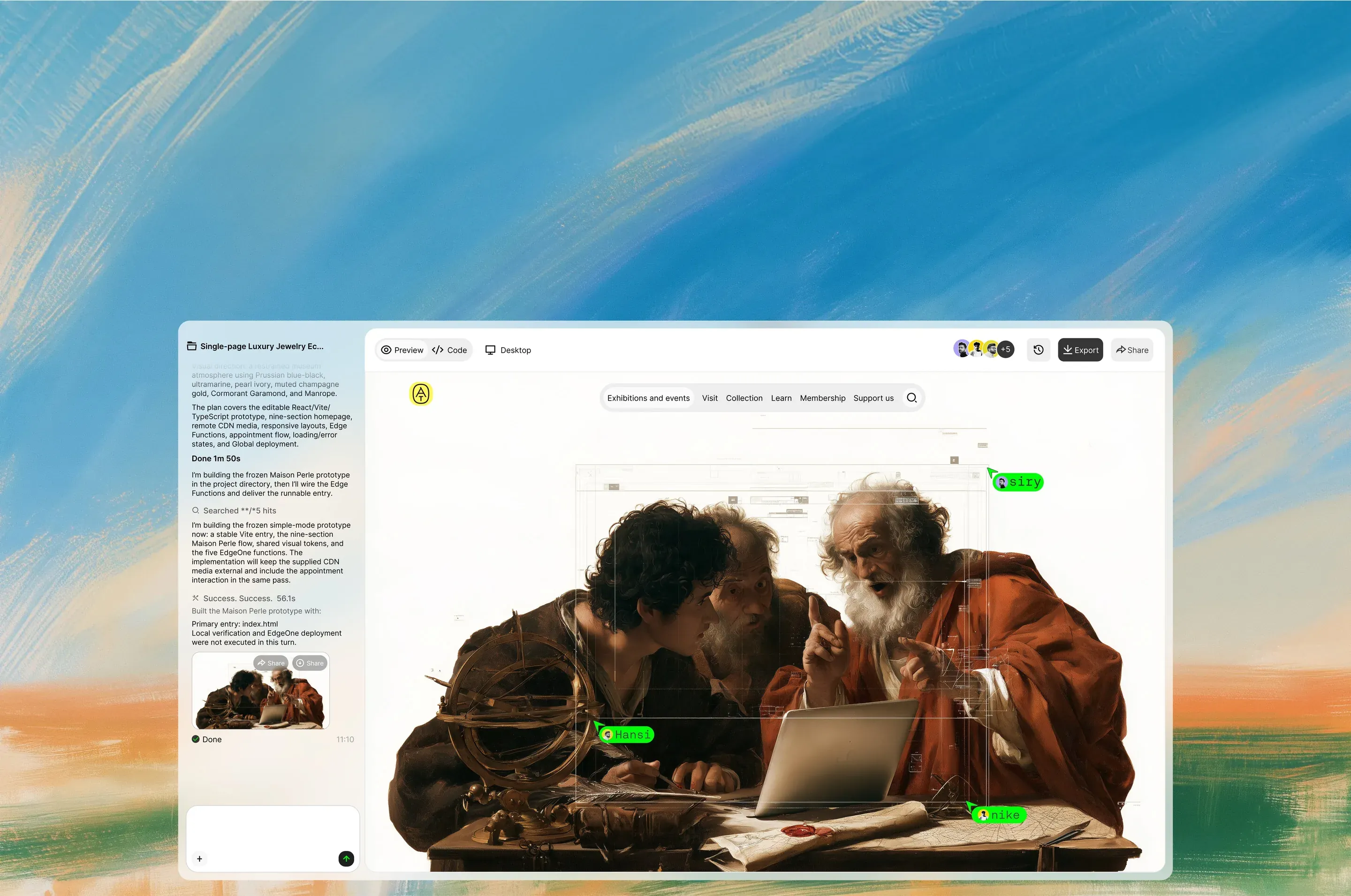
OpenDesign also introduces features for choosing a design system and applying it to your output, then editing or sharing your work with a team. After generation, you can adjust elements directly, and pass comments left by teammates on a design to the agent as a single revision task. Still, descriptions of design work in general and a motion graphics production demo should be considered separately.

The significance of this release is not that it identifies the strongest model. It gives you the option to connect the model you want to use to your production workflow.
A demo made with DeepSeek is also out
The released demo used DeepSeek V4.1 Flash. OpenDesign also said its introduction video was made with OpenDesign Motion. The demo is not a comparison of quality between models. It shows the process of creating motion graphics without being tied to a particular model.