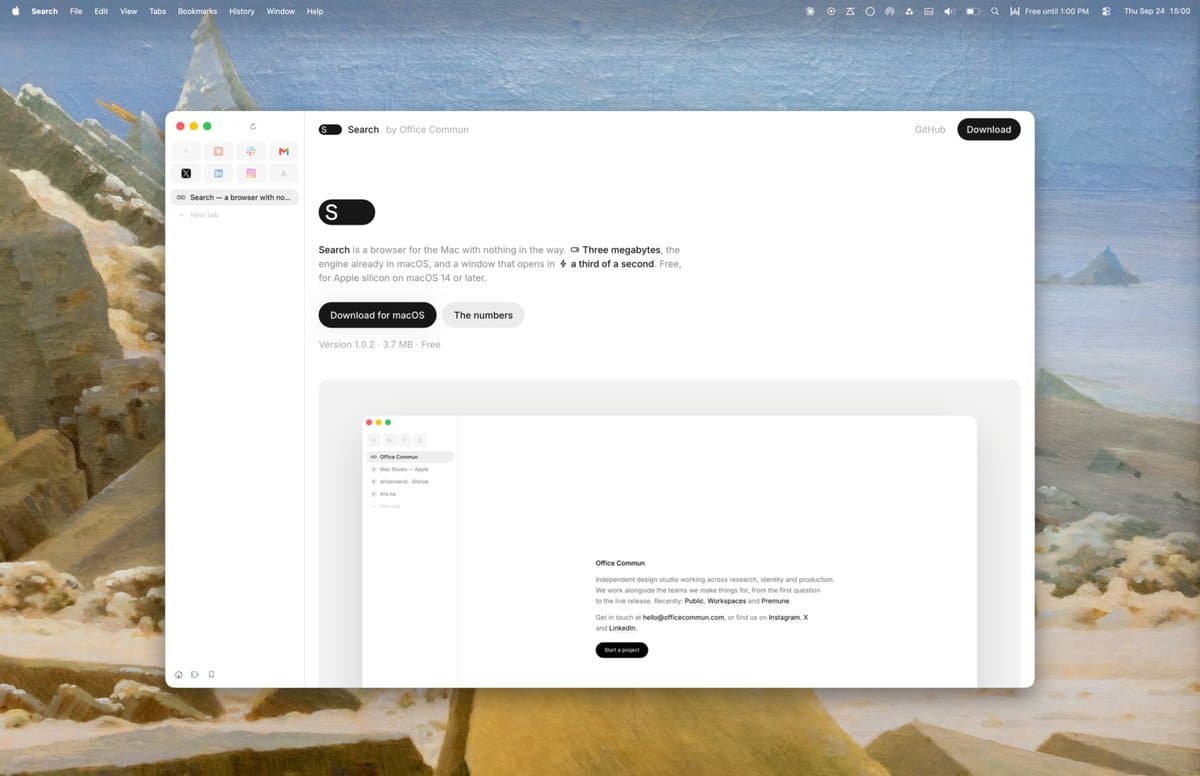
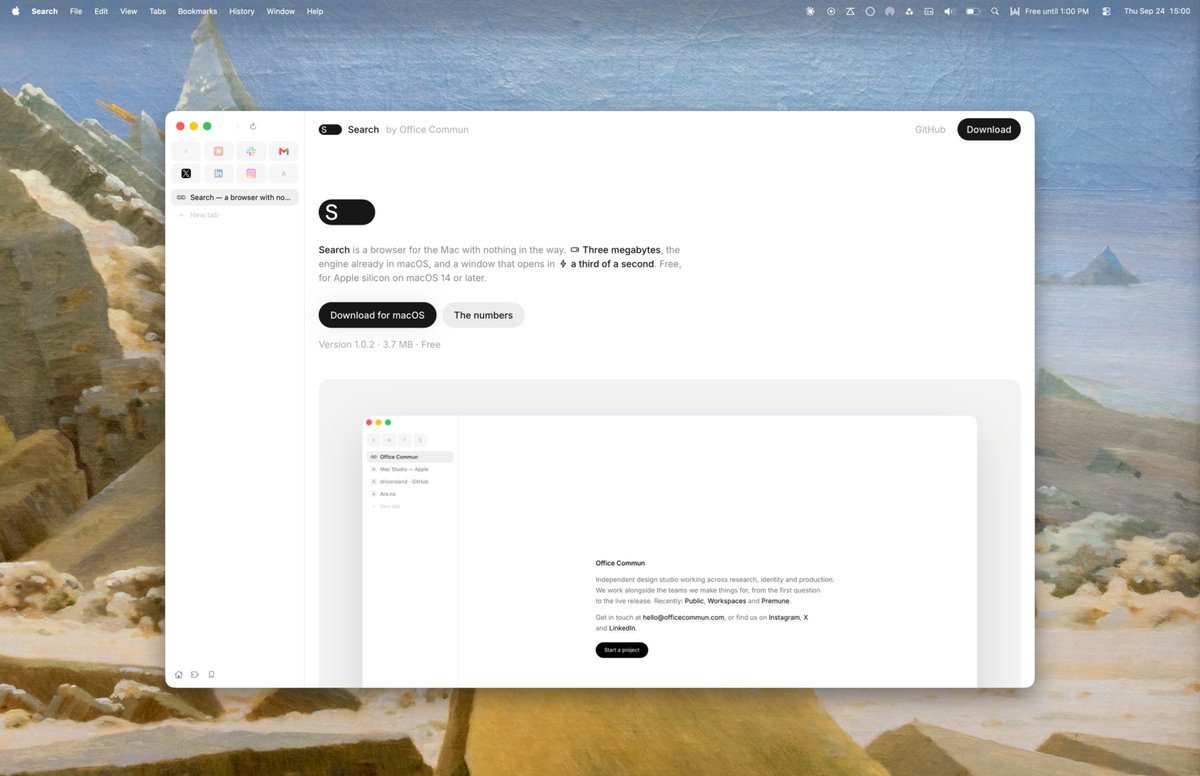
On September 23, 2026, Dries Roland (X: @driceroland) of the Paris design studio Office Commun released Search, a browser for Mac. The app is 2.9MB, opens a window in about 0.3 seconds, and supports Chrome extensions and script control. It is free to download and open source under the MIT license.
A 2.9MB browser built on Safari's engine
Search uses WebKit, the web engine that ships with macOS. Unlike Chrome, it does not bundle its own Chromium engine, which keeps the installer small. The official product page publishes comparison numbers, each the median of three runs on the same Mac with the same page.
| Metric | Search | Chrome | Safari |
|---|---|---|---|
| App size | 2.9MB | 1,429MB | 36MB |
| Time to first window | 320ms | 526ms | 730ms |
| Memory at launch | 51MB | 663MB | 203MB |
| Processes with 5 tabs | 11 | 29 | 21 |
By the maker's own measurements, Search opens its first window about 0.2 seconds faster than Chrome and about 0.4 seconds faster than Safari. Launch memory is roughly one-thirteenth of Chrome's. On size alone, the space of one Chrome install could hold hundreds of copies of Search.
The launch announcement was posted at 10:11 PM KST on September 23, 2026. You can see the current version and download link on the Search official page.
Installing Chrome Web Store extensions
On macOS 15.4 or later, you can add Chrome Web Store extensions to Search. Paste a Chrome Web Store link into the Extensions screen in Search settings, or click Add on an extension's page. The creator says about 70% of popular extensions work, and he named uBlock Origin Lite, Bitwarden, Dark Reader, and Grammarly as examples.
Driving the browser from the terminal
Turn on Let a script drive Search under Settings › General, and the repo's ./bench command can open tabs, read page text, save screenshots, and click elements. It works well with agents like Claude Code that operate a browser.
./bench open https://example.com
./bench wait 2e7e7e89
./bench text 2e7e7e89
./bench shot 2e7e7e89 out.png
./bench click 2e7e7e89 "button.go"
./bench probe
./bench close all
You pass the tab ID returned by open to the commands that follow. Automation tabs are marked separately from normal tabs and are kept out of session and browsing history. For example, if you ask an agent to "open this page, read the body text, and save a screenshot," it can run everything from opening the tab to checking the result through commands.
You can find the repo and the full CLI reference in the Search project on GitHub. Run ./bench --help from the repo root to see the available commands.
Installation and supported devices
Search supports Apple Silicon Macs running macOS 14 or later. You can download the official DMG file or install it with Homebrew.
brew install --cask driceroland/tap/searchIt is free to use, with no account or subscription required. The source code is MIT-licensed, while the app name and icon are noted as Office Commun trademarks.
Features added in a short time
Updates have come quickly since launch. Version 1.0.1 added Spaces, a collapsible sidebar, middle-click to close tabs, and the Web Inspector.
Version 1.0.2 brought a bookmarks bar, Shift-click previews, video that keeps playing while you switch apps, and passkey support.
If you are a Mac user who wants a lightweight app that still runs Chrome extensions and agent automation, Search is worth a try. Check the official page for the product overview and latest measurements, and the GitHub repo for installation and command examples.