No Cloud API Needed: Your Computer Becomes the Training Server
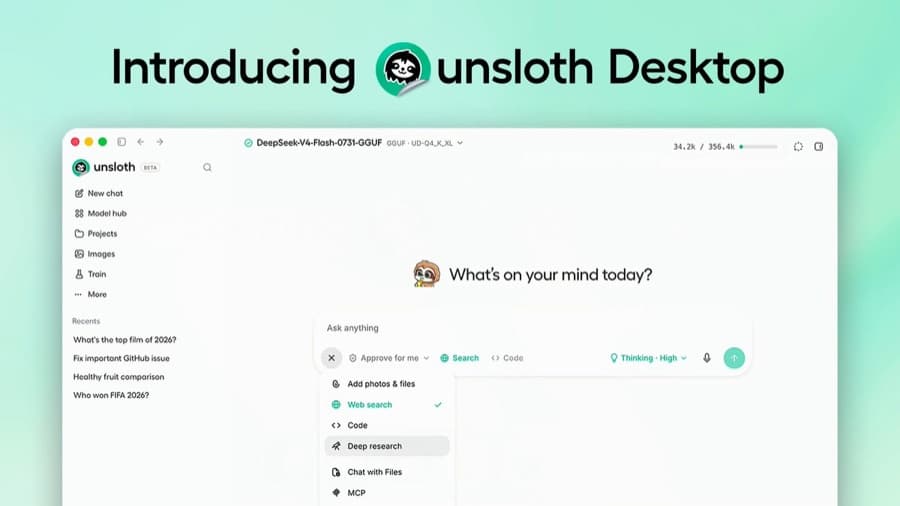
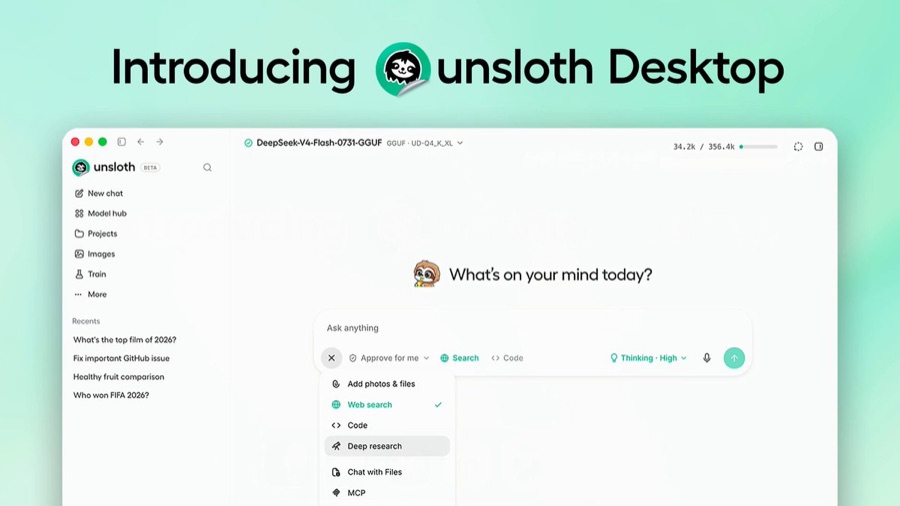
On August 11, 2026, Unsloth AI unveiled Unsloth Desktop on X. It is described as the first desktop app that lets you run AI models locally and also fine-tune (train) them yourself. It supports Mac (Apple Silicon and Intel), Windows 10 and later, and Linux (Ubuntu and compatible distributions), and it is open source and completely free. You can download it from the official site (unsloth.ai) or GitHub.
There have been several tools for running LLMs locally, but the key point of this announcement is that it supports both "running" and "training" inside a single desktop app. That means you can go beyond trying out a model and finish retraining it on your own data, all locally.
A No-Code UI That Starts Fine-Tuning at the Click of a Button
The app includes a no-code web UI called "Unsloth Studio." According to the official docs, the flow is simple. You pick a base model, drag and drop a dataset, and choose a fine-tuning method such as QLoRA, and training starts. The loss curve is displayed in real time, so you can see training progress as a graph right away.
Unsloth says that this approach can train more than 500 models twice as fast as before while using 70% less VRAM, with no loss of accuracy. It detects your GPU and device automatically, and it works completely offline with no internet connection. For local security, it also has token-based authentication (an encrypted password and JWT access and refresh tokens). Unsloth's Substack announcement and ComputingForGeeks' write-up report the same details.
How to Train a Model Without Sending Your Data Out
This announcement matters in practice for two reasons. One is that you can train a model on your own computer without cloud API fees or data transfer. The other is that the process runs through a GUI without a single line of code. Until now, local fine-tuning had a barrier to entry: writing scripts and matching library versions. This app hides that process behind a visual interface.
| Item | Cloud API fine-tuning | Unsloth Desktop (local) |
|---|---|---|
| Cost | Usage-based billing | Open source, completely free |
| Data movement | Upload to an external server required | Never leaves your computer |
| Offline use | Not possible | Possible |
| Barrier to entry | API and code required | No-code UI (drag and drop) |
For teams where data privacy matters, or solo developers and creators who want to save on cloud costs, it can be a practical alternative. The open-source release is also worth noting. Public code means the community can verify and improve it, and it adds one more option that doesn't depend on any company's closed fine-tuning service.
On a Mac, Start Small
It's worth noting that this is still a beta product. In reactions on the public X thread, some users pointed out that an error shows up during updates, and one comment said the app throws an error on launch on a Mac. These are best read as limits of an early release that is still being polished, so before adopting it for a real project, it is safer to test on a small scale in your own OS and GPU environment first.
Even so, the fact that a desktop app that goes beyond running models locally to support training with no code is out as free open source could be a reason to bring fine-tuning work that was tied to cloud APIs onto your own computer. You can find detailed usage and system requirements in the official docs.