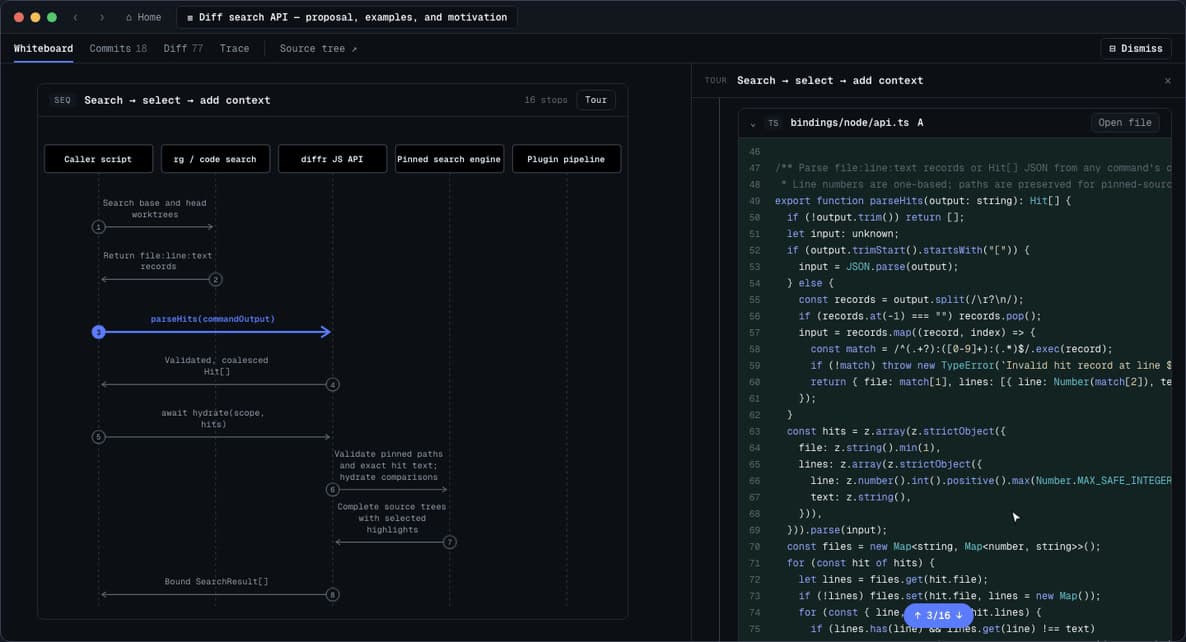
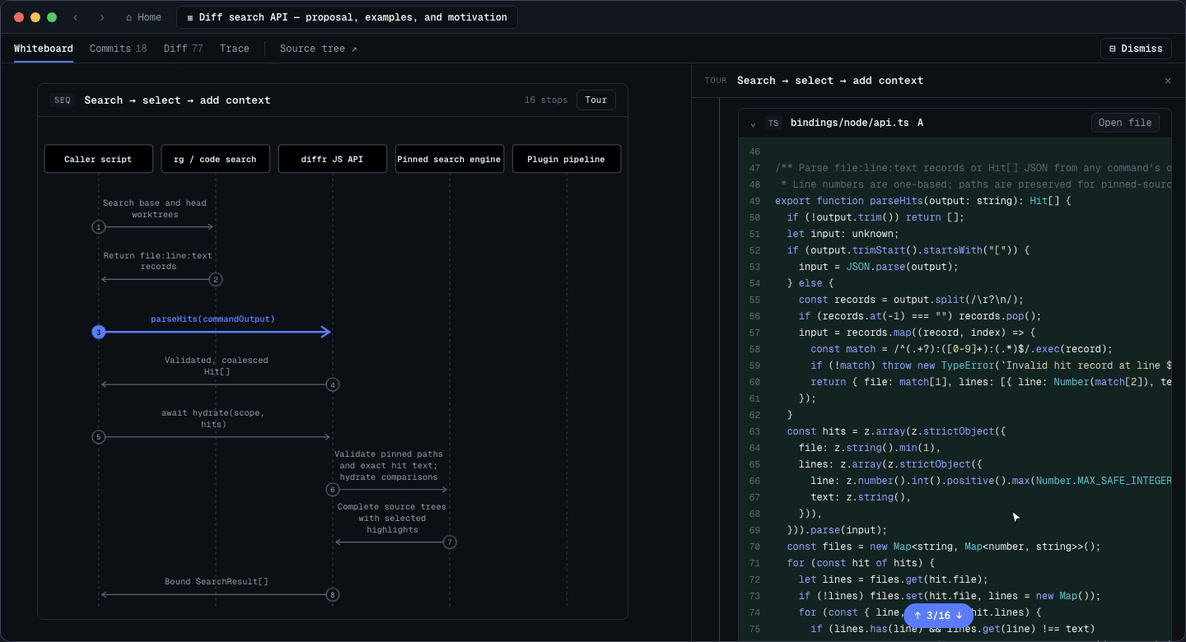
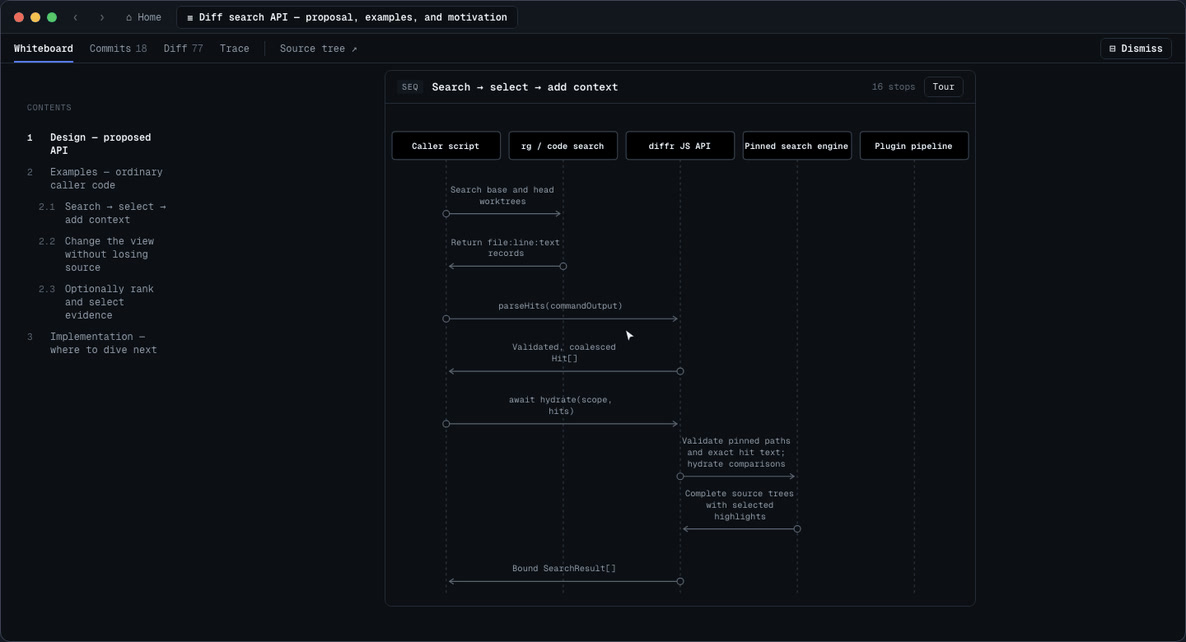
Whiteboard is an open-source desktop app where an AI coding agent draws and explains its work on a canvas, and a person clicks a design diagram or decision record to jump straight to the related code and review it. You connect it to tools like Claude Code and Codex, and it was built by Sid, Alex, Ketan, and Milan of /dev/fast, a YC W26 team. It was released on Hacker News as a Show HN on September 25, 2026 (Korea time), and it is free to use under the MIT license.
How Whiteboard connects design and code
Whiteboard provides an SDK and MCP connection so an agent can write designs and work notes on the canvas inside the app. The team wanted to bring back, for agent work, the experience of understanding a system together with another developer at a whiteboard. If you understand the role of AI agents and MCP, this connection approach is easy to follow.
Jump from a diagram straight to code
Click a citation point in a sequence or ER diagram or in an agent trace, and it takes you to the related code location. The editor is based on Code OSS, so it uses your VS Code key bindings and LSP as they are.
The agent's decision log and AST-aware diff
The decision log started from the problem that it is hard to tell how decisions an agent made on its own, and their effects, led to code changes. You can look at requirements, implementation, and the decisions the agent made independently, tied to the trace.
The AST-aware diff viewer, built in Rust, shows changes by syntax unit. By default, it summarizes large added functions as pseudocode and collapses or hides unit test and documentation changes. You can change how things are displayed with WASM plugins.
Install it and connect your coding agent
You can get the app from the official install page. v0.1.3, released on September 26, 2026, provides a macOS Apple Silicon DMG, a Windows installer and ZIP, an Ubuntu .deb, and a Fedora .rpm.
- Install and launch the app.
- On the first screen, connect the coding agent you use, such as Claude Code or Codex.
- For example, ask, "Review the current branch against the latest main and open it in Whiteboard."
The connection uses MCP. The Claude Code plugin runs ~/.local/bin/whiteboard mcp as a stdio server, and the Codex plugin uses the bundled whiteboard-mcp. Cursor can also register the local whiteboard mcp command. Before writing, the agent calls whiteboard api session_get_instructions '{}' to get the app's latest writing instructions.
The repo README recommends GPT-6 Sol and Claude Opus 5.5. If you are reviewing a new API change, you can ask something like, "Show the API you proposed, a usage example, and why you designed it that way in a diagram." For a part you do not like, you can copy it and pass it to the agent to ask it to redraw. To run it for development yourself, get Node.js 24 and pnpm 11 ready and run pnpm install and pnpm dev. The post on Google's AI agent runtime, AX also helps with looking at related agent runtime environments.
Free MIT app and a plan for team hosting
The desktop app is free open source under the MIT license and runs on a local checkout. Anonymous telemetry does not include code, diffs, prompts, or model output, and you can turn it off in settings. A team hosting version with session management, trajectory storage, and multiplayer review is in the works as a paid product, and the team plans to keep supporting self-hosting. The GitHub repo had 1,972 stars as of September 28, 2026, and commits were still landing the same day.
What to know before you use it
- You cannot edit files directly inside the app.
- Handling several repositories together in one review is still limited.
- If you edit a shared review, the change does not automatically show up on the other person's screen, so you need to share the updated version again.
Related posts
How to put a whole marketing team into your AI agent