Summary in 3 lines
- gksdud is a free, open-source menu bar app that remaps the Korean/English toggle key on macOS and reduces switching lag and dropped characters during fast typing.
- Install it with Homebrew or the universal ZIP, allow Accessibility permission, then turn on "Switch on press."
- It supports macOS 13 or later, on Apple Silicon and Intel, and also offers case preservation and a swappable menu bar icon.
If you press the Korean/English key on your Mac and the switch is slow, or characters go missing right after, the free open-source app gksdud is worth trying. With one app, and without Karabiner or complicated system settings, you can assign a key you want, such as the right ⌘, as the Korean/English toggle and make it switch the instant you press it.
Why the Korean/English switch on a Mac is slow or drops input
macOS lets you use the Caps Lock key to switch input sources or to type capital letters in English. Because it tells a short press from a long press, the Korean/English switch can feel like it responds late.
The older Karabiner-Elements approach maps Caps Lock or right Command to a key such as F19, then assigns the same key to macOS's "Select the previous input source." gksdud handles this setup inside the app. See Apple's input source guide and the Karabiner-Elements docs for reference.
Key features of gksdud
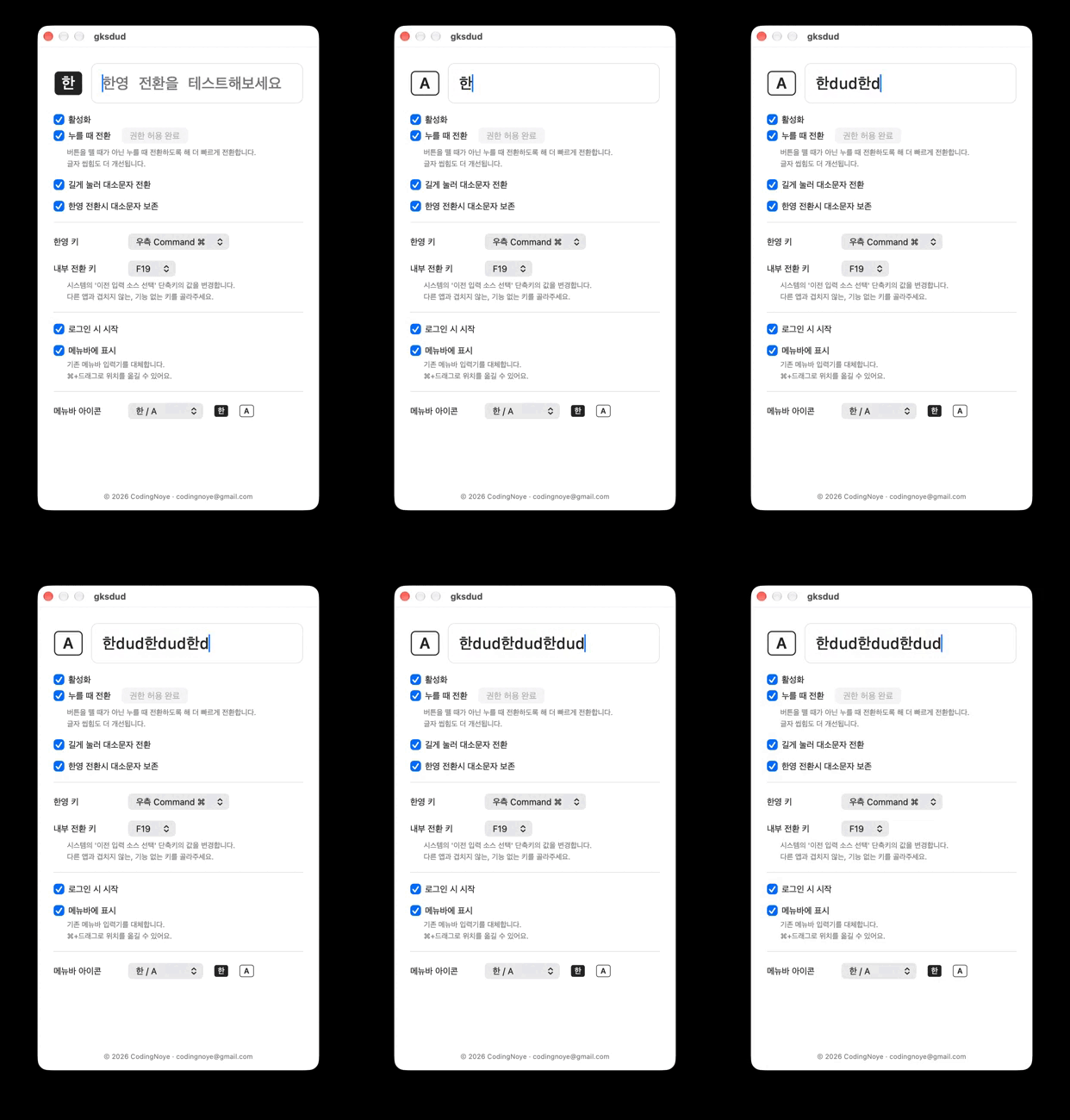
- Key assignment: Set a key you want, such as the right ⌘, as the Korean/English toggle.
- Faster typing: Focuses on reducing switching delay, dropped characters, and dropped switches.
- Hold to switch case: It switches Korean/English first the moment you press, and if you keep holding, it toggles English upper and lower case.
- Caps state preserved: If you are in uppercase, go to Korean, and come back to English, it keeps the uppercase.
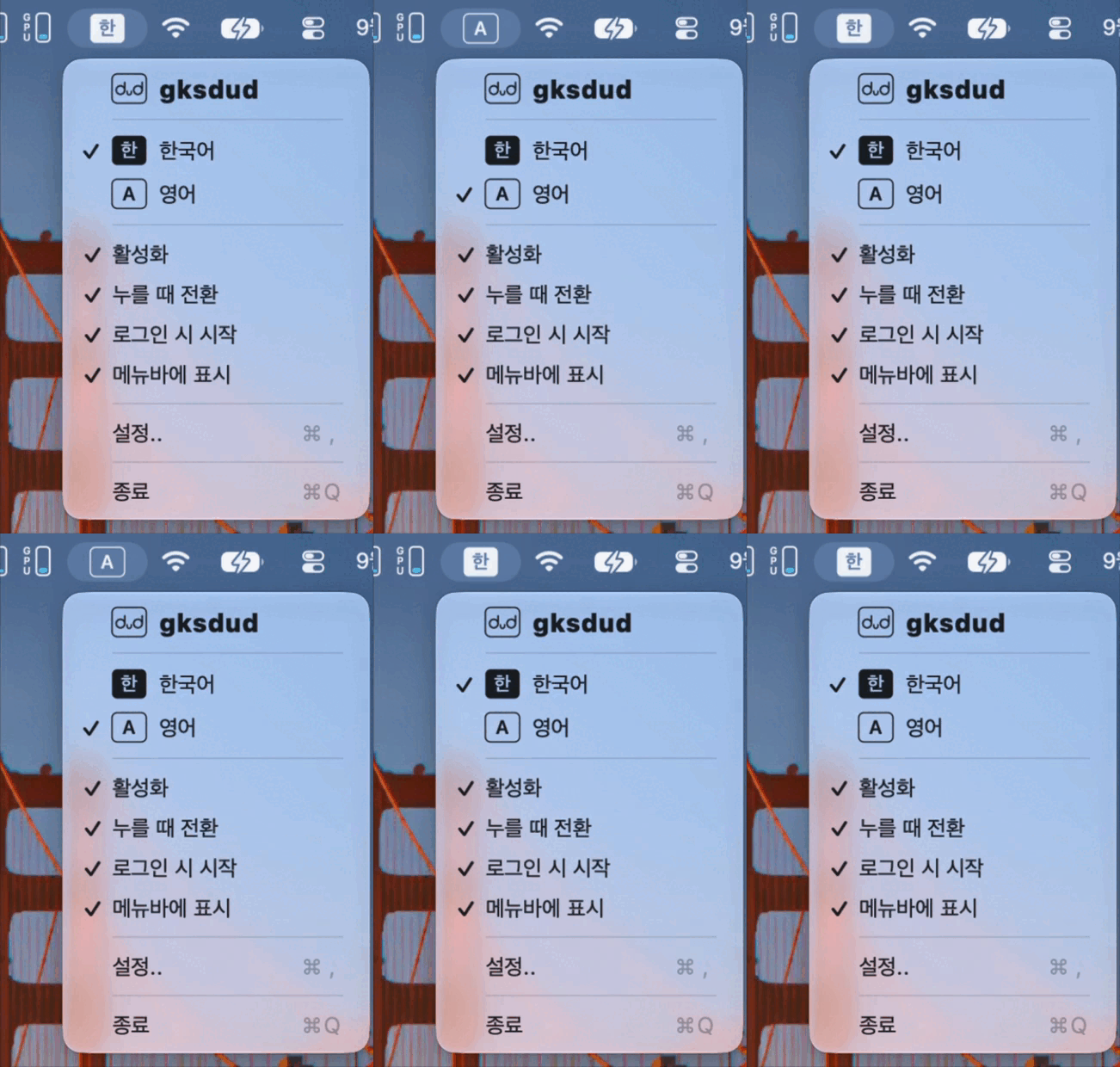
- Menu bar icon: It replaces the input source icon and lets you change the icon. Hold ⌘ and drag to move its position.
- Option characters: In Korean mode, it lets you type ⌥+letter as in English, or turns off Option character input.
How to install
Homebrew
Run the command below in Terminal.
brew install --cask codingnoye/tap/gksdudInstall from the ZIP
- Download the universal ZIP from the latest release.
- Unzip it and move
gksdud.appto your Applications folder. - Launch the app.
The app is self-signed, so if the first launch is blocked, allow it under System Settings → Privacy & Security → Security.
First launch and key setup
- Launch the app and check for the menu bar icon.
- Follow the prompts to allow Accessibility permission.
- Turn on Switch on press in settings.
- In the input field at the top of the app, type Korean and English in turn.
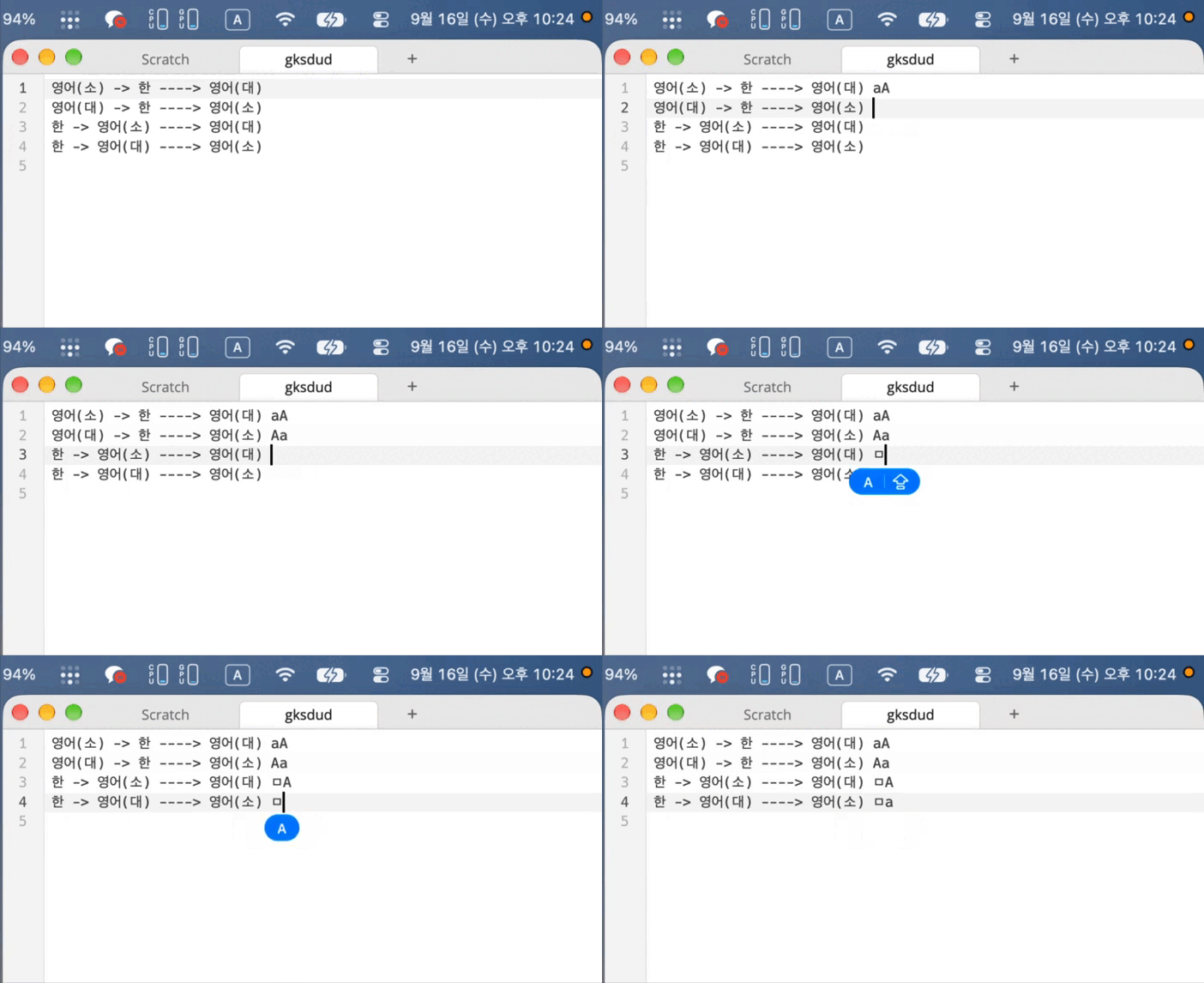
How it switches using an F19 key mapping
The default target key is F19. It maps the key you choose to F19 and also sets macOS's "Select the previous input source" to F19. "Switch on press" is a feature that sends the F19 press and release events back to back the moment you press the key, to reduce switching delay and the dropped first character right after. It does not change the input source or input method directly.
Source: X @QingQ77 (2026-09-21 12:09 KST)
This post shows, as a GIF, how one app handles key mapping and switching events.
Supported environment and updates
It runs on macOS 13.0 Ventura or later and is a universal app that supports both Apple Silicon and Intel. The latest, v1.3.2, was released on September 22, 2026 at 12:49 (KST) and provides a universal ZIP and SHA256SUMS.
| Version · release time (KST) | Main changes |
|---|---|
| v1.0.0 · 9/16 15:20 | First release, Homebrew and ZIP install. |
| v1.1.0 · 9/16 17:36 | Caps state preserved, hold to switch case, menu bar and settings improvements. |
| v1.1.1 · 9/16 23:51 | Fixed the input state and icon to update immediately even while the menu is open. |
| v1.2.0 · 9/18 15:34 | Per-keyboard settings and reconnection, better use alongside Karabiner, adjusted failure messages, preserved Vorssaint settings. |
| v1.3.1 · 9/21 02:08 | Split settings tabs, in-app updates, Option special characters and block mode, and a repeat-input fix. |
| v1.3.2 · 9/22 12:49 | Fixed backtick input delay with Option+₩ in Korean mode, improved special character input. |
Introduction from the developer
In a GeekNews post, CodingNoye described the background of handling the existing key mapping and system shortcut settings in a single app, and the behavior of switching when you press the key rather than when you release it.
Related posts
- ChatGPT Mac iMessage integration and privacy concerns — what to check when you give a Mac app permissions
- AI and automation glossary