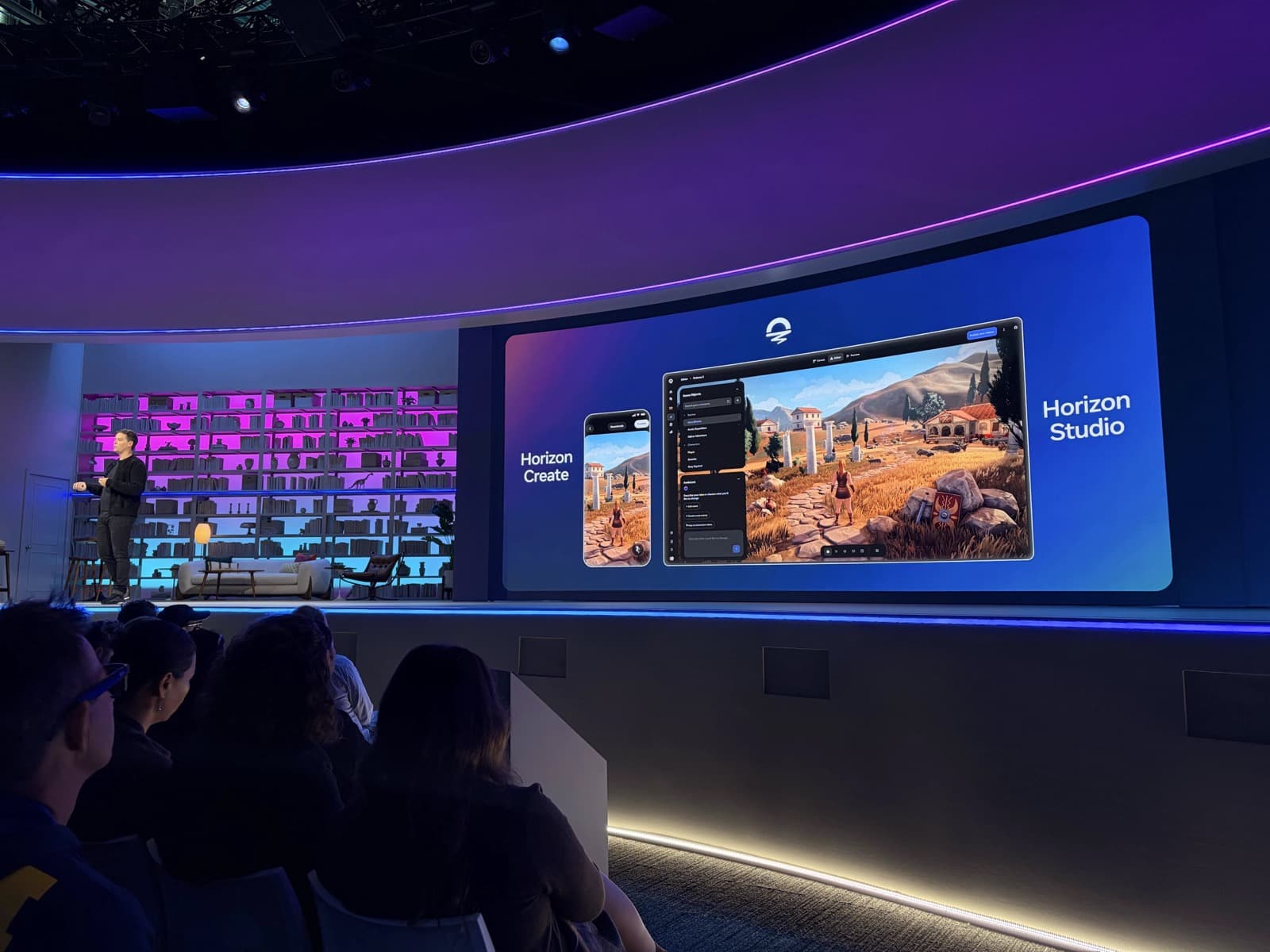
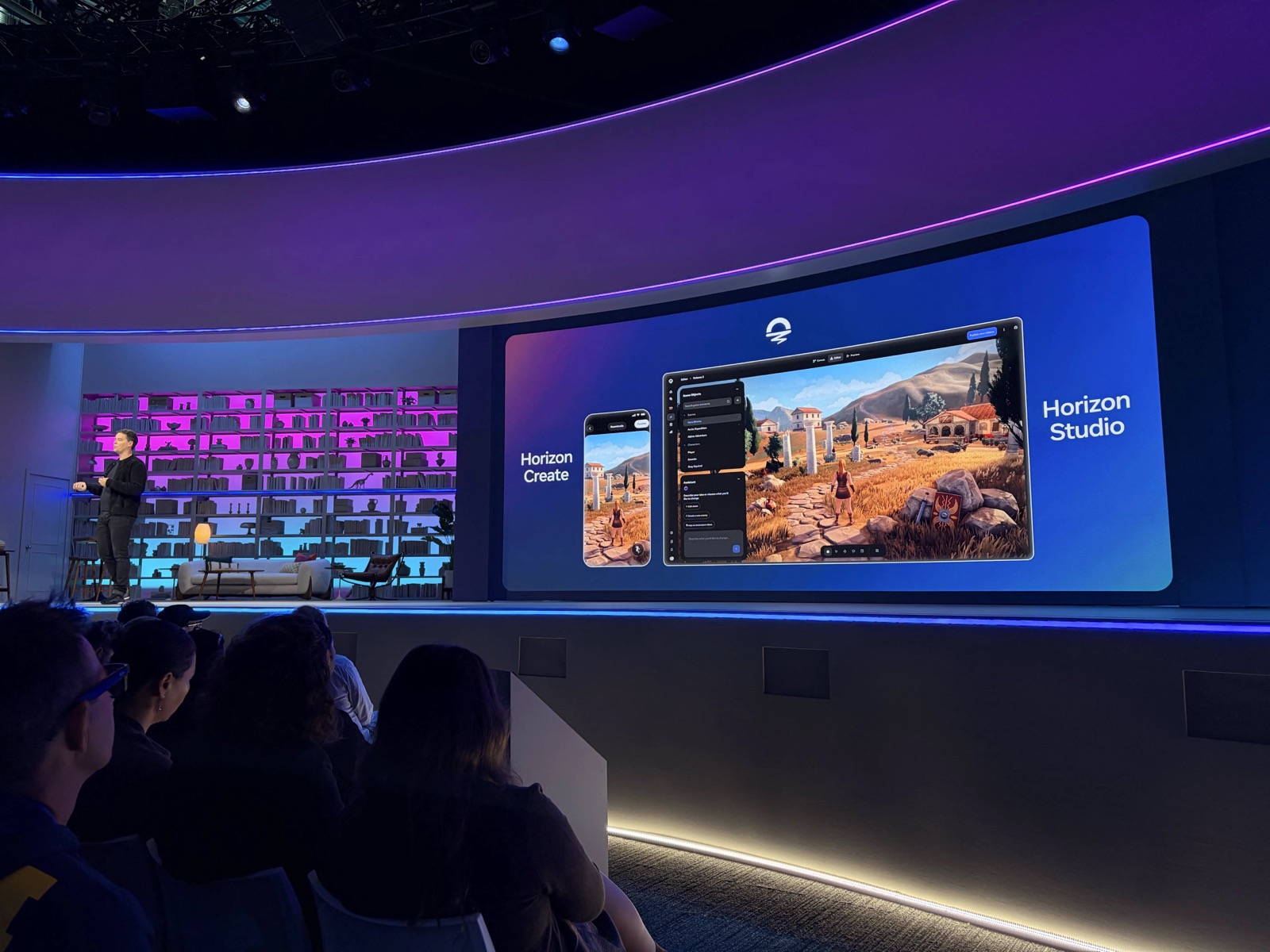
Describe a game idea in a sentence, and you can build it as a 2D or 3D game on your phone, fine-tune it in a browser, and post it straight to Facebook and Instagram. Meta unveiled Horizon Create and Horizon Studio at Meta Connect on September 25 (Korea time). Both tools have an early access waitlist, and people in South Korea can sign up too.
Two tools: start on your phone, refine in the browser
Horizon Create is a mobile app. You start from a blank prompt or a template, then describe and revise the art style, characters, story, and progression in words. While your game is being made, you can play other games or work on several projects at once.
Horizon Studio is a browser-based creation tool that needs no install. You can fine-tune the result by arranging scenes, swapping assets one by one, and adjusting script parameters and spatial layout. Because the two tools share assets, systems, and edit history, you can pick up a project you started on your phone and keep editing it in the browser.
| Tool | Environment | Main tasks |
|---|---|---|
| Horizon Create | Mobile app | Start from a prompt or template and revise ideas in words |
| Horizon Studio | Browser | Arrange scenes, swap assets, adjust scripts and space |
Progression systems and multiplayer from a prompt
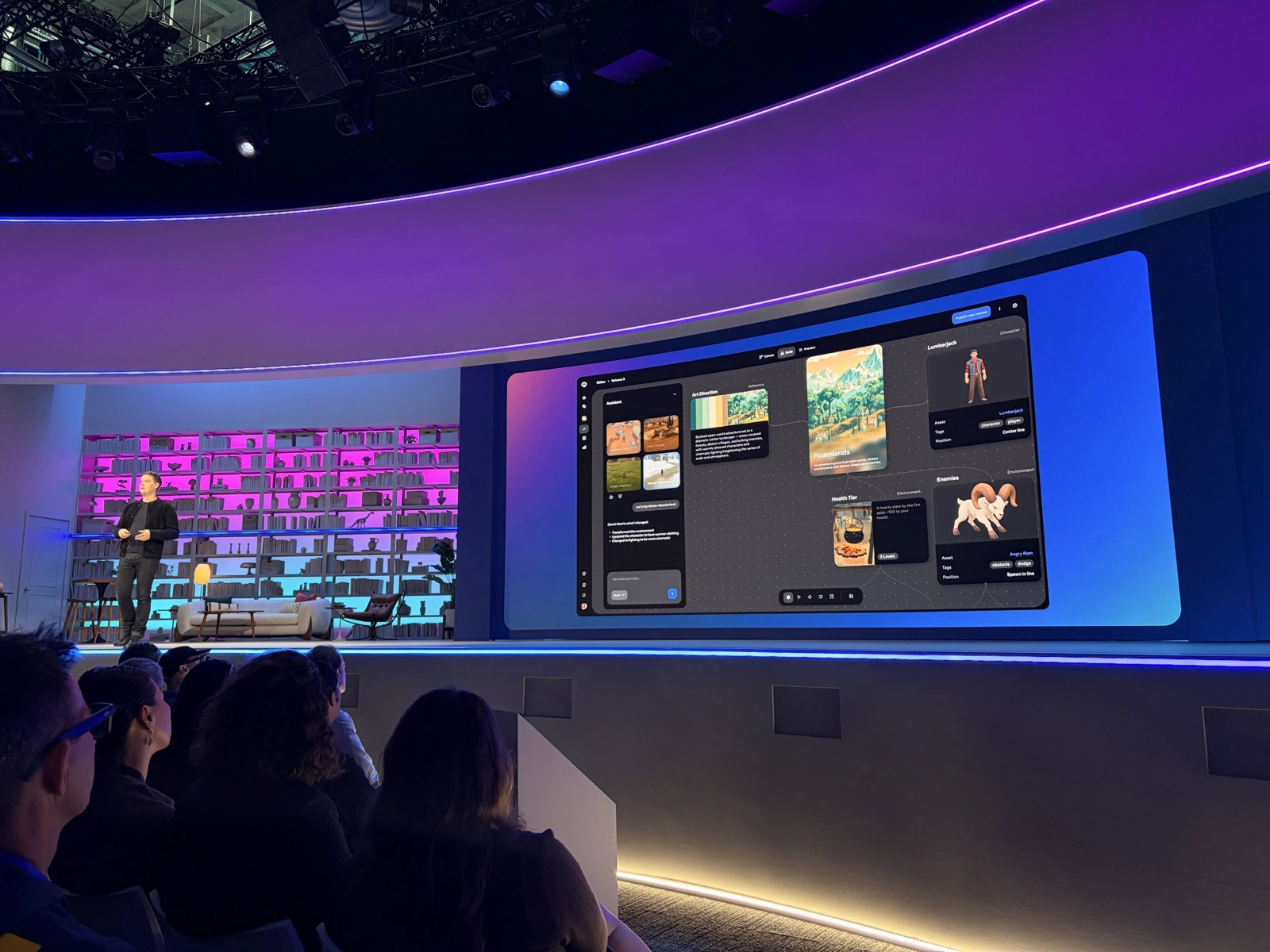
According to Meta, you can use text prompts to build 2D and 3D mobile games with progression systems, difficulty tuning, art direction, and multiplayer. After building, you keep refining by changing individual elements. Underneath is the agentic generation capability of Meta Horizon Engine, and you can use Meta AI to adjust the style of scenes, environments, characters, and lighting.
In the official Meta Developers demo below, you can see the two creation tools and the game generation flow.
Play in the Facebook and Instagram feeds with no install
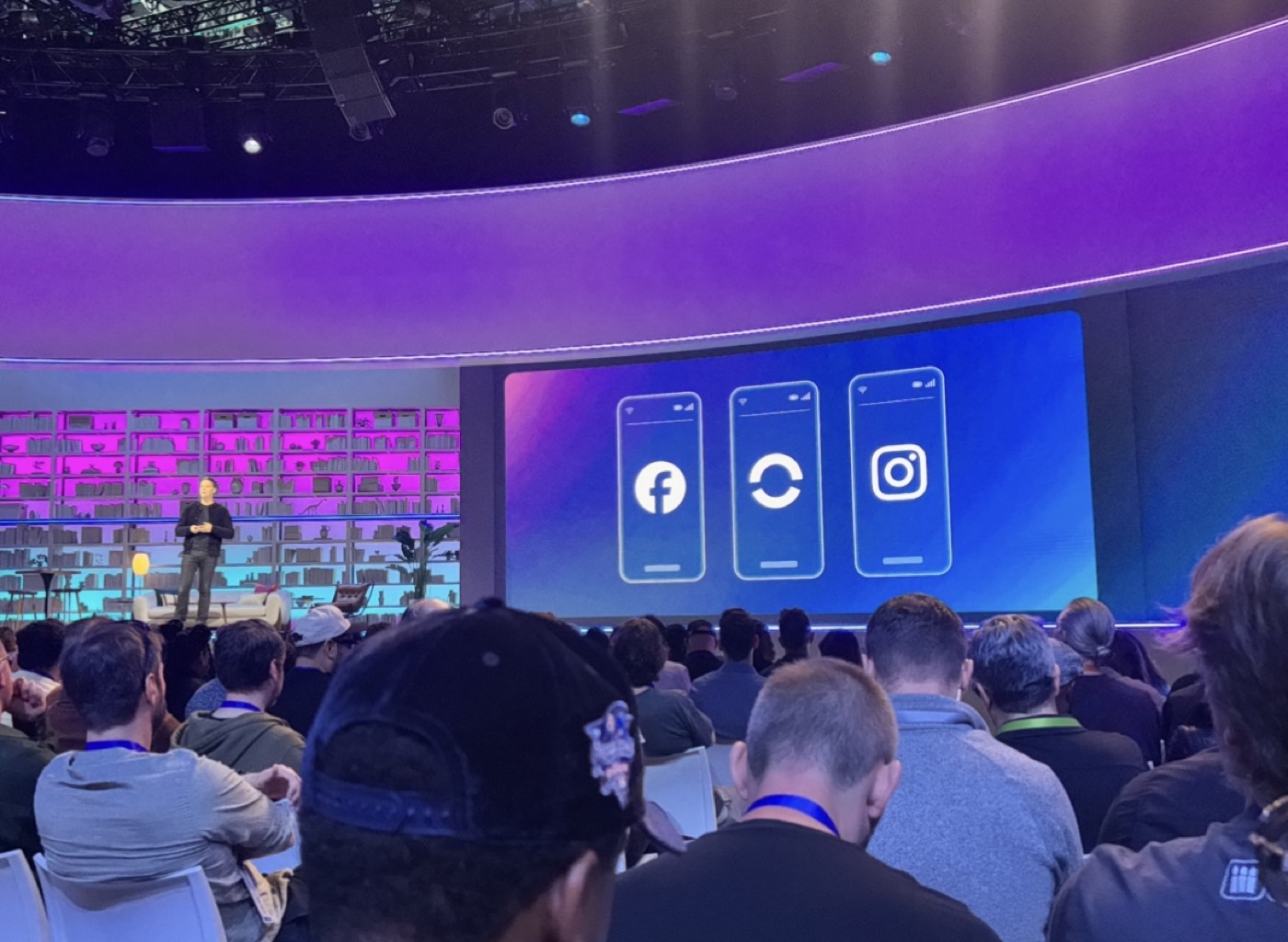
When you publish a game, it becomes available for distribution to Facebook, Instagram, and Horizon. Meta recommends games in the feed, and users can tap a game clip to jump into a multiplayer session within seconds. You play right in the feed, with no separate app install or move to another page.
Meta also described generated-content checks, pre-publish review, automatic age ratings, and Family Center protections. It also previewed in-game monetization and opportunities through the Meta Horizon Creator Fund.
Sign up for the early access waitlist
- Go to the Meta Horizon Worlds waitlist and open the "Get early access: Horizon Create and Horizon Studio" form.
- Enter your first name, last name, and email address.
- In the country menu, choose your country (South Korea for readers there). The default selection is the United States, so change it if needed.
- Check the box to agree to marketing emails and click Submit.
You can submit the form without logging in, and access opens in stages, starting with the creator community. You will get an email when it opens.
Roblox also lets you build games from a prompt on mobile
On July 16, 2026, Roblox announced Build, a feature for creating and editing games from a text prompt inside its mobile app. You can playtest the games you make, share them with friends, or publish them, and you can continue the work in Roblox Studio. A separate model, Cube, is used to generate 3D objects for games. Build and Cube have different roles.
Roblox had 123 million daily users in Q2 2026. As a platform with a large existing user base adds mobile creation tools, the flow of turning an idea into a game and showing it to friends right away is becoming one axis of competition.
Horizon expands from VR to mobile
Horizon started as a VR app but has recently broadened its mobile experience. Create and Studio are an attempt to bring game creation itself to the phone and the web. However, The Verge noted that it remains to be seen whether AI-made games will be as fun as games people craft with care. Making creation easy and producing games people want to play for a long time are separate challenges.
If you have a game idea, get on the waitlist first. When access opens, you can start from one line on your phone, refine it in the browser, and post it to Instagram.