Summary in three lines
- Meta's personal AI agent Muse launched only in the US in September 2026, so people in South Korea cannot sign up directly.
- Many user reports say they sign up in a remote browser located in the US (Gemini Spark, Grok Bot, Browser Use Cloud), then log in from a phone or PC in South Korea.
- You need a new email and a card in your own name. User reports say sign-up can take just a few minutes if you are prepared, but the real time and verification steps vary by account. The iPhone app does not show up in the Korean App Store, so you can use the web version at muse.ai.
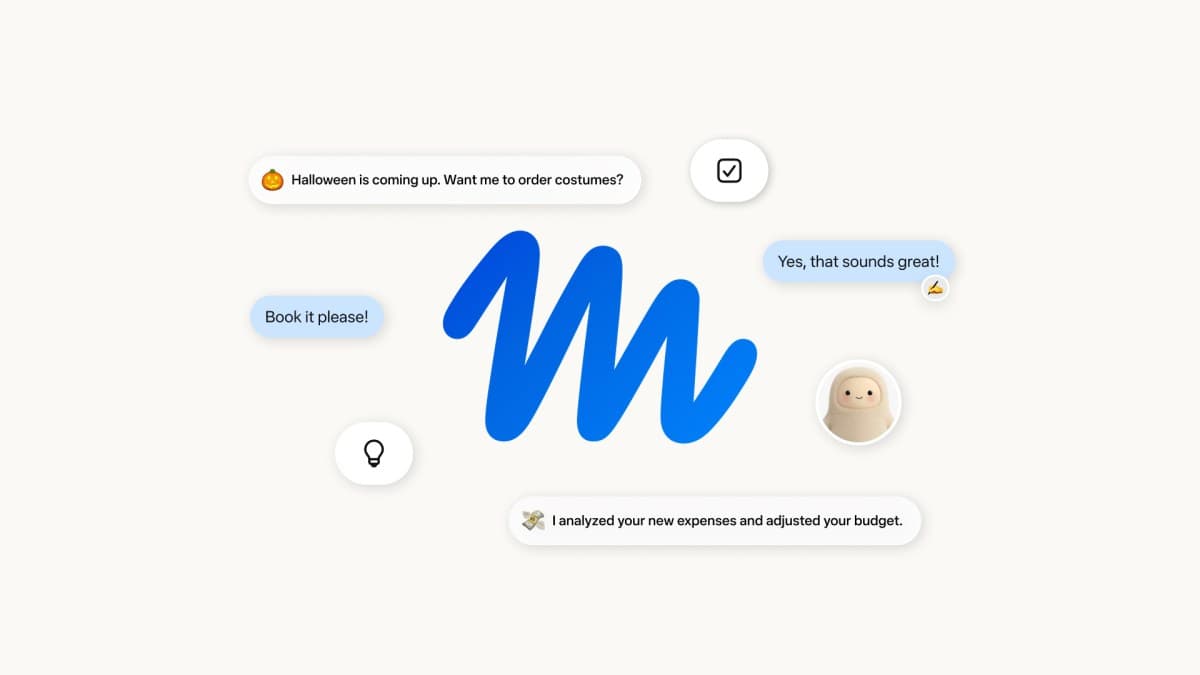
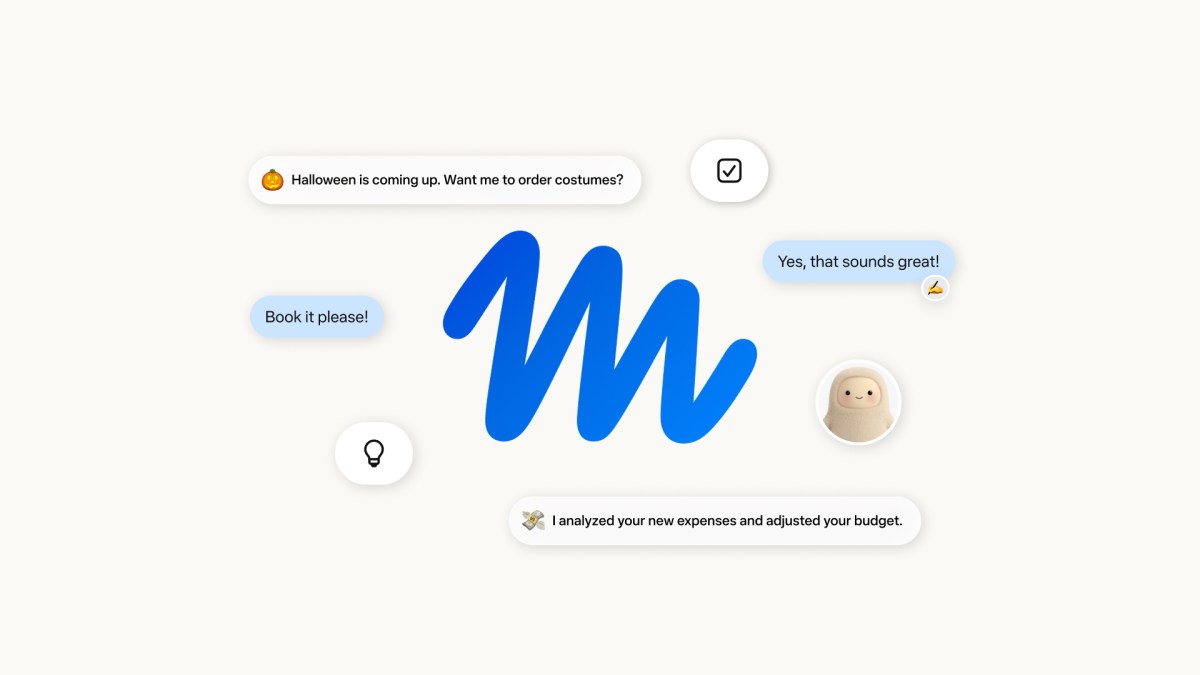
Meta's personal AI agent Muse connects to apps like email and calendar so you can hand off bookings, shopping, and work. Meta announced on September 8, 2026 (September 9 in Korea) that it was launching in the US as iOS and Android apps and on the web at muse.ai. It keeps working in the cloud after you close the app, most usage is free, and a subscription plan applies for higher usage. (Source: Meta Newsroom)
Use a remote browser instead of a VPN
Muse checks whether the sign-up comes from the US. So if you do only the sign-up from a remote computer that uses a US IP address, many reports say you can then use it from your own phone or PC on the web. Some users also say that with everything ready, they finished the sign-up step in a few minutes.
What you need
- A new email that is not on the waitlist. User reports recommend a new Gmail account instead of your existing waitlist email.
- One of Google AI Pro (Gemini Spark), Grok Bot, or Browser Use Cloud
- A Visa or Mastercard in your own name for age verification. User reports mention a $1 temporary authorization that was later refunded. Enter payment details only in your own name and only on the official muse.ai domain.
Method A: Gemini Spark remote browser
This is the method people in South Korea try most.
- Go to gemini.google.com/spark. Google AI Pro subscribers can use Spark in South Korea too (it expanded to about 160 countries in July 2026).
- Ask Spark as follows.
Open muse.ai/join in the remote browser. Choose the remote browser for permissions, and when it opens, hand control over so I can operate it myself.- In the permission pop-up, choose "remote browser" and switch to direct control (Take over). If you pick local Chrome, you connect from a Korean IP and it may fail.
- Sign up with the new email, enter the verification code, and complete age verification.
The Gemini Spark mentioned here is a Google service. It has a similar name to Muse Spark, the foundation model behind Meta Muse, but they are different products.
Method B: Grok Bot Agent Computer
If you have SuperGrok or Grok Bot, this method is shorter.
- In the Grok Bot desktop app for macOS, Windows, or Linux, open Agent Computer (a remote computer). You may need a paid Cursor plan or a connectable SuperGrok subscription, so check access requirements in the official plan guide.
- In Chrome inside the remote computer, go to muse.ai/join and complete sign-up.
- Be sure to turn off Settings → Computer →
Route egress through this desktop. If it is on, traffic goes out through your own PC's network, meaning a Korean IP, and sign-up may be blocked. - If it fails, do not click the waitlist. Switch straight to Method A.
Method C: Browser Use Cloud
If you have neither Gemini Spark nor Grok Bot, you can use the cloud browser at cloud.browser-use.com on the same principle. The service says you can start without a card, and its pricing page shows $15 in free credits for eligible accounts and $0.02 per browser hour. Credit eligibility and proxy and traffic costs can vary by account and usage, so check the pricing page first.
Log in from your own device after sign-up
- Log out of Muse in the remote window
- Close the remote window
- Log in at muse.ai on your own phone or PC
- If you have an invite code, enter it within 48 hours under Settings → Redeem invite code. Token promotions change from time to time.
The iPhone app Muse from Meta (18+, free) is only on the US App Store, and as of September 26, 2026 it does not appear in search results on the Korean App Store. With a Korean Apple account, open muse.ai in iPhone Safari and tap Share → Add to Home Screen to use it like an app. The Android app is listed on Google Play (com.facebook.aura). If installing it does not work, add muse.ai to your home screen from Chrome. On a PC, go to muse.ai in a browser.
Common pitfalls
- Trying to sign up with an email that is already on the waitlist
- Choosing local Chrome instead of the remote browser in the permission pop-up
- Routing Grok Bot's egress through your own PC's network
- Clicking the waitlist after sign-up fails
This approach works around a regional restriction rather than being an official Korean launch, so your account could be restricted and the method could be blocked at any time. Use a new email, and try only the sign-up in the remote browser. Use only your own payment methods and information.
What you can do with Muse
Based on app connections, Muse helps with bookings and shopping and offers voice conversation, and at Meta Connect it also described plans for smart glasses integration. You can see the product experience in the voice conversation demo from the official Muse account below.