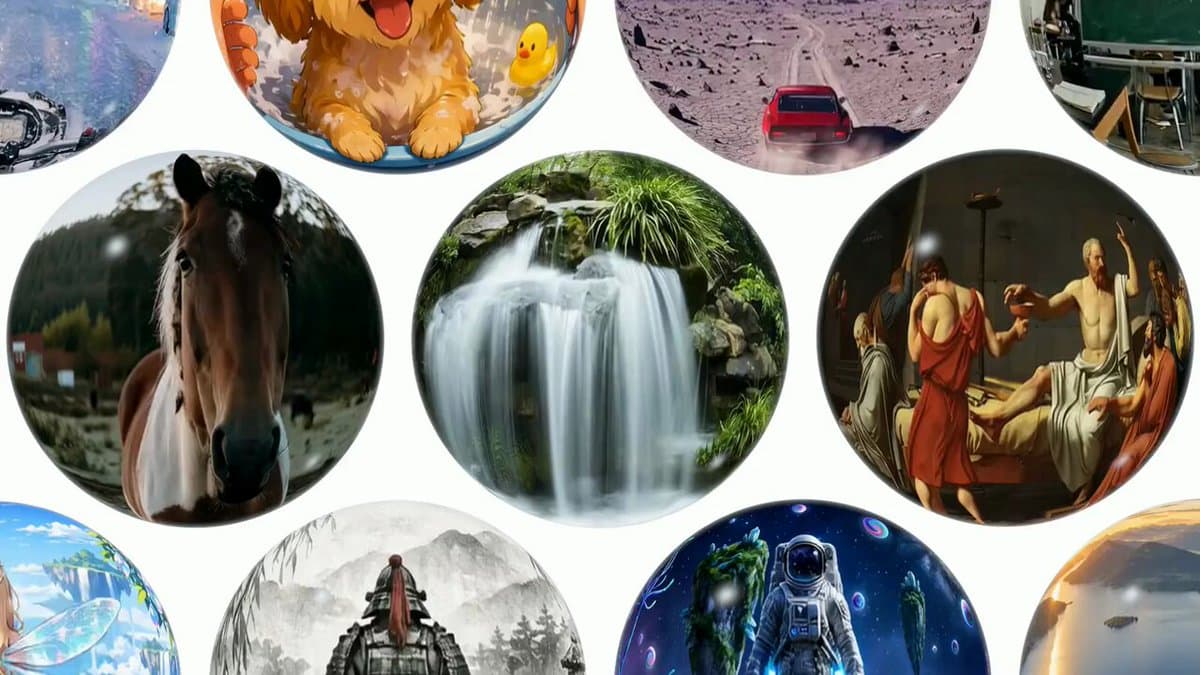
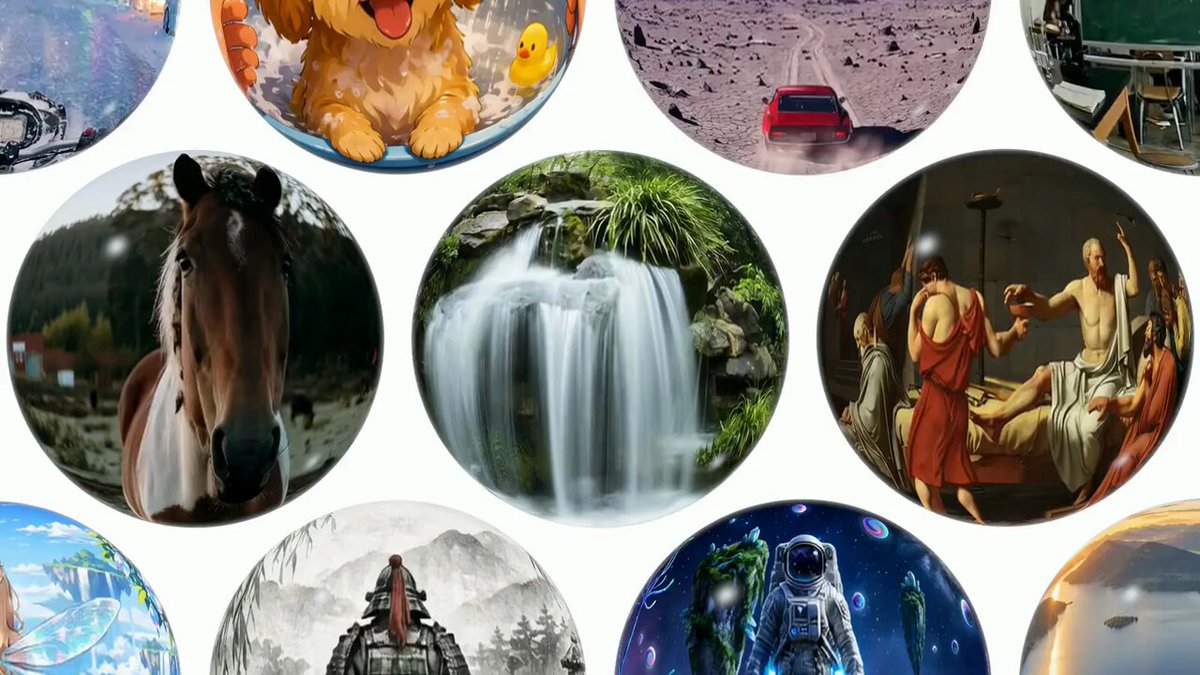
Tencent (TencentARC) has released the code and weights of WorldCrafter, an open-weight video world model. So that space and objects stay connected when the camera looks away and then comes back, it pulls the information it needs from memory based on the camera viewpoint to generate video. Starting from a single image or text, the model generates a world you can explore for several minutes by moving the camera.
The weights were released on Hugging Face on September 21, 2026 at 23:30 (KST), and the paper, arXiv:2609.24984, was submitted on September 22 at 02:57 (KST).
It finds memories by camera viewpoint instead of building a separate 3D scene
If you just chain the previous frame like ordinary video generation, the look of a place you have already seen, or the objects in it, can change when the camera comes back. WorldCrafter maintains an implicit 3D-aware memory that compresses past frames and camera information. Instead of building a separate finished 3D mesh and rendering it every time, it reads the information needed for the current viewpoint from memory, conditioned on the current camera position and orientation, and passes it to the next video generation step.
You can think of it as asking, "What did I remember about where the camera is looking now?" rather than redrawing the whole scene. That is why it is designed to keep space and objects continuous, even with camera moves that shift the viewpoint or return to an earlier position.
16fps exploration video that starts from an image or text
WorldCrafter supports image-to-video (I2V), which starts from a single image, and text-to-video (T2V), which starts from text. The official settings are 384×640 resolution at 16 frames per second. Output continues in 33-frame chunks, and one chunk is about 2 seconds. If you keep feeding camera motions, you can chain several chunks to explore a space for several minutes.
There are two public weights. WorldCrafter-Base is the base model, and WorldCrafter-Fast is a distilled model for faster generation. Default inference steps are 50 for Base and 6 for Fast, and Fast uses 12 steps for the first T2V chunk. The ratio by which steps shrink does not mean the same multiple in actual generation time.
Install and run WorldCrafter-Fast
The official repo describes a Linux and Python 3.11 environment and lists one or two NVIDIA H200 GPUs as its verified setup. The public guidance gives no separate minimum VRAM figure. Below are the README's uv install and weight download commands.
sudo apt-get update
sudo apt-get install -y ffmpeg
uv sync --project uvenv --frozen --extra demo
source uvenv/.venv/bin/activate

hf download TencentARC/WorldCrafter-Fast --local-dir weights/WorldCrafter-Fast
hf download TencentARC/WorldCrafter-Base --local-dir weights/WorldCrafter-Base
Running Base also needs shared components from the Fast folder, so download both weight folders. The official inference example for making video from an image with Fast is as follows.
python inference.py --model-type fast --mode i2v --image-path test/I2V/06_waterfall/image.png --prompt test/I2V/06_waterfall/prompt.txt --camera-path test/I2V/06_waterfall/camera.npypython inference.py --model-type fast --mode t2v \
--prompt test/T2V/02_tokyo_street/prompt.txt \
--camera-path test/T2V/02_tokyo_street/camera.npyTo start from text, specify --mode t2v and a prompt. You can also pass the camera trajectory as actions instead of a .npy file. For example, --actions "forward1 yaw_left30" specifies a path that moves forward and then turns left. If running models locally is new to you, see also this guide to running models with Unsloth.
Code and weight license is limited to academic use
The LICENSE.txt in the WorldCrafter repo allows the project code and the public parameters and weights to be used for academic purposes only and prohibits commercial or production use. So even though the weights and code are public, this is not a license you can use for a commercial service. Some third-party components are covered by each component's original license. See also what open-weight models and their licenses mean.