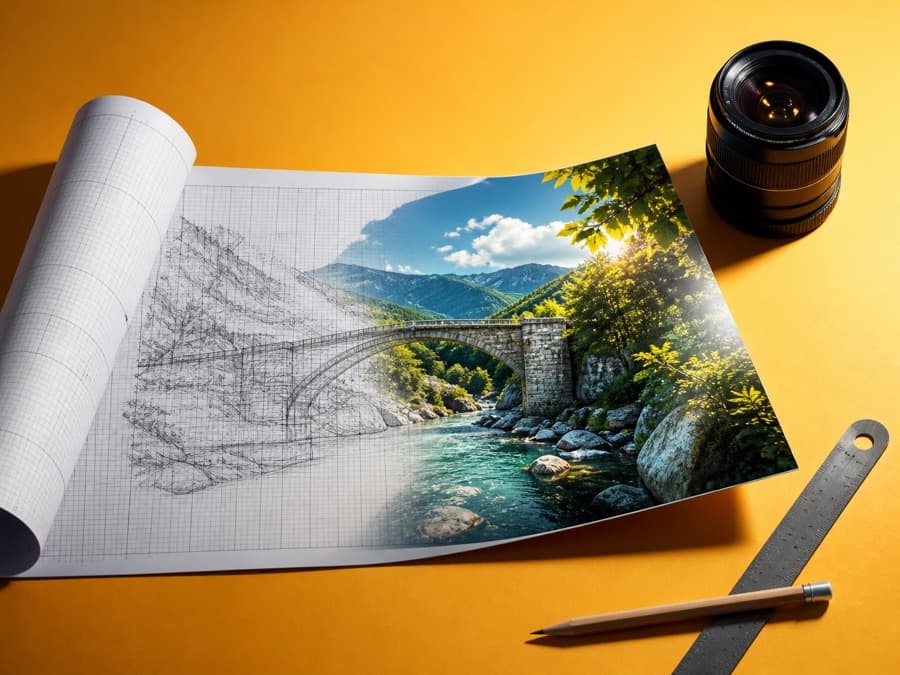
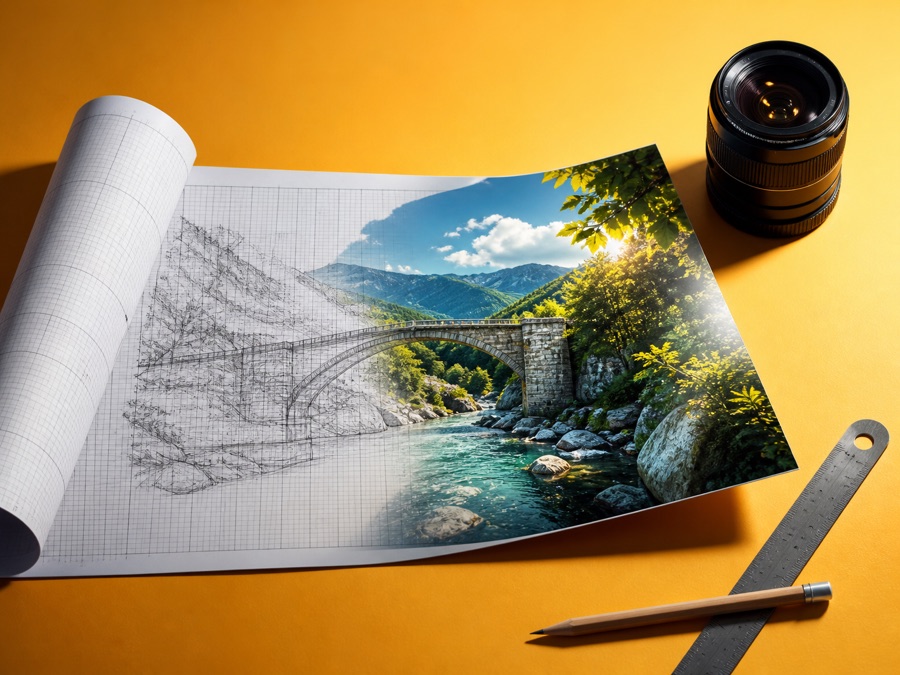
A tip that changing a single line of your prompt changes the results when making images with ChatGPT is going around again.
It was posted by Japanese AI consultant Tatsuki (@gibkun1) and had passed 937,000 views as of 11:42 a.m. KST on August 19. He originally posted it on June 22 and spread it again by quoting his own post.
Add this one line before generating the image
The method is simple. After describing the image you want, just add the sentence "Output the prompt in JSON format, then generate the image." Instead of drawing right away, ChatGPT first organizes elements such as style, composition, and color into JSON data, shows it to you, and then generates the picture from that.
| Approach | Example instruction |
|---|---|
| Plain text prompt | "Draw a city skyline at sunset" |
| Structured JSON prompt | "Before generating the image, first output the above in JSON format, then make the image to match" |
Why structure keeps the AI from getting lost
The technique itself isn't a brand-new discovery. It's an approach already covered in many image generation guides under the name structured prompting. The idea is that if you specify style, size, and quality item by item instead of lumping them into one natural-language sentence, there's less room for the AI to confuse which parts are "picture content" and which are "settings."
Similar experiences showed up in the replies. One user added that outputting in YAML also works and makes it easier for a person to edit values later. The core seems to be the principle of passing information in a structured way, more than whether the format is JSON or YAML.
This is not a method OpenAI has officially recommended or announced, though. It's a tip based on individual users' repeated experience, so it doesn't guarantee the same level of improvement on every request.
Using it for blog hero images
The practical use is clear. For work where composition, color, and mood need fine-tuning, such as blog hero images or social media cards, you can insert one extra step: "Show me a JSON summary first," instead of lumping everything into one sentence.
It's also practically useful that if you don't like the result, you can pick just the color values or composition fields in the output JSON, edit them, and request a regeneration, instead of rewriting everything from scratch.