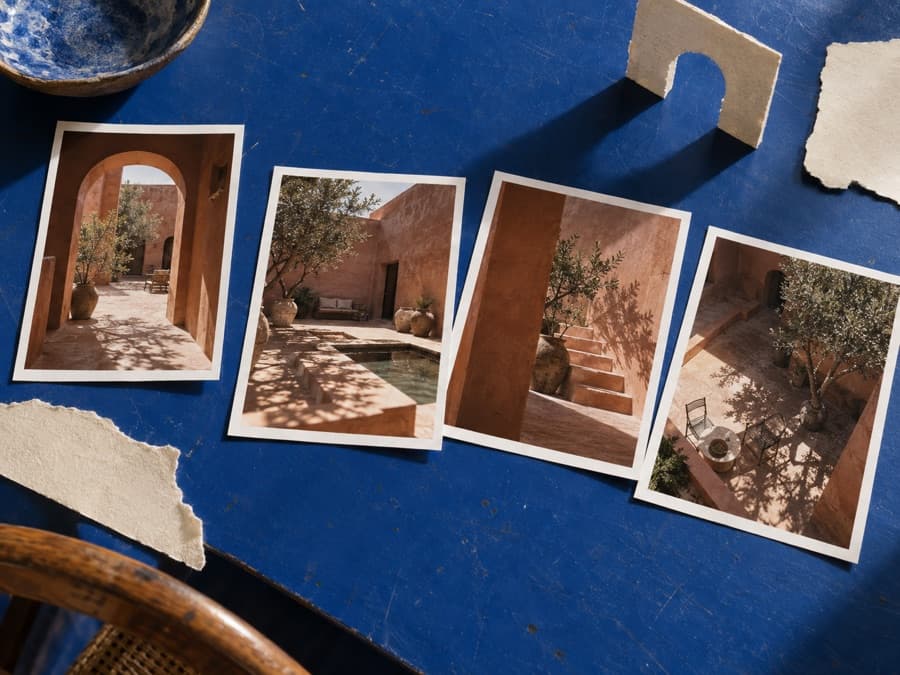
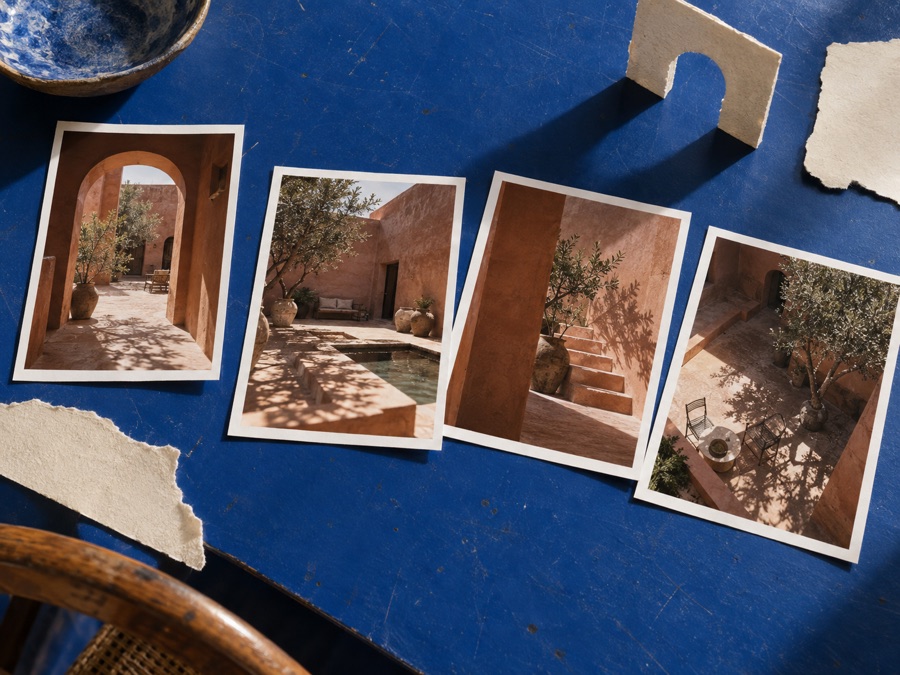
A single photo shows a scene from one direction. If the camera moves sideways to show a place that wasn't in the original frame, how does the scene continue? InSpatio-World 1.5 is an open-source world model that starts from an image or video and generates scenes from new viewpoints. The official project page shows examples of exploring scenes from a single image, a set of images, a panorama, and video.
Start from an image and change the camera viewpoint
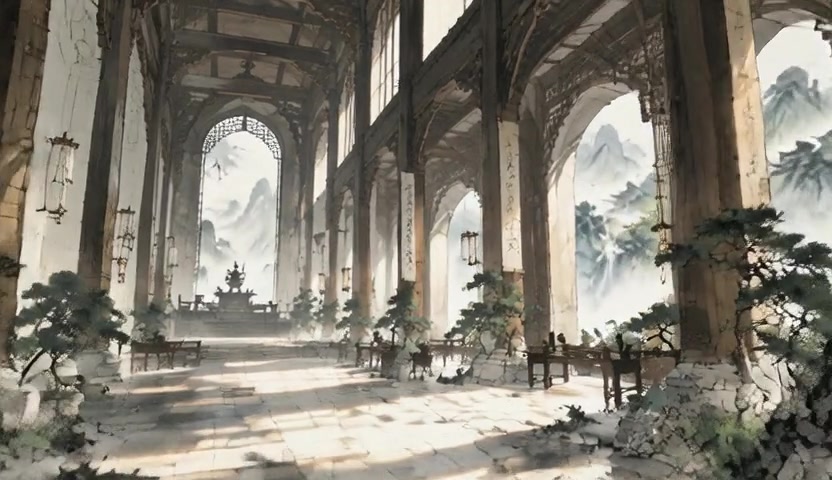
In the single-image example, the camera moves outside the original field of view to generate space that had been hidden. The project describes its goal as carrying the scene's style and spatial structure through large viewpoint changes. The official page shows corridor, castle, bridge, and cloud palace scenes.
The example that uses multiple images builds a bullet-time camera path that circles the subject from four input images. A panorama input example is on the official page too, showing how you explore a scene from a wide field of view. The local inference inputs the GitHub README describes, though, are a single image, four images, and video. Panorama is confirmed as a demo feature on the official introduction page and isn't listed separately in the README's local input list.
With video, it predicts the next viewpoint as time passes
Video input is used to generate new-viewpoint scenes by changing the observation viewpoint while motion continues. The project presents this as next-viewpoint prediction for a dynamic world. On the official page you can see demos where the scene changes over time, such as a rolling orange, a boat moving through a forest, and a cabin on a rainy night.
When you run your own video with the released 1.5 code, you have to specify a target camera trajectory for each frame in addition to the input video and a prompt. So it doesn't automatically decide an arbitrary camera movement if you just feed it the original video.
Code, checkpoints, and requirements for running locally
The official InSpatio-World 1.5 project page offers demos by input type and a live demo. The inference code and installation instructions are in the GitHub repository, and the checkpoints are released in the Hugging Face repository. The GitHub README labels the default 1.5 checkpoint as 1.3B. The Hugging Face repository has no model card and doesn't offer Inference Provider deployment.
A local environment needs Python 3.10 and CUDA 12.6. Alongside the default checkpoint, you also need to prepare the Wan2.1-T2V-1.3B components and Depth Anything 3. The repository example creates a Conda environment, installs Depth Anything 3, and then runs the provided scenes with the repository's bash run_example.sh. On Hopper GPUs, installing FlashAttention-3 is recommended.
The repository's Apache-2.0 license applies to the released code. Dependencies, including Depth Anything 3, follow their own different licenses, so you can't describe the code and all its components as covered by one license.
A related project worth noting is the Tencent WorldCrafter video world model. Both projects deal with generating scenes from new viewpoints, but they use different models and technical approaches. What sets InSpatio-World 1.5 apart is that it extends image input to a set of four images and panoramas and also supports video exploration.
Performance figures should be read by version. The 1.3B label the 1.5 GitHub gives the default checkpoint and the performance results reported in the InSpatio-World 1.0 paper are separate pieces of information. A WorldScore-Dynamic of 68.72, first place among the real-time and interactive methods in the paper's comparison table, and up to 24 FPS are 1.0 results, not performance measurements for 1.5.
Another example of video AI, though different from a generative model in purpose, is the Gemini API's agentic video analysis. anything2explainer, which makes explainer videos from source code, is also a neighboring example of AI video production.