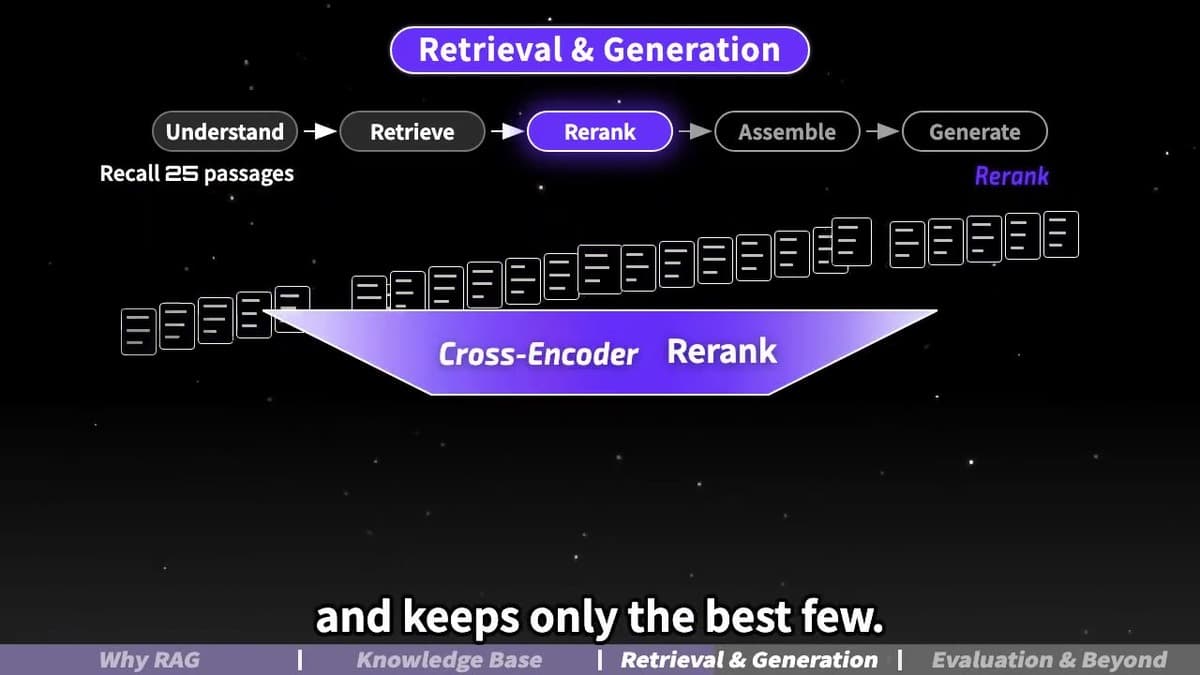
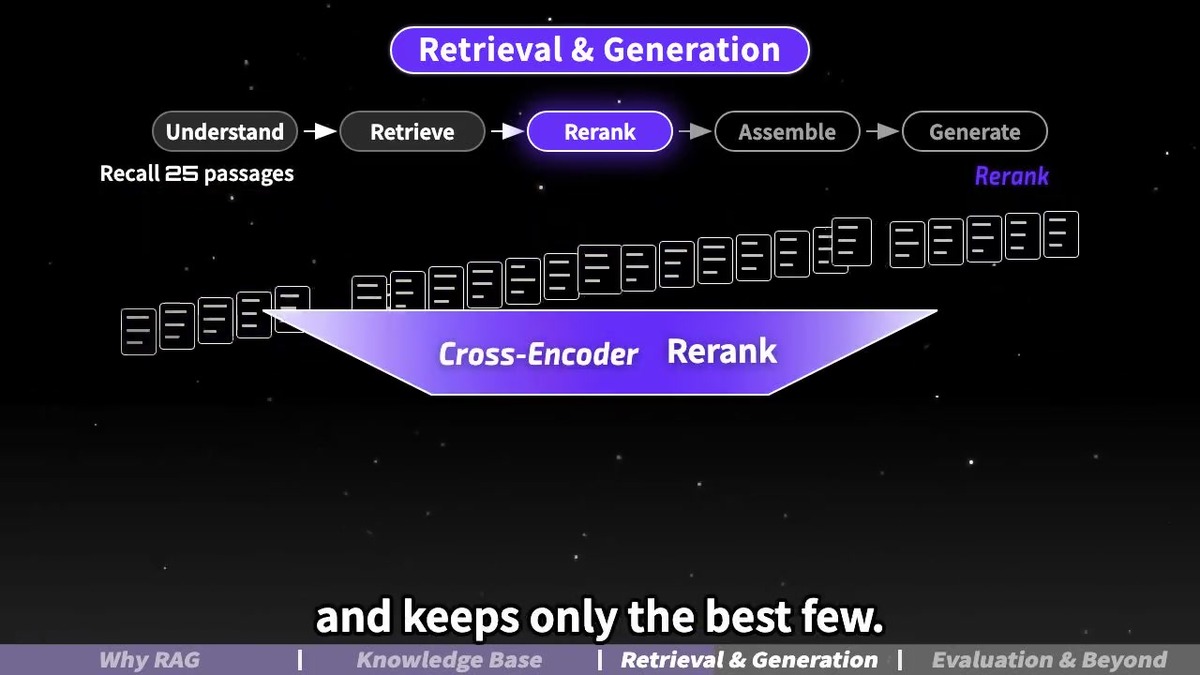
A new skill lets an AI coding agent research a topic, then build the script, voiceover, and visuals to finish an explainer video. anything2explainer draws each frame with Remotion and React/TypeScript code instead of a video generation model. It adds TTS narration, subtitles, and a chapter progress bar to motion graphics on a black background. It uses no stock footage and no scenes taken from other people's videos.
The repo went public on September 9, 2026, and as of September 25 it had 2,049 GitHub stars and 289 forks. The creator describes it with the line "所有内容均通过代码制作,100%可控," which means "everything is made with code, so you have 100% control."
What it is: a video-making skill for Claude Code and Codex
anything2explainer is not a standalone video editing app or CLI. It is a skill that bundles the video production steps and standards for Claude Code or Codex to follow. The repo contains a Remotion template, graphic components and lighting rules, tools for voice, storyboards, rendering, and quality checks, instructions for dividing work among several agents, and finished reference videos.
Where video generation AI makes pixels from sentences, this skill builds scenes by drawing graphs, line art, text, and motion with React and TypeScript. Because you can control scene elements and timing in code, it is a good fit for refining the flow of an explainer video yourself.
From topic to video in 9 steps
- Choose a topic, article, or document, and pick the video length and language.
- The agent writes a research document with source links.
- It writes the narration script, then generates TTS audio, a word-level timing table, and a subtitle timeline.
- It lays out a storyboard for each scene with its frame range, key visual, and motion.
- It prepares the title, chapter cards, HUD, and topic-specific graphic elements.
- It builds the first batch of scenes and uses a 30-second preview to check the visual style.
- Build agents write the Remotion components for each scene batch in parallel.
- It renders the full video and measures frame metrics.
- QC agents check each chapter, fix issues, review again, and deliver.
A person checks in at four points. You choose the length and language at the start, approve the script before voice production, and choose the voice to use before TTS. Finally, you watch the first 30-second preview to confirm the visual style before full production.
The finished video is 720p landscape motion graphics
Default output is 1280×720, 30fps, H.264 MP4. It uses a black canvas with a starfield and mist or a dotted-wave background, and shows the key content in white line art with purple accents. A HUD sits at the top, and a chapter progress bar and subtitles sit at the bottom, with a chapter card between sections. An end credit is included by default, and you can remove it by setting builtBy to an empty string in the config.
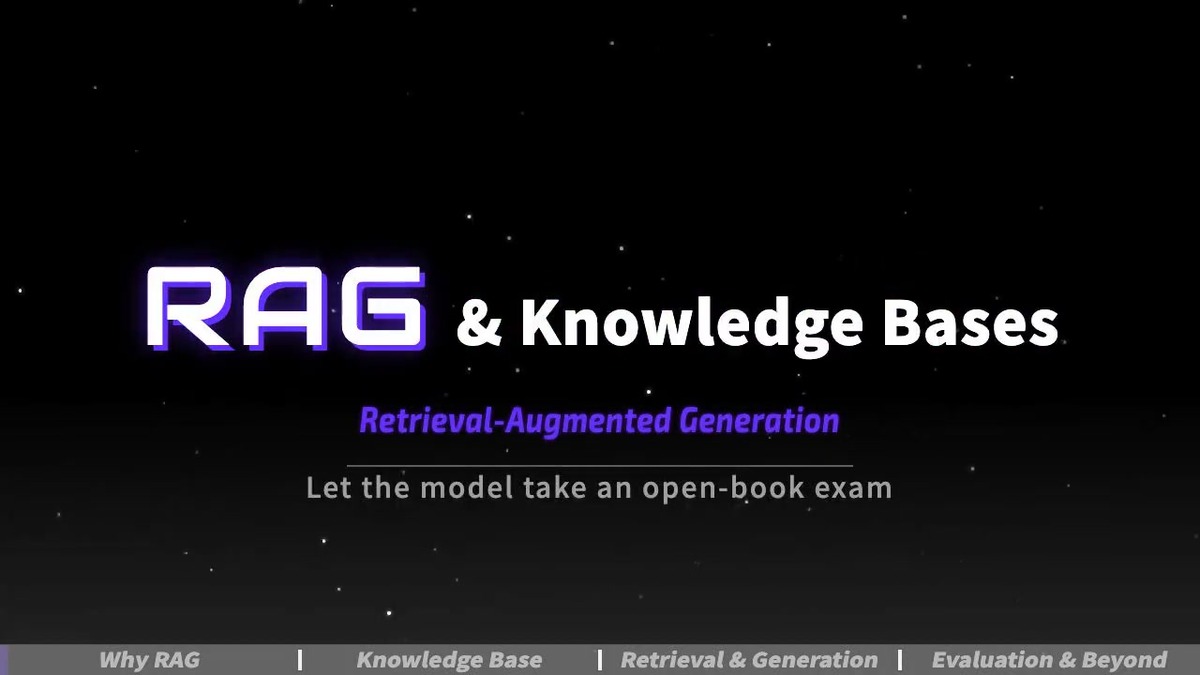
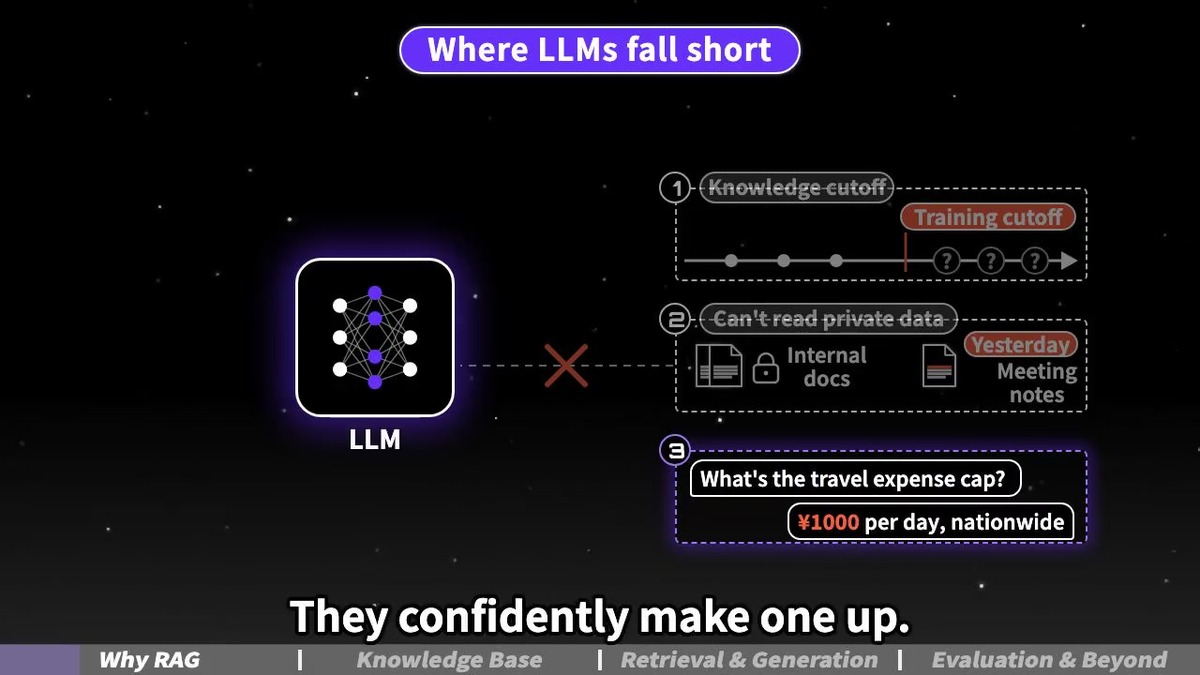
The repo's English sample, "RAG & Knowledge Bases," runs 5:02, and the Chinese sample, "RAG 与知识库 v2," runs 4:54. In each of these self-made samples, you can see how the code-drawn visuals flow.
Production scale by video length
| Finished length | Script length | Scenes | Build agents | Estimated time | Disk |
|---|---|---|---|---|---|
| 2-3 min | 650-880 Chinese characters / 280-420 English words | 24-32 | 4-6 | About 1 hour | About 2GB |
| 3-5 min | 1,100-1,400 Chinese characters / 420-700 English words | 40-50 | 8 | About 2 hours | About 2GB |
| 5-8 min | 1,650-2,200 Chinese characters / 700-1,150 English words | 60-80 | 10-14 | About 2-3 hours | About 3GB |
Install on a Mac
First, clone the repo and install the required render tools and the Python voice and image packages. You need Node.js 18 or later, and rendering video does not require a GPU.
git clone https://github.com/Vincentwei1021/anything2explainer.git
brew install ffmpeg
python3 -m venv ~/.venvs/a2e && source ~/.venvs/a2e/bin/activate
pip install 'edge-tts==7.2.8' numpy pillow scipy
From your project folder, link it into the skills path for Claude Code or Codex.
ln -s "$PWD/anything2explainer" ~/.claude/skills/anything2explainer
ln -s "$PWD/anything2explainer" ~/.codex/skills/anything2explainer
To use the default English voice, kokoro-82m, also install these packages.
pip install kokoro soundfile && brew install espeak-ngAsk the connected agent for a topic and length, such as "explain vector databases in a 3-minute video," and it starts the production flow. The default voices are edge-tts Yunxi for Chinese and kokoro-82m Liam for English. Install edge-tts pinned to 7.2.8. The README warns that upgrading may break it.
For Korean narration, connect your own voice file
The default languages are Chinese and English. For a Korean video, you can use a manual path: put your finished voice file at public/assets/<slug>/audio.wav, fill in the per-sentence timing in src/common/timeline.ts, and write the subtitles in subs.ts. You connect narration you recorded yourself or made with the TTS of your choice, then continue with the rest of the visual production.
The install guide is written mainly for macOS, and it also covers zsh, espeak-ng, and system Chromium paths for Linux and Raspberry Pi 5. On Linux, you can point Remotion to a browser with REMOTION_BROWSER_EXECUTABLE=/usr/bin/chromium.
Check the license before using it for a monetized channel or at work
The repo uses the PolyForm Noncommercial 1.0.0 license. Personal noncommercial use is free, and commercial use of the tool requires the creator's prior approval. So if you plan to use it for a video channel that earns ad revenue or for company work, confirm permission to use the tool first. For commercial use, ask first through the GitHub repo or the creator on X, @VincentWei93.
The README says "Videos you make with it are yours." In other words, ownership of the videos you make and the license terms of the tool you use to make them can be considered separately. Remotion, which the video rendering is built on, also has its own license terms for company use, so check the Remotion license guide as well.
If you want to try making explainer videos with code-based animation, look through the repo's samples and storyboards first, then learn the production flow with a noncommercial experiment. If you have been planning a faceless explainer channel, this approach lets you focus on topics and scripts rather than video editing.