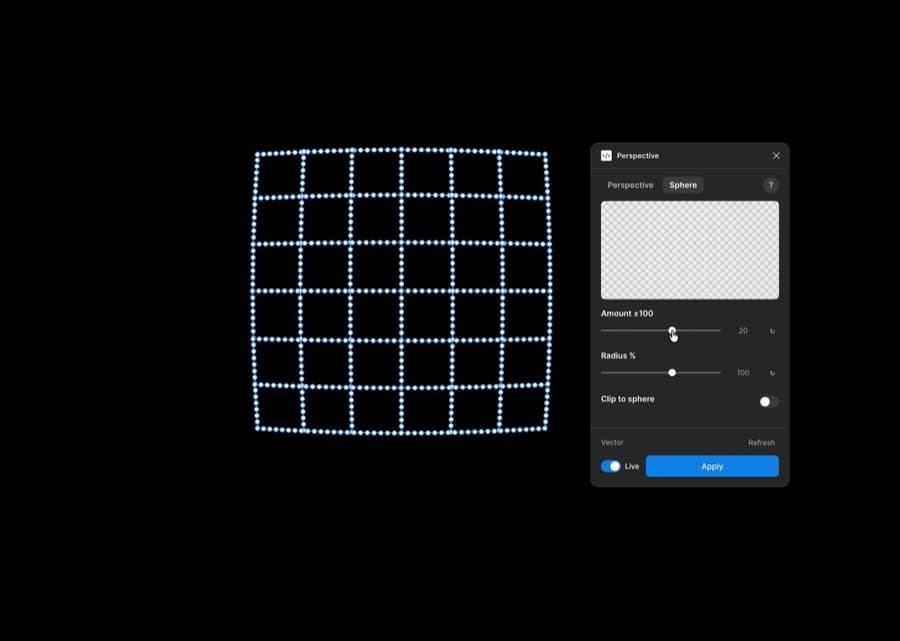
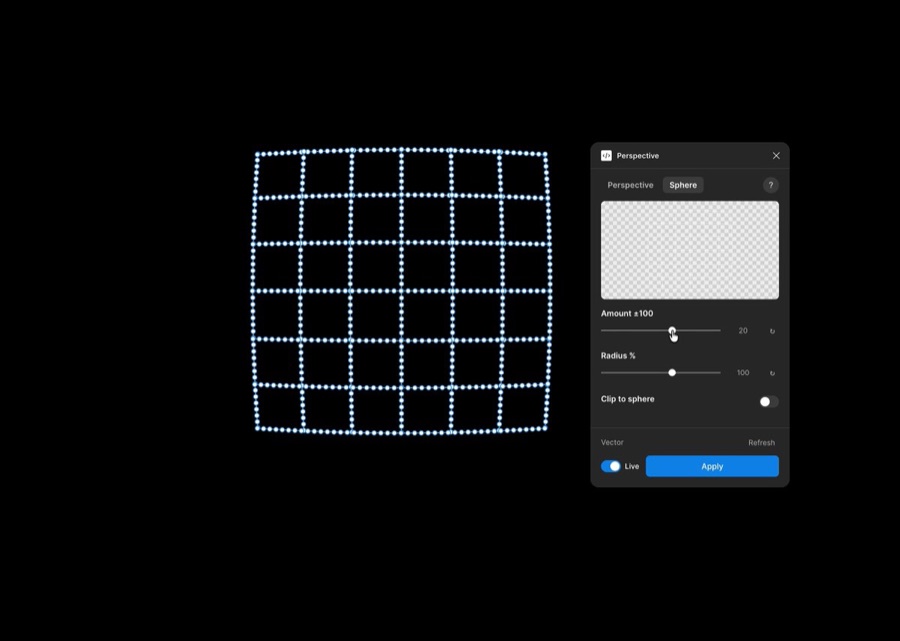
Designer Todels said he built a plugin that applies perspective transforms to vectors, text, groups, and frames in Figma. In an August 22, 2026 post, he explained that it supports perspective grids and spherical transforms and is free on Figma Community. The creator's post includes a demo video of the features.
In Figma's official docs, groups, frames, and vectors are different layer types. Figma's guide to groups and frames explains that a group's bounds fit its children, while a frame's size can be controlled separately from its content. Whether the plugin applies perspective while preserving this difference decides its practical value.
How it turns flat layers into perspective work
The public video shows grid-shaped layers and a Perspective panel. The flow is to adjust the amount and radius of the perspective in the panel and apply it. The creator's description says you can create custom perspective grids for logos and mockups.
However, the video alone doesn't show whether the resulting layers remain editable vectors or get flattened into images. That difference matters a great deal for brand work and handoff.
Three things to check first in a design system
The first is whether text stays editable. After you transform text, you should still be able to change the wording and font, which helps with repeated revisions. The second is whether the group and frame hierarchy is preserved. The third is whether components and auto layout still work after perspective is applied.
The Figma Plugin API can read and modify a file's layers and distinguishes node types such as frame, group, text, and vector. So before bringing the plugin into a real project, it's a good idea to check the node types and editing state of the output in a sample file. The Figma Plugin API docs are the reference point.
Test conditions matter more than the free release
The fact that it's free alone doesn't mean it replaces existing mockup work. You should compare perspective accuracy, complex group handling, text distortion, undo, and file performance using the same samples.
The suggested order is simple. Transform a small logo and some text, apply it to a component instance, then reopen the file you'd hand off to developers and check whether it's still editable. If the result hardens into an image or the hierarchy disappears, there's a gap between the impression from the demo video and how it works in production.