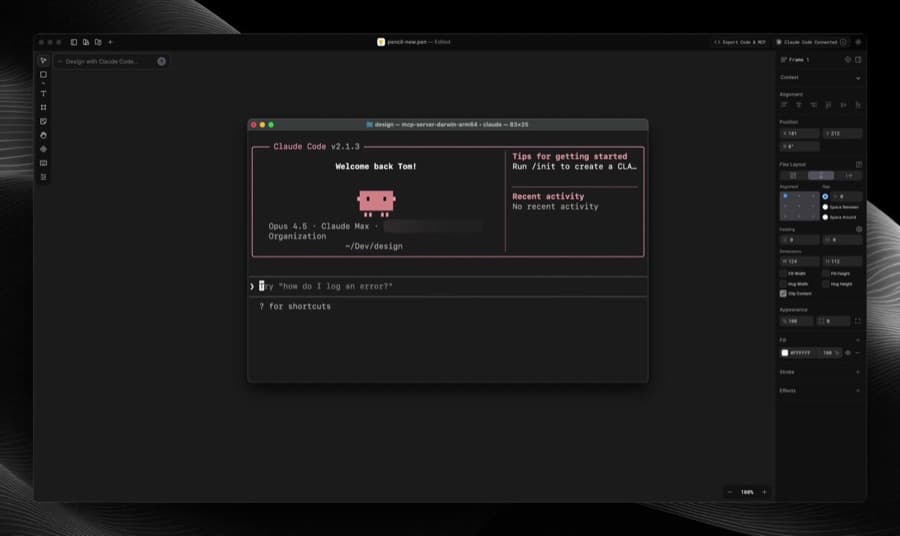
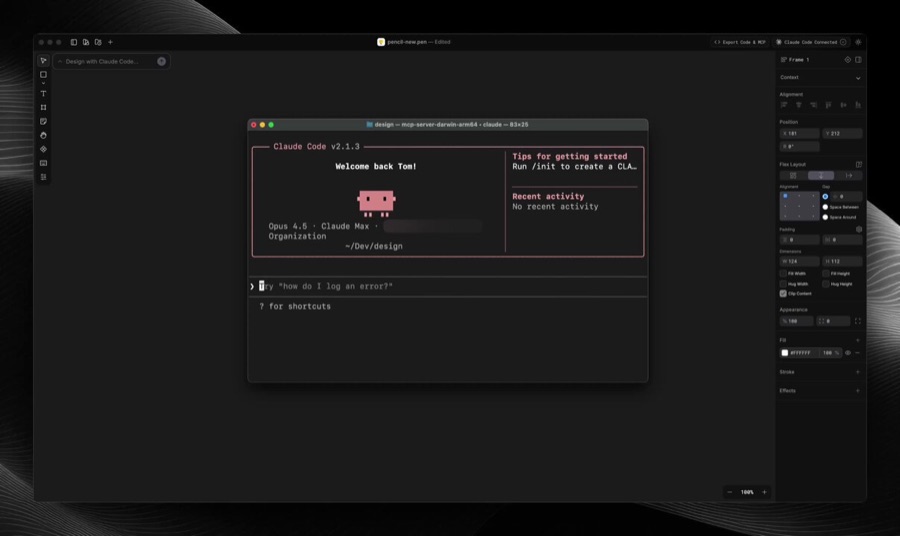
One sentence from Spanish developer influencer Miguel Ángel Durán (@midudev) swept through the developer community on X. In his post, he introduced pen.dev by saying, "If Figma and Claude Code had a baby, this would be it." The post drew 43,000 views and 1,100 likes, spreading across developer and designer timelines at once. Durán summed up the tool in four lines: "generate and edit interfaces in real time," "works with Codex, Cursor, Claude Code...," "for Windows, macOS, and Linux," and "free right now."
pen.dev (also pencil.dev) is a real, running service. Its official site carries the tagline "Design on canvas. Land in code.", which captures the idea of dropping a full canvas-based design tool into your IDE. You draw like you would in Figma, but the output lands as code rather than as slides.
Handing Off Screenshots and Spec Docs Is Still Not Solved
A designer finishes a screen in Figma, and then a developer rebuilds it in code. Along the way, screenshots, spacing values, color codes, and component spec documents change hands, and on most teams this is still close to manual work. In recent years Figma has added AI-based code generation, while AI coding assistants like Cursor and Claude Code have expanded from the other side to understand design context. The two trends were already moving toward each other. Durán's "child of Figma and Claude Code" line reads as aimed at exactly that meeting point: design files and code repositories still live in different places. Still, the comparison is a catchy introduction and nothing more. It doesn't mean pen.dev has a partnership or technical integration with Figma or Anthropic.
What If You Could Branch Designs Like Code?
The practical difference in pen.dev comes from where the canvas is stored. According to the official docs, design files live in the repository your IDE has open, which means Git. Design drafts become subject to commits, branches, and pull requests. Instead of pasting a Figma link into Slack and asking, "Is this the latest version?", the history of design changes is kept the same way as the history of code changes.
| Item | Details |
|---|---|
| Supported operating systems | Windows, macOS, Linux |
| Connected AI assistants | Claude Code, Codex, Cursor |
| Setup | Install the Cursor extension + run a local MCP server |
| Where design files are stored | Inside the code repository (Git), not the cloud |
This structure changes more than where a file sits. Design output moves into development processes such as deployment pipelines, code review, and rollbacks. Until now, design changes ran on a separate schedule from code deploys. If they live in the repository, they can be reviewed and merged together in the same commit.
Click an Element and Tell Your Coding Agent What to Do
pen.dev installs as an extension in Cursor. The official docs describe inline editing: select an element on the canvas, then give the Cursor AI chat an instruction right there. Pick a button and say, "Make it rounder, in our brand red," and the instruction applies to both the canvas and the code. Because the MCP server runs locally, you can work without sending design data to the cloud, and the docs say other AI assistants such as Claude Code and Codex connect through the same MCP route.
What makes this interesting is that the design tool becomes an input device for the coding agent. Normally a developer reads code and writes a prompt. In pen.dev, a click on the canvas is the prompt. Still, how smoothly this works in real projects hasn't been confirmed beyond Durán's post and the official docs. There are no verified user reports yet.
Free, But for How Long?
Pricing is the first thing to flag. Durán described pen.dev as "free right now," but that phrase doesn't say whether it means a permanent free tier or free access during a beta period, and the official docs don't make it clear either. In the AI coding tool world, free beta followed by a switch to paid is common. Treat the phrase as a quote from Durán's post, and check the pricing page yourself before adopting the tool.
Second, the evidence in this article is limited to Durán's post and pen.dev's official docs and site. Independent reviews from many real users, or long-term usage reports, haven't been confirmed yet. The 43,000 views show the scale of exposure and interest. How many people actually installed it and used it for work, and what friction they hit with repository size or collaboration tool integrations, still needs separate verification. Because it installs as a Cursor extension, we also can't yet say how useful it will be for teams that don't use Cursor or that center their workflow on another IDE.