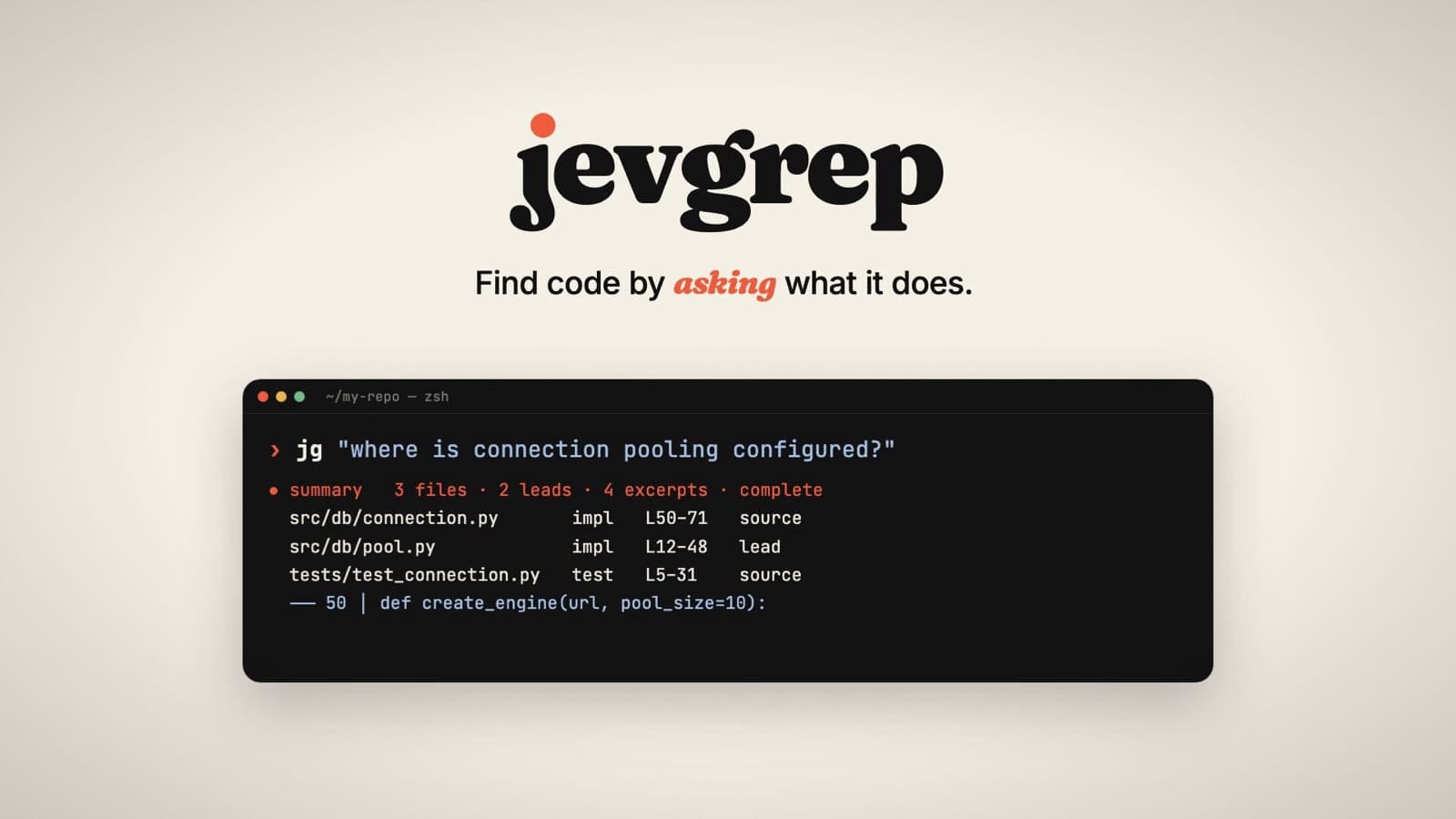
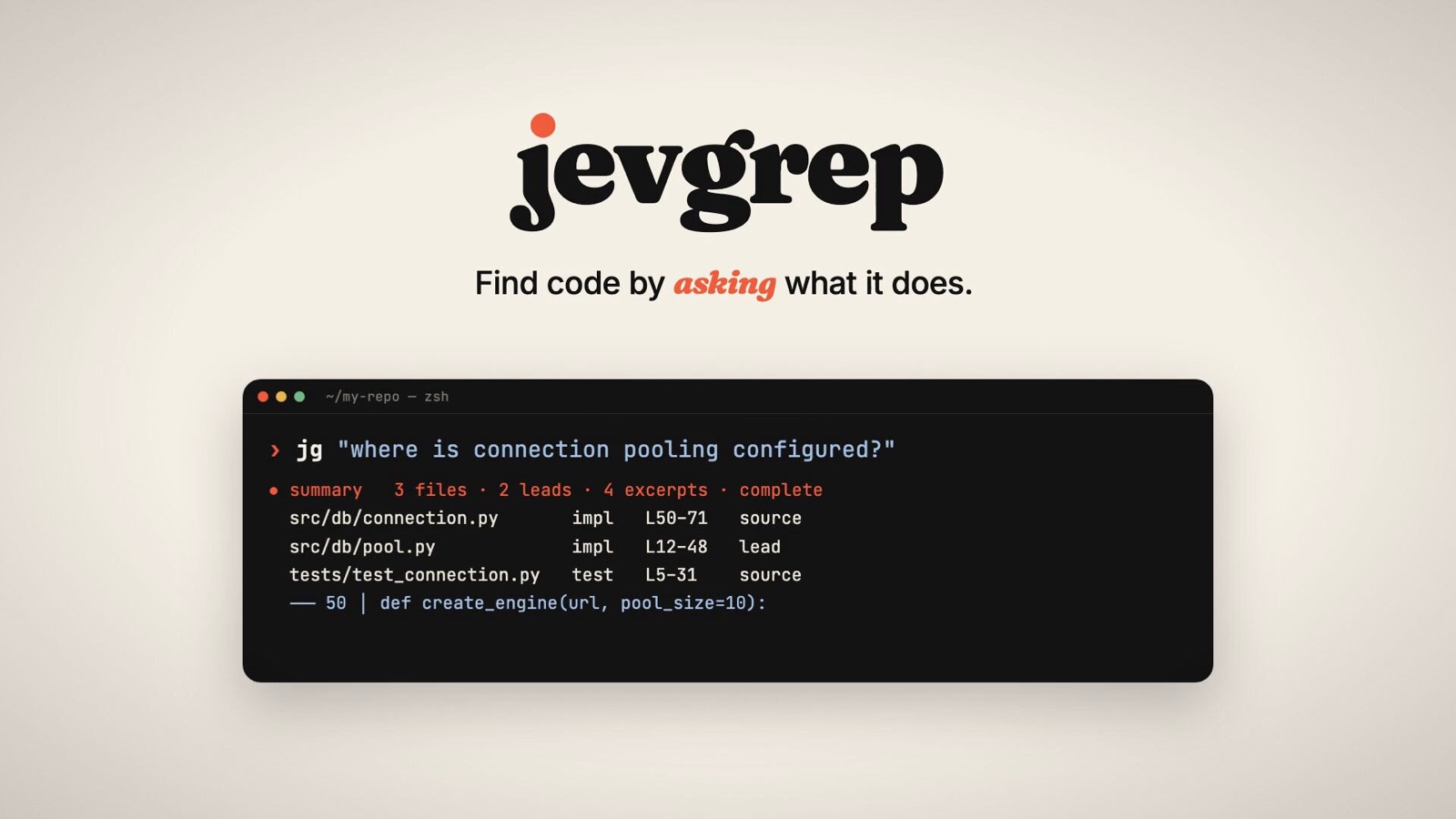
jevgrep (command jg) is an open-source CLI: ask in plain language, "Where in the code does this behavior live?" and a separate research agent that uses TypeSafe's Jev explores the codebase and hands only the code you need to a coding agent like Claude Code or Codex. The coding agent handles implementation and testing, and jevgrep finds the relevant context. Duet founder David Zhang (@dzhng) released it on September 27, 2026, under the MIT license. The latest version is v0.4.2.
Source: X @dzhng
Why do coding agents spend so much time finding code
The creator's explanation is that before writing code, agents sometimes spend 30 to 60% of their total tokens finding relevant files and context. That figure is a claim about the share spent on exploration, not jevgrep's savings rate. It was mentioned in David Zhang's explanation. Rather than having a coding agent read only files it already knows, the approach separates out the job of finding relevant context in an unfamiliar codebase.
Jev narrows from folders down to code declarations
When it gets a question, jevgrep judges relevance based on the directory structure and previews of file contents, and narrows the candidates in stages. The output includes a summary, a file list, source excerpts with line numbers, and related declarations and call sites, delivered on standard output. It is less a tool that builds the answer for you than one that finds the evidence a coding agent should read.
Jev is TypeSafe's judgment model. Rather than generating long text, it makes structured judgments like picking from candidates, true/false calls, and per-criterion scores. jevgrep uses this to decide the relevance of folders, files, and code snippets. Declaration parsing supports Python and TypeScript/JavaScript, and other files are treated as plain text. If you already know the exact symbol or path, rg is faster, and jevgrep is useful when you ask about behavior that spans several unfamiliar files.
About 30% lower cost on its own SWE-bench
The latest published comparison solved 8 tasks each with and without jevgrep on 10 Python SWE-bench dev tasks. The cost of the coding agent Sol fell 28.6%, from a $7.62 baseline to $5.44. The figure includes the cost of failed attempts and does not include Jev API fees.
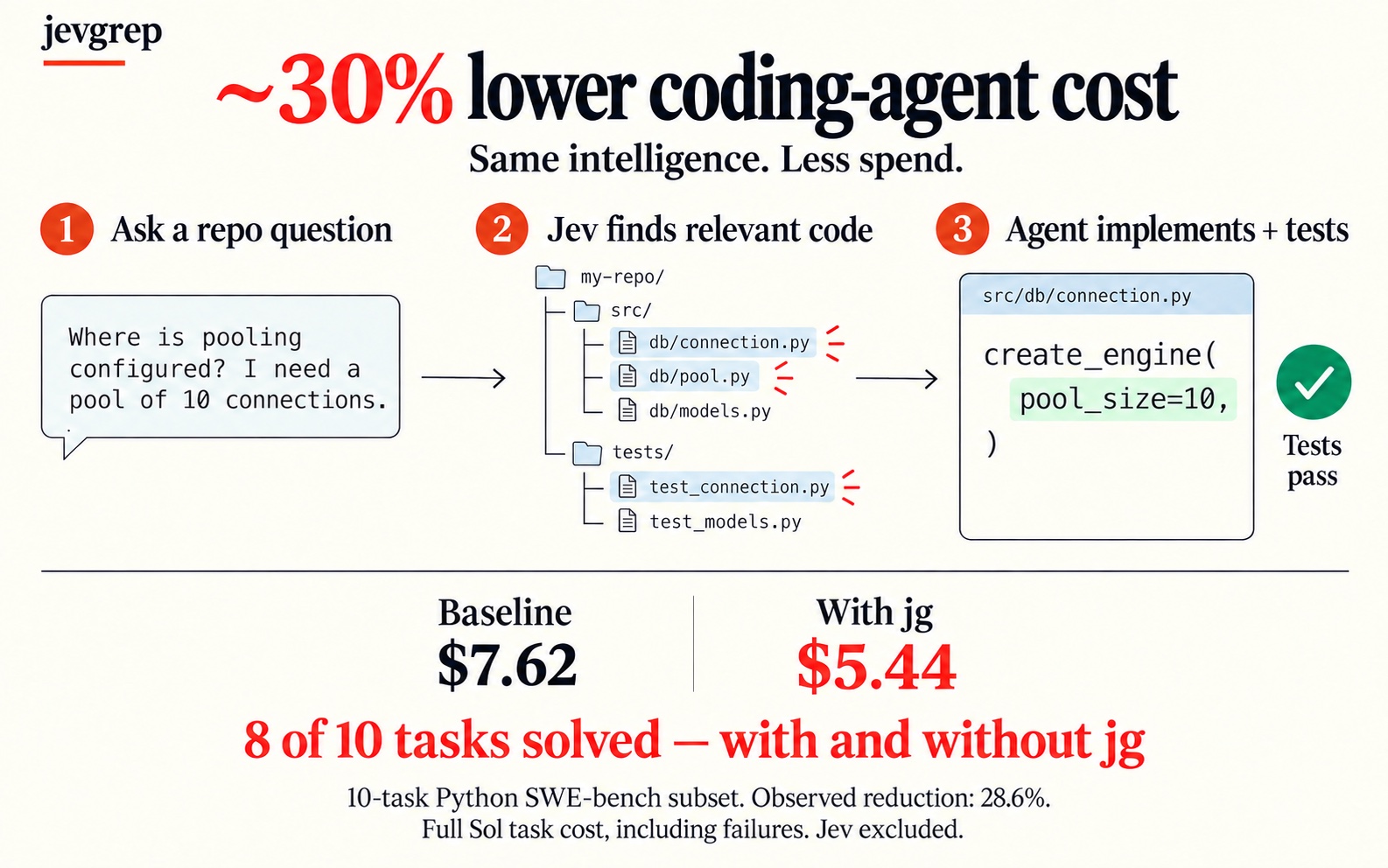
A separate speed report published on September 28 recorded total tokens falling 41.5%, from about 9.93 million to 5.81 million, and cost falling 29.97%. The roughly 40% savings mentioned at launch came from an initial run on September 26, and the later comparison, which matched the number of solved tasks at 8 of 10, settled at 28.6%. David Zhang, who built the tool, said he ran GPT-6 Astra through about 70 hours of autoresearch to refine the API input/output format and the CLI (development write-up).
Install it and connect it to Claude Code and Codex
You need Node.js 22 or later and macOS or Linux. Have an API key ready for one of Vercel AI Gateway, TypeSafe, OpenRouter, or OpenCode Zen. You do not need to install Python, Bun, or ripgrep separately.
npm install -g @dzhng/jevgrep
jg auth
jg doctor
jg skill
jg "How are telemetry events recorded and sent?" ./my-project
In jg auth, pick a provider and enter your key, and by default it is saved to ~/.config/jevgrep/credentials.json. Check the connection with jg doctor. Installing the CLI alone does not make your coding agent use it, so run jg skill in your project folder to install the agent skill too. It finds and configures Claude Code, Codex, OpenCode, and more, and you can use --global for all users, --yes for unattended installs, and --agent NAME to pick a target. Or install with npx skills add dzhng/jevgrep --skill jevgrep.
Example questions are jg "Where is authentication checked before a request reaches a handler?" . or jg "How are database connections created, pooled, and closed?" ./src. If you leave out the search path, it targets the current folder. If your network is unstable, you can reduce the number of concurrent jobs with --concurrency 4 or 1. Update with npm install -g @dzhng/jevgrep@latest, and refresh the agent skill by running jg skill again. Set your API key in jg auth rather than through environment variables. The post on Google's AI agent runtime, AX is a related post about agent execution infrastructure.
Free MIT CLI, with search API costs separate
The jevgrep CLI is free under the MIT license. Search requests use the Jev API of the provider you choose, so separate API fees may apply. Your source code is sent to Jev, so choose the projects and folders you search. The default filters exclude items listed in ignore files, hidden, dependency, build, and binary files, and files that look like credentials. The GitHub repo had 933 stars as of September 28, 2026, and a commit landed the same day at 16:45 KST.
Related posts
Whiteboard: An open-source review tool that links AI coding agent designs to code