

On October 6, Shaders released its rendering engine, shader components, and framework bindings under the MIT license. You can now export WebGPU effects made in the editor as React, Vue, Svelte, Solid, or JavaScript code and drop them into your project. The announcement also highlights more than 200 WebGPU components and framework code export.
First, What the MIT Release Covers
The MIT license applies to software: the rendering engine, the shader components, and the React, Vue, Svelte, Solid, and JavaScript bindings. The official repository also lists the CLI and public packages as MIT. You can use the code in commercial projects, and under the MIT terms you need to keep the copyright and license notices with it.
That does not mean every visual asset in Shaders is MIT or free. Pro presets, collections, and sections are content separate from the open-source code. The license says content marked Free can be exported for free and used in commercial projects, but all other presets and every section require Pro to open, export, and so on. Redistributing the content as a template or preset library is also not allowed, so check the code license and the content terms separately.
Stack Effects in the Editor, Then Bring Them In as Familiar Code
Shaders is a tool for combining effects like gradients, noise, glass and metal textures, distortion, masks and blends, and cursor reactions as if they were components. You adjust layers and properties on the canvas, then export the result as framework code. You can compare several visual directions quickly without writing shader language from scratch, and teams that want to build their own can extend it with TypeScript and WGSL.
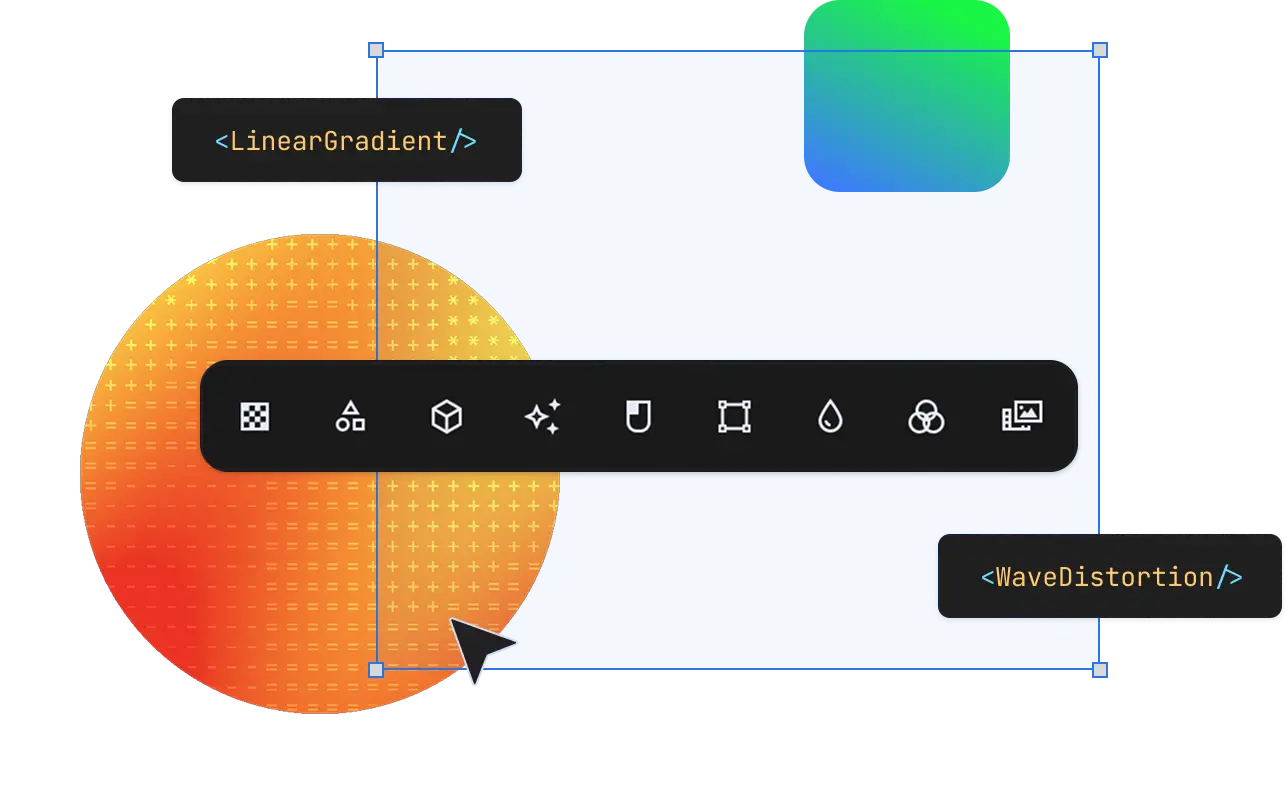
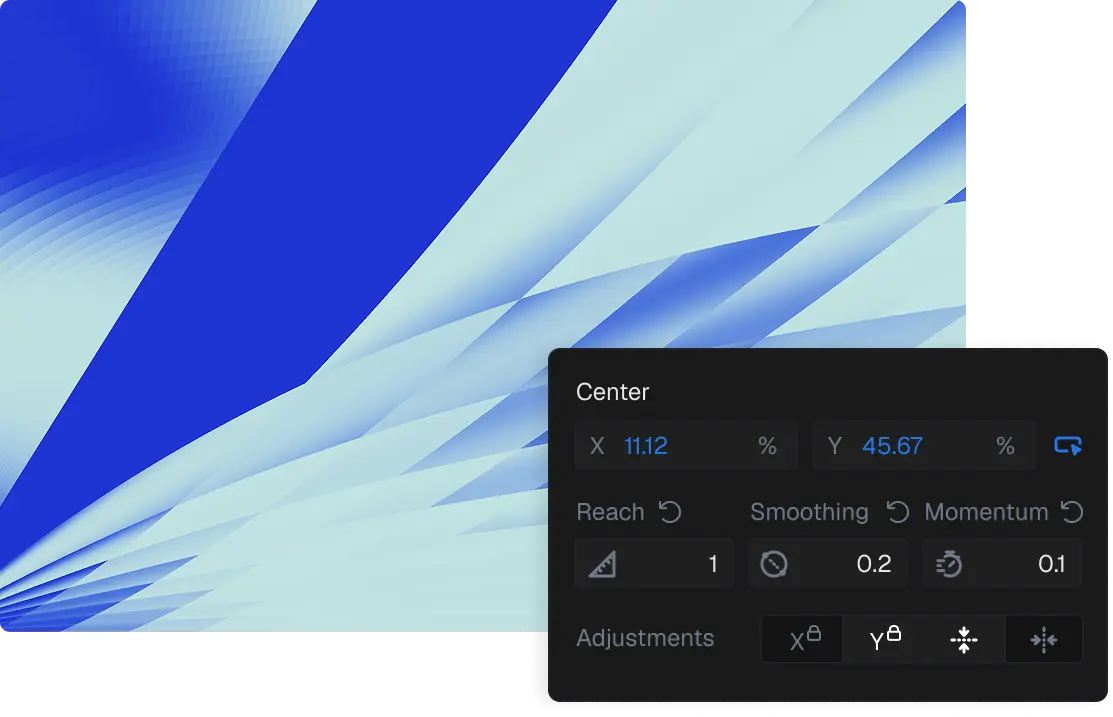
You get started by installing the package in your project and importing the bindings you need.
npm install shadersWith the CLI you can connect a project, browse and install components, preview them, and update them. The official repository also explains how to connect a CLI skill and MCP so an agent can find and install from the library. Access to the Pro library, however, is separate from basic code use and export.
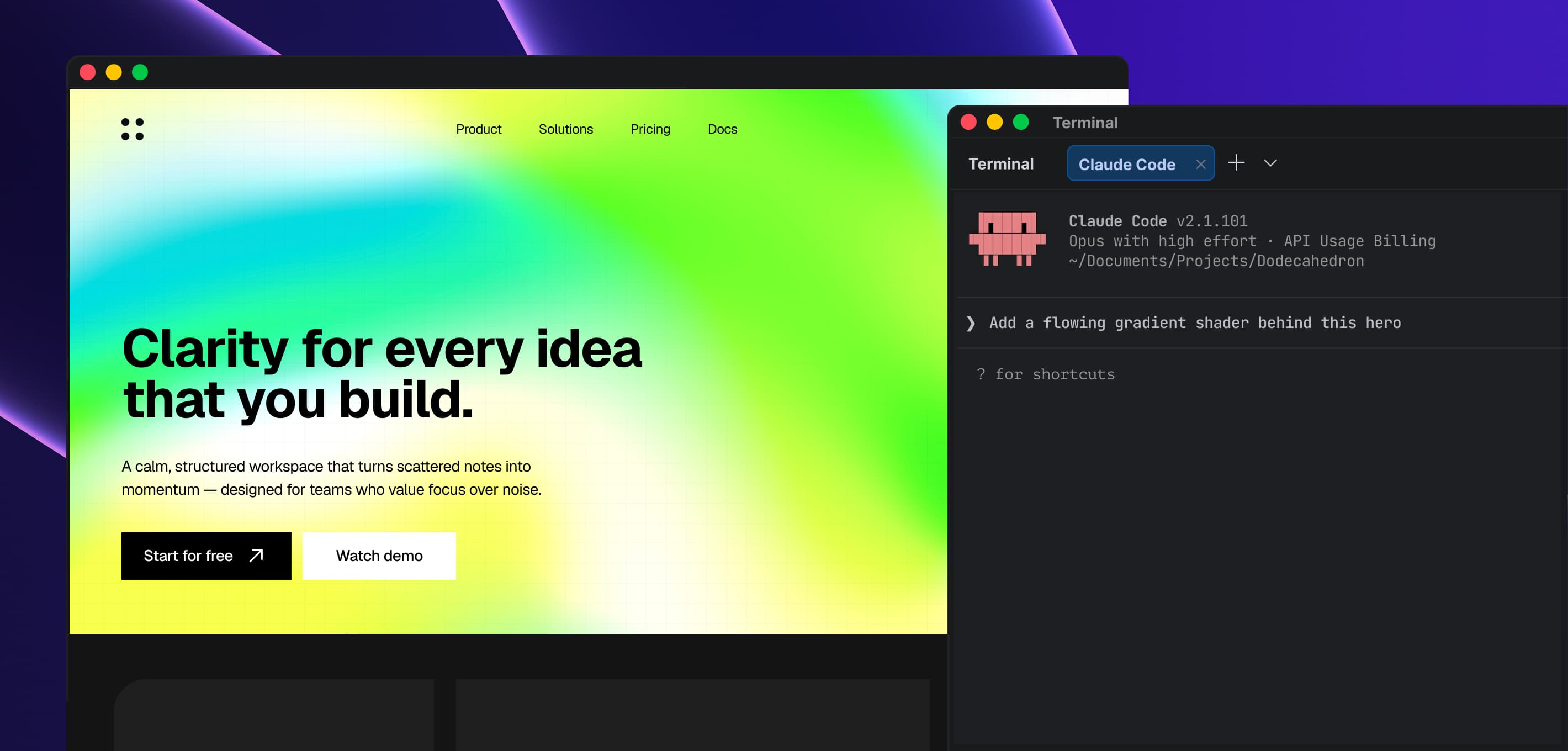
Source: the open-source launch post by X @npm_i_shaders. You can see the attached official video in the X post.
Check Browser Support and the Rendering Approach Before You Paste It In
The Shaders renderer uses WebGPU and provides no WebGL fallback. In browsers or on devices without WebGPU support, the canvas may stay transparent, so it is a good idea to prepare a fallback such as a static background or image. On mobile especially, check the number of effects and GPU usage on your target devices.
In React and Next.js projects, you need to render only in the browser by splitting the effect into a client component or avoiding SSR for that area. And since the published software code and Pro content are licensed differently, decide which presets and sections you will use, then review the scope of use and the redistribution terms.