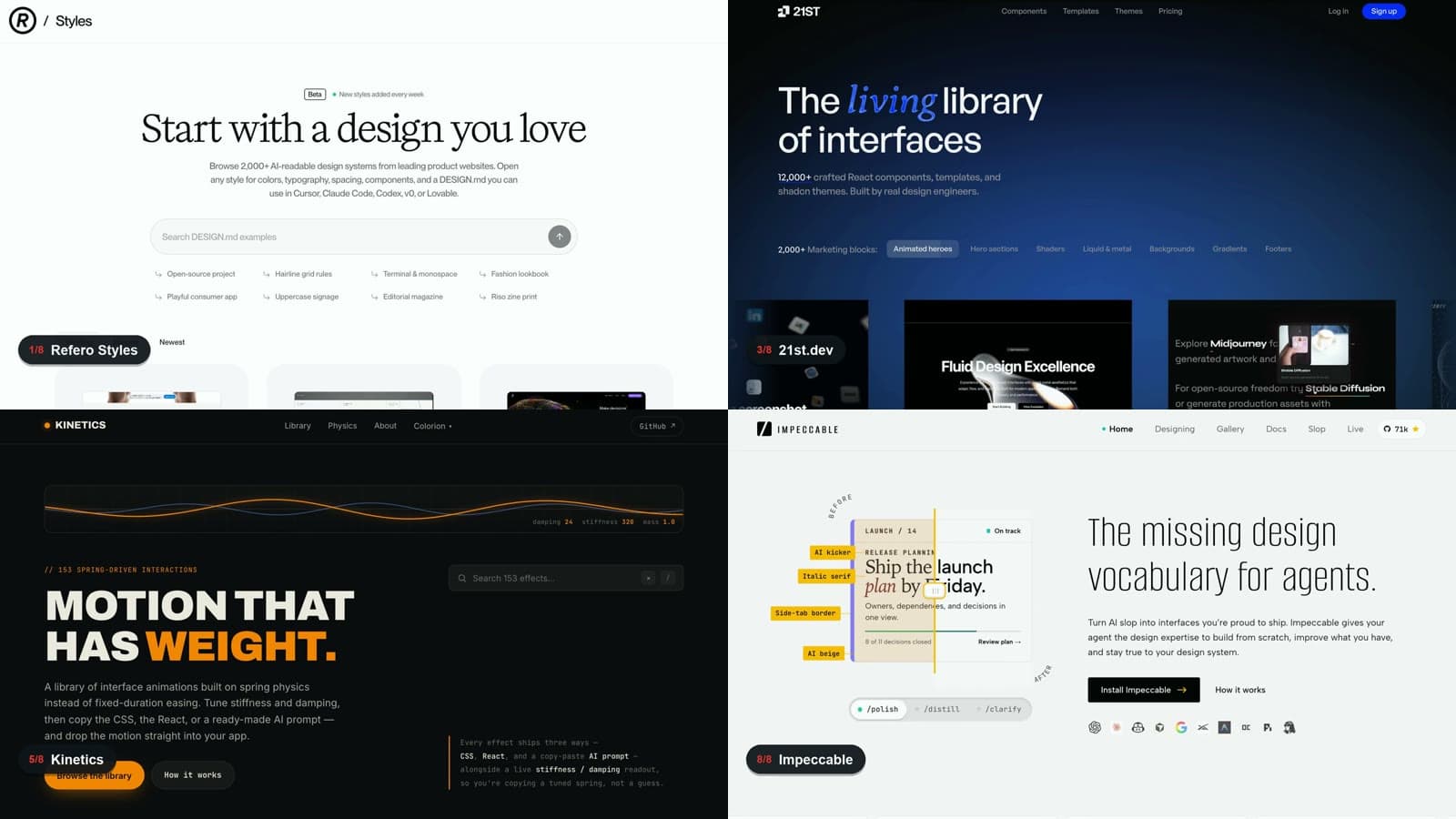
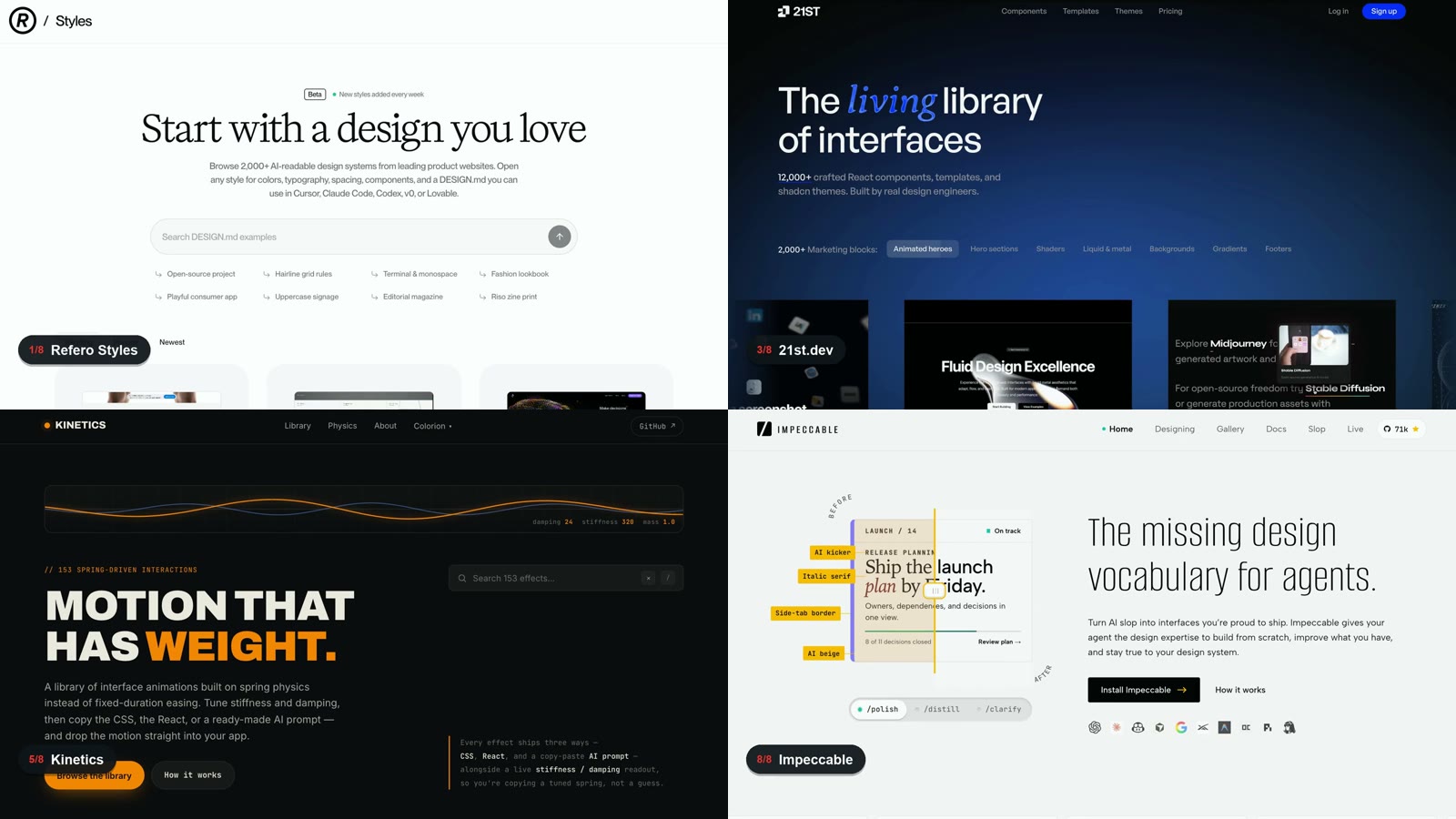
Vox (X @Voxyz_ai) posted at 4 AM on September 28, 2026 that Opus 5.5 is already strong at frontend, but give it 8 reference sites and the results get so much better it feels like cheating. The pitch is that you can hand Opus more than 2,000 design styles pulled from real products, more than 12,000 components and templates, and 153 motion effects that come with prompts. He also shared a prompt that makes Claude Code remember this list while it works.
Source: X @Voxyz_ai
When you do not know which style to go with
Refero Styles turns the colors, typography, spacing, and component rules of real product sites into a DESIGN.md that AI can read. It has more than 2,000 styles, adds more every week, and browsing and copying the file are free. Pick a product style you like, put it in your project instructions, and have Opus follow it.
Source: X @Voxyz_ai
awesome-design-md is an MIT-licensed open-source collection of DESIGN.md files for 74 brands. It had about 118,000 GitHub stars as of September 28, 2026. Shallow-clone the repo and bring the file for the brand you want into your project.
git clone --depth 1 https://github.com/VoltAgent/awesome-design-md.git
# Copy design-md/<brand>/DESIGN.md into your project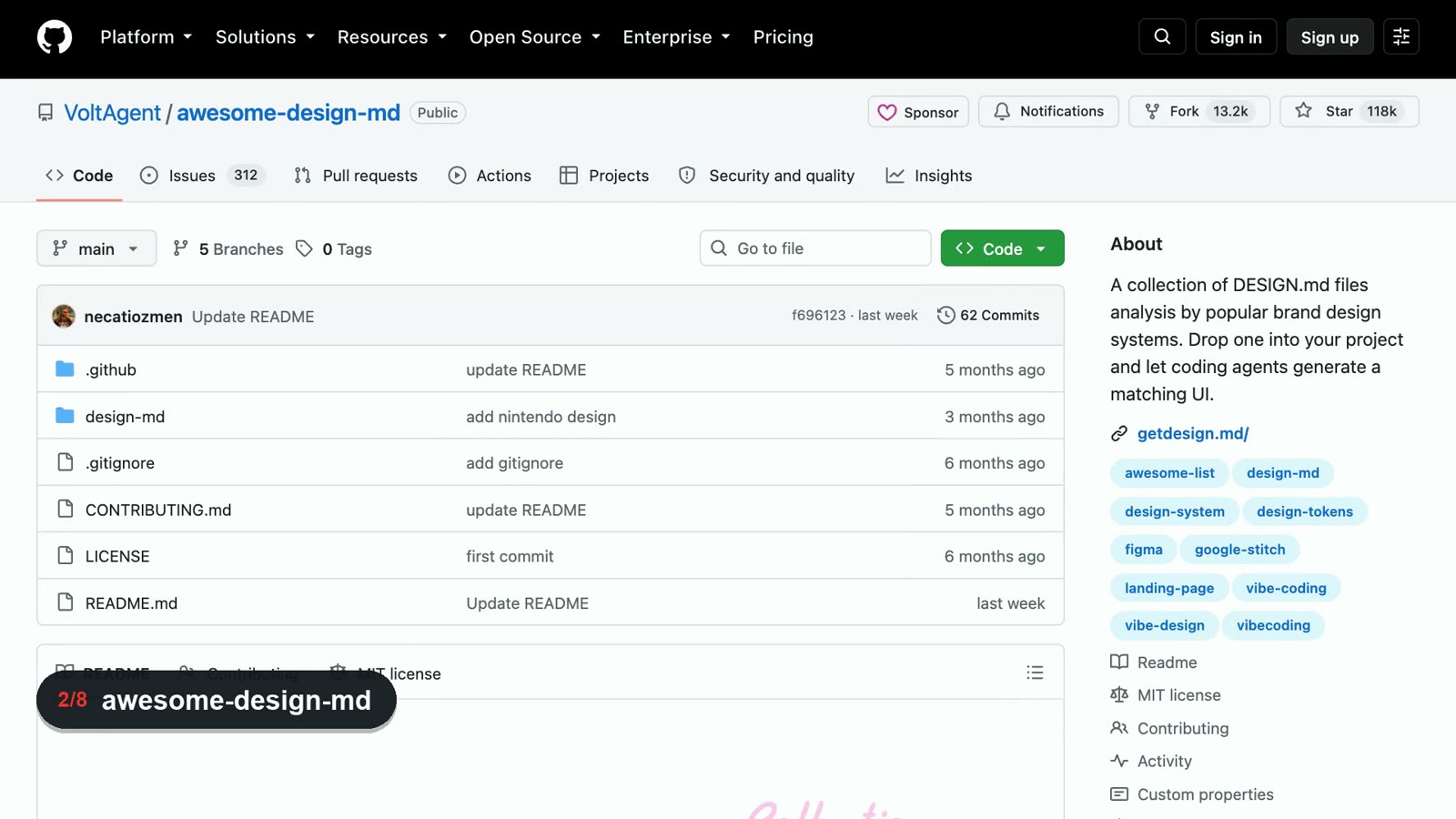
When your components look clunky
21st.dev has more than 12,000 React and Tailwind components and templates. If you connect its MCP, Claude Code can browse them itself. Search is free, and a free account gets up to 2 copies or installs a day. Builder starts at $6 a month billed annually and has unlimited copies and installs.
npx @21st-dev/cli@latest init --client cursorTo connect other clients such as Claude Code, follow the official MCP guide.
Source: X @21st_dev
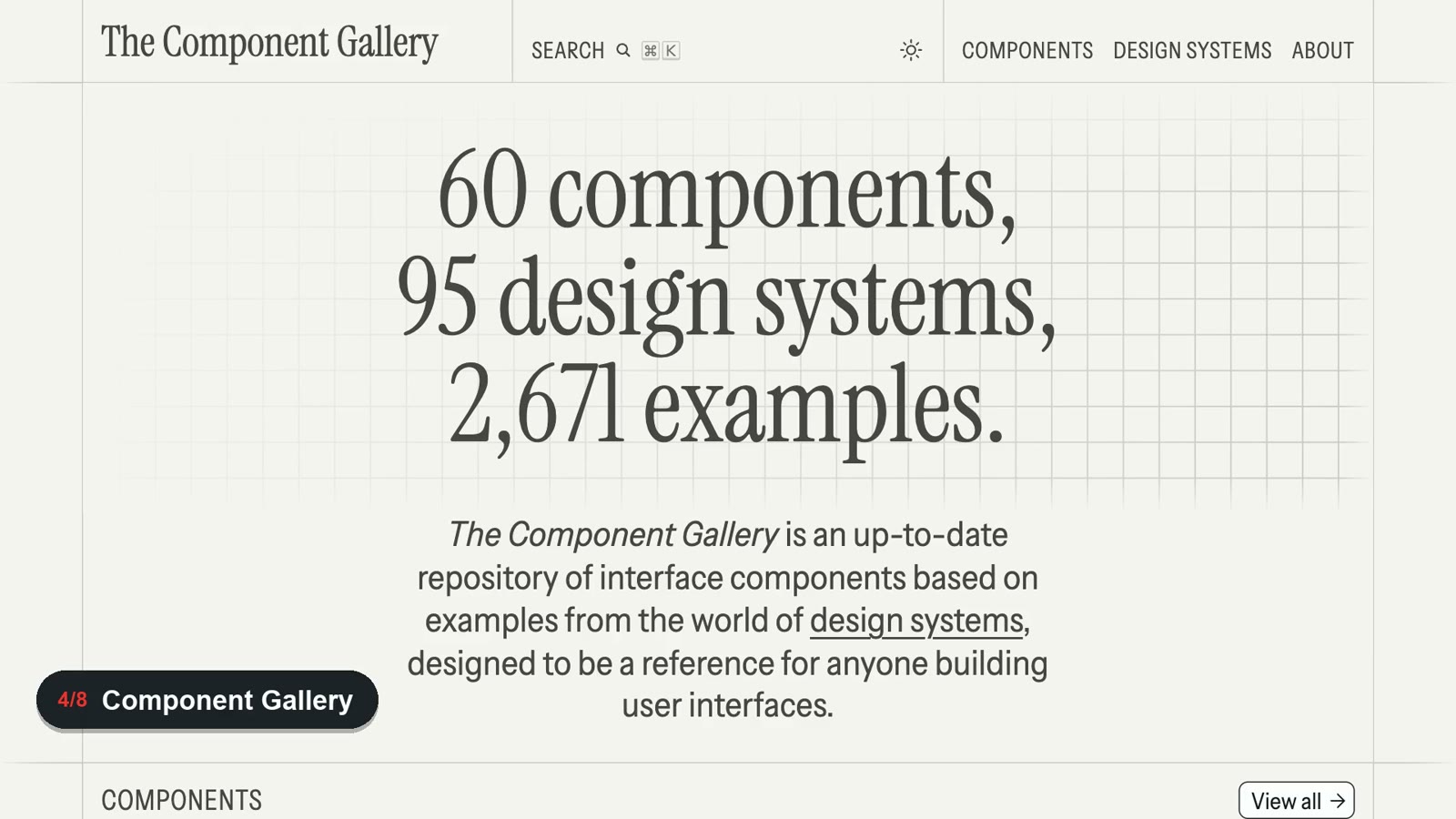
On The Component Gallery, you can pick a single component and compare how 95 design systems implement it. It currently covers 60 components and 2,671 examples, and you browse it in the browser with no install.
When your motion feels flat
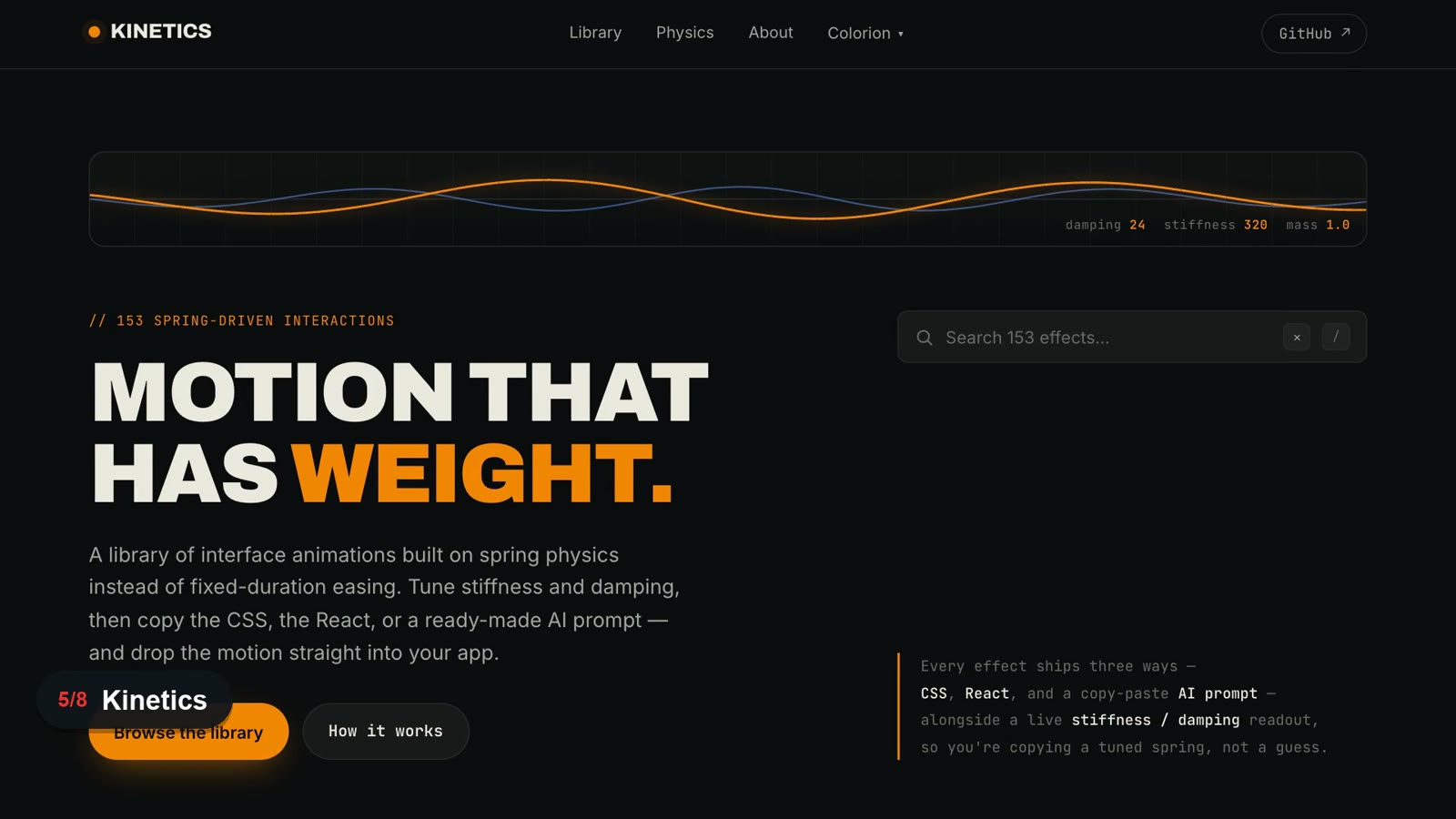
Kinetics collects 153 spring-physics-based interactions. For each effect, you can copy CSS, React code, and a prompt to give an AI directly, and you can also adjust stiffness and damping. Preview the effect in the browser and take only the format you need.
When you need a demo video
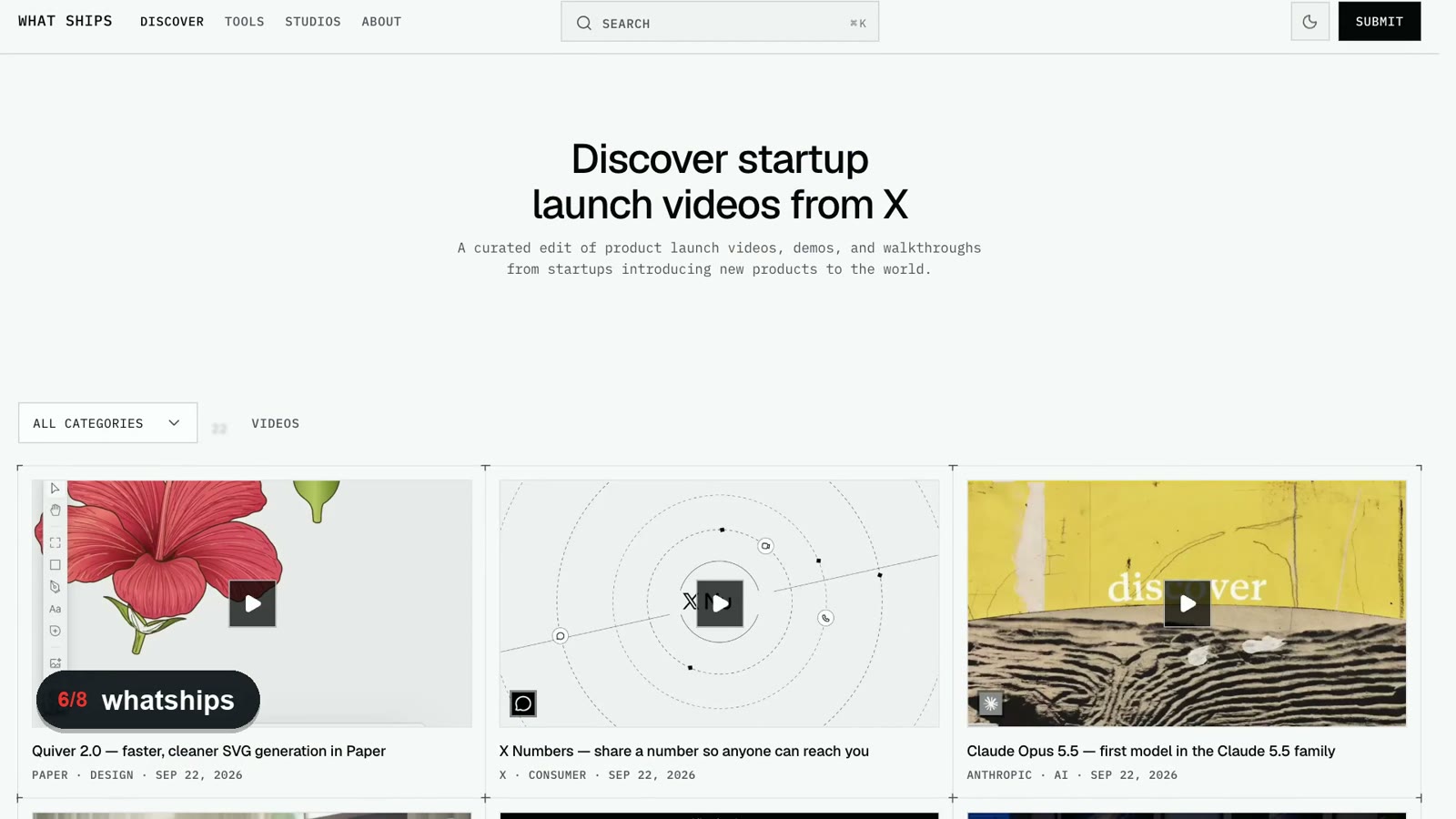
What Ships is a curated collection of startup product launch videos, demos, and walkthroughs. Vox described it as having more than 2,000. Pick videos close to the product you want to make and give them to Opus, and you can tile the frames into a single image so it can study the pacing and transitions.
HyperFrames is an open-source tool where Claude Code writes video scenes in HTML and renders them to MP4. It needs Node.js 22 or later and FFmpeg. You can also see the HeyGen HyperFrames and Claude Code video workflow.
npx skills add heygen-com/hyperframes
npx hyperframes init my-video
npx hyperframes render --output output.mp4Source: X @HyperFrames_
When it is all built but something feels off
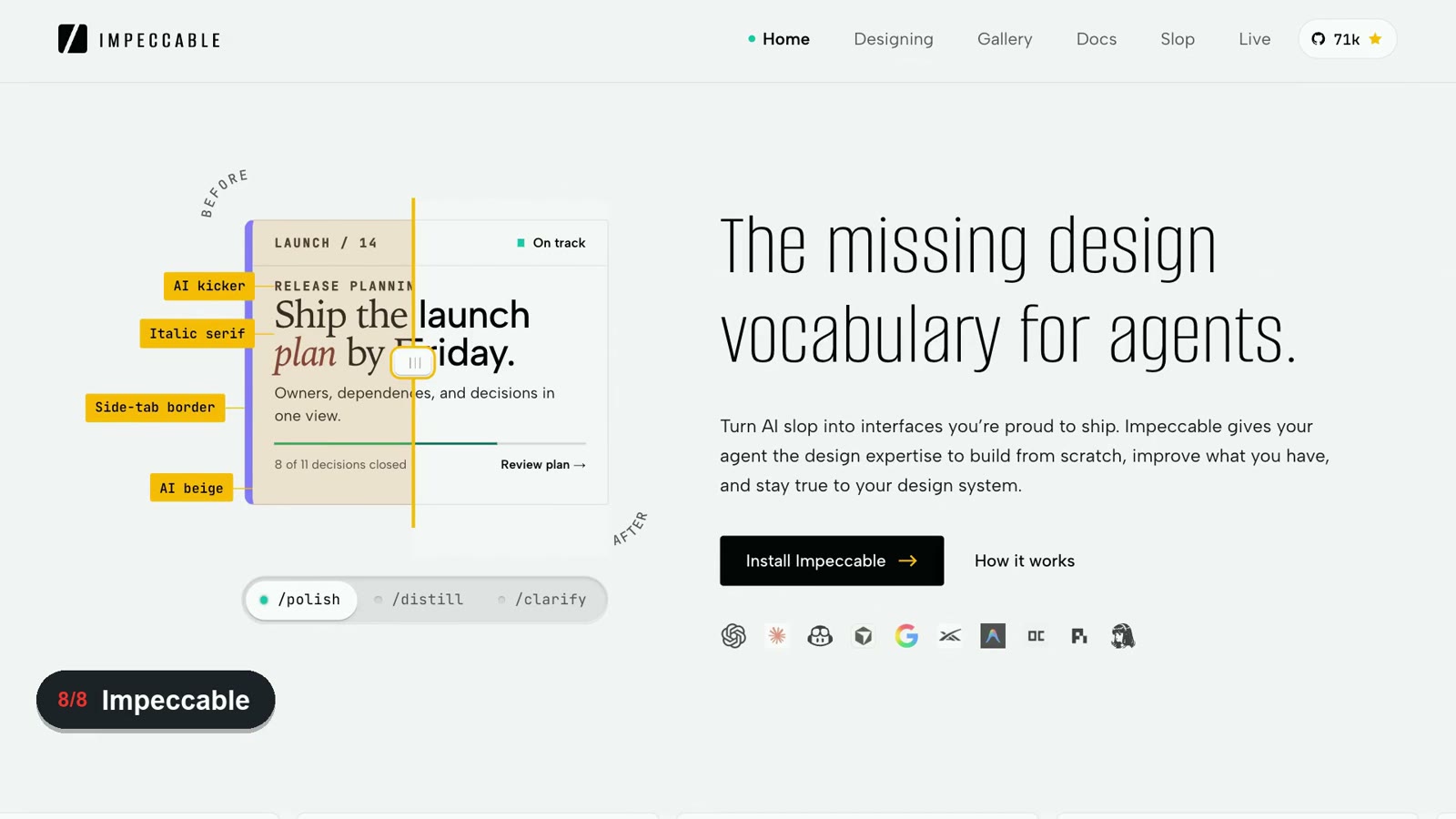
Impeccable is a set of design commands you install into Claude Code. Instructions like bolder, distill, and polish turn a vague "make it look better" into concrete edits. It is Apache-2.0 open source, and the post on Anthropic's frontend design skill and AI slop web design is also a useful reference for related design guidance.
npx impeccable install
/impeccable init
For the Claude Code plugin, run /plugin marketplace add pbakaus/impeccable and then install it from the /plugin menu.
Make Claude Code remember the reference list
Below is the full prompt Vox suggested for saving the list and usage conditions into Claude Code's CLAUDE.md.
Add a section called Frontend references to ~/.claude/CLAUDE.md. Use it only when building a new page, when I say something looks bad, or when I name one of these sites. For small changes, just do the work:
- Style: pick a DESIGN.md that fits the product from http://styles.refero.design or VoltAgent/awesome-design-md on GitHub. Put it in the project root and add an @ import for it in the project's CLAUDE.md, so from then on everything follows its colors, typography and spacing.
- Components: check http://21st.dev first, and call its MCP directly if it's installed. It has a free usage limit, so tell me what you're looking for before you call it. Then check http://component.gallery to see how mature design systems handle the same component.
- Motion: get a ready-made prompt or React code from http://kinetics.colorion.co.
- Demo videos: I'll pick reference videos on http://whatships.com and send them to you. Tile the frames into one image to see the pacing and transitions, then build it with HyperFrames (http://hyperframes.dev).
- If it still feels off when it's done: run it through polish and distill from Impeccable (http://impeccable.style).
The project's existing design system and components come first. Outside references only fill in what hasn't been decided yet. If an MCP, skill or command-line tool you need isn't installed, ask me whether to install it, and don't imitate it yourself. If you can't read a page's actual content, stop and ask me to paste it in. Don't fill anything in from memory. Every time you use an outside reference, tell me which one and what you changed. Show me what you'll add first, and don't write it until I confirm.
The gist is clear. Bring in outside references only when they are relevant, such as building a new page or improving design quality, and not for small edits. Follow the design system the project already has first, and ask whether to install it if a needed MCP or tool is missing. If it cannot read the real content of a page, it stops instead of filling in guesses. When it uses a reference, it says what it looked at and how it changed things.
All 8 at a glance
| Where you are stuck | Site | What it does | Cost |
|---|---|---|---|
| Style | Refero Styles | Product style DESIGN.md files | Free |
| Style | awesome-design-md | Design guidelines for 74 brands | Free, MIT |
| Components | 21st.dev | React and Tailwind components and templates | Search free, 2 free installs a day |
| Components | Component Gallery | Compares 95 design systems | Free to browse |
| Motion | Kinetics | 153 motions with code and prompts | Free catalog |
| Demo video | What Ships | Product launch video references | Free to browse |
| Demo video | HyperFrames | HTML-based video creation and rendering | Open source |
| Final polish | Impeccable | Design improvement commands | Free, Apache-2.0 |
Related posts
open-slide 2.0: An open-source tool to edit AI-made slides and export editable PPTX