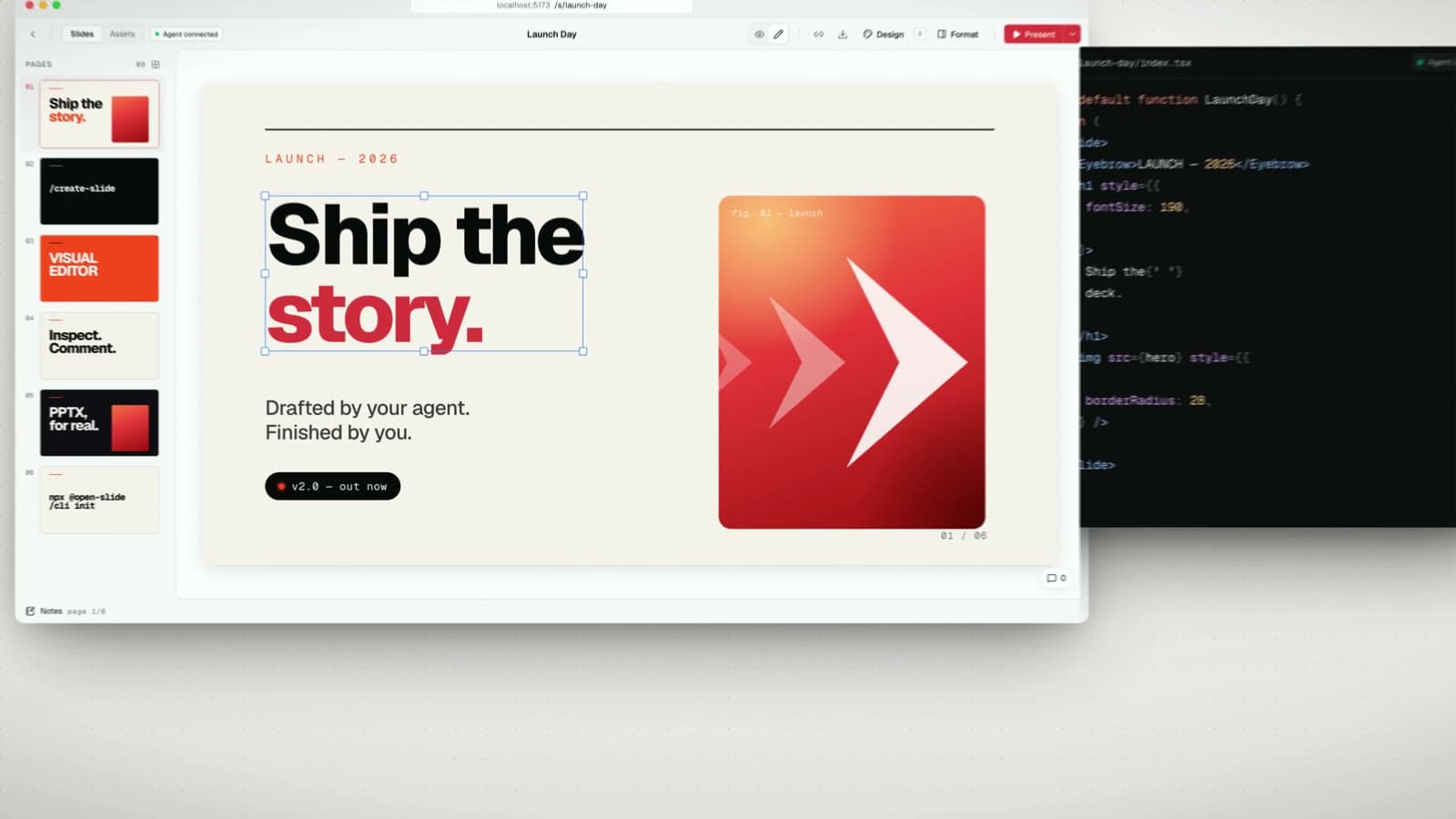
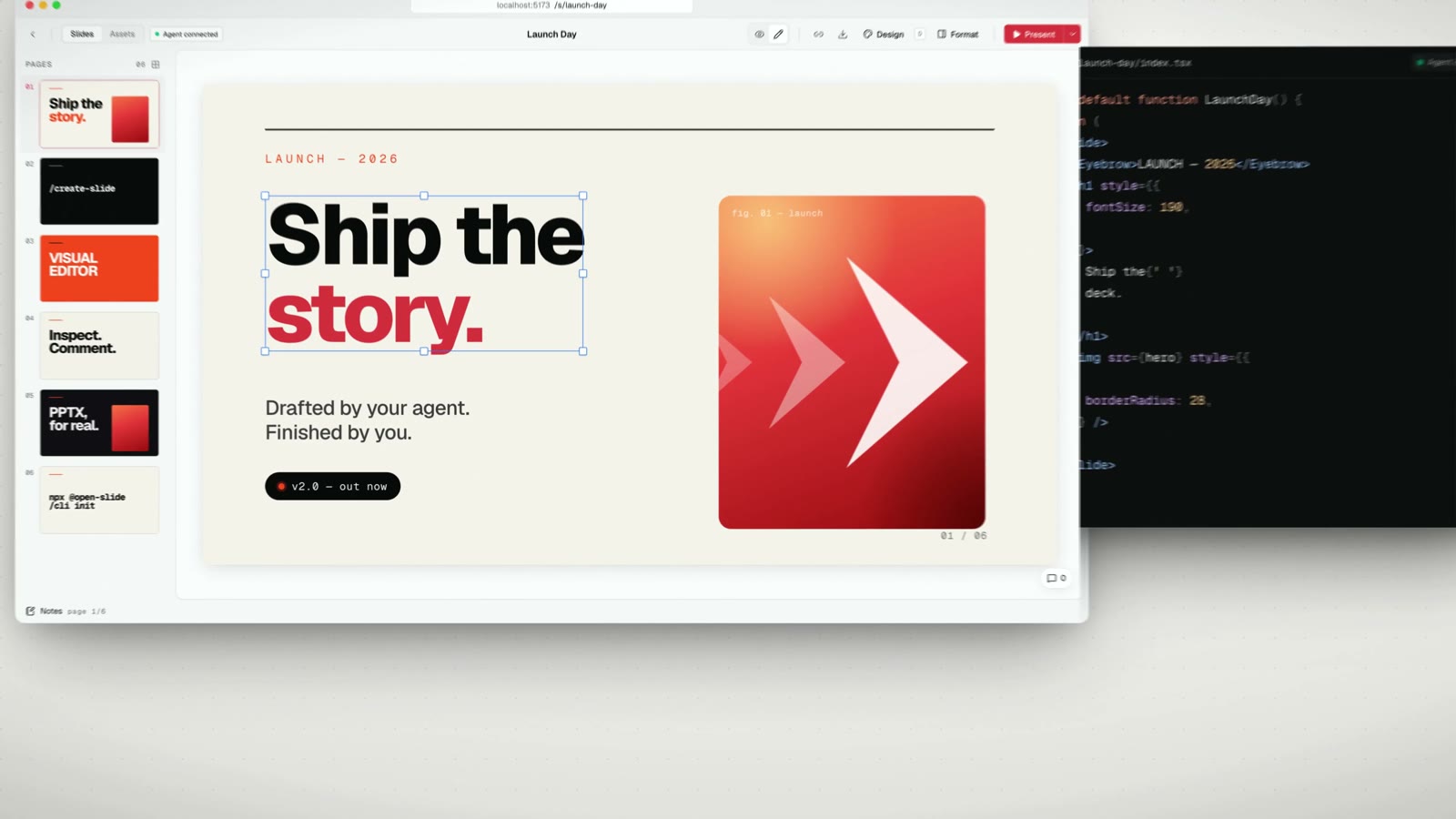
The workflow of generating a draft as code and having a person finish it on screen has gotten closer for AI-made PowerPoint decks. The open-source slide framework open-slide 2.0 helps you edit slides made by a coding agent like Claude Code or Codex directly in the browser, and export them as an editable PPTX. It was built by Yiwei Ho (@1weiho), and 2.0 was released on September 26, 2026 at 22:57 KST. It is available under the MIT license and had 8,270 GitHub stars as of September 28.
"Let your agent build the deck. Make the final touches yourself." As that one sentence suggests, the announcement video shows the 2.0 editing process that links draft generation with a person's finishing work.
Edit slides directly in the browser
On the canvas, you can select an element, drag it to move it, and resize or rotate it with handles. Rotation snaps to 15-degree steps when you hold Shift. You can type position, size, and rotation values directly in the Arrange panel, align elements, and change their front-to-back layer order. Smart guides appear when edges or center lines line up, and undo and redo are supported.
You edit text right on the canvas. From a floating toolbar you can change font size, weight, italics, color, and alignment, and search Google Fonts with a preview. Changes a person makes are written to the same source code the agent edits, so they carry over when the agent works again later. That the code does not split off after on-screen editing fits a collaborative workflow well.
Output that carries through to an editable PPTX
On export, the slide's text boxes, shapes, and images are converted into native PowerPoint objects. So whoever receives the presentation file can select each piece of text, shape, or image and keep editing it. The conversion runs inside the browser and needs no server or headless browser. HTML and PDF export are also available.
An editable PPTX is different from putting each whole slide in as a single picture. The objects named in the 2.0 notes are text, shapes, and images. Not every effect on the web view becomes a PowerPoint feature as is, so it helps to build around the elements you will keep editing in the PPTX.
From the new UI through to presenting
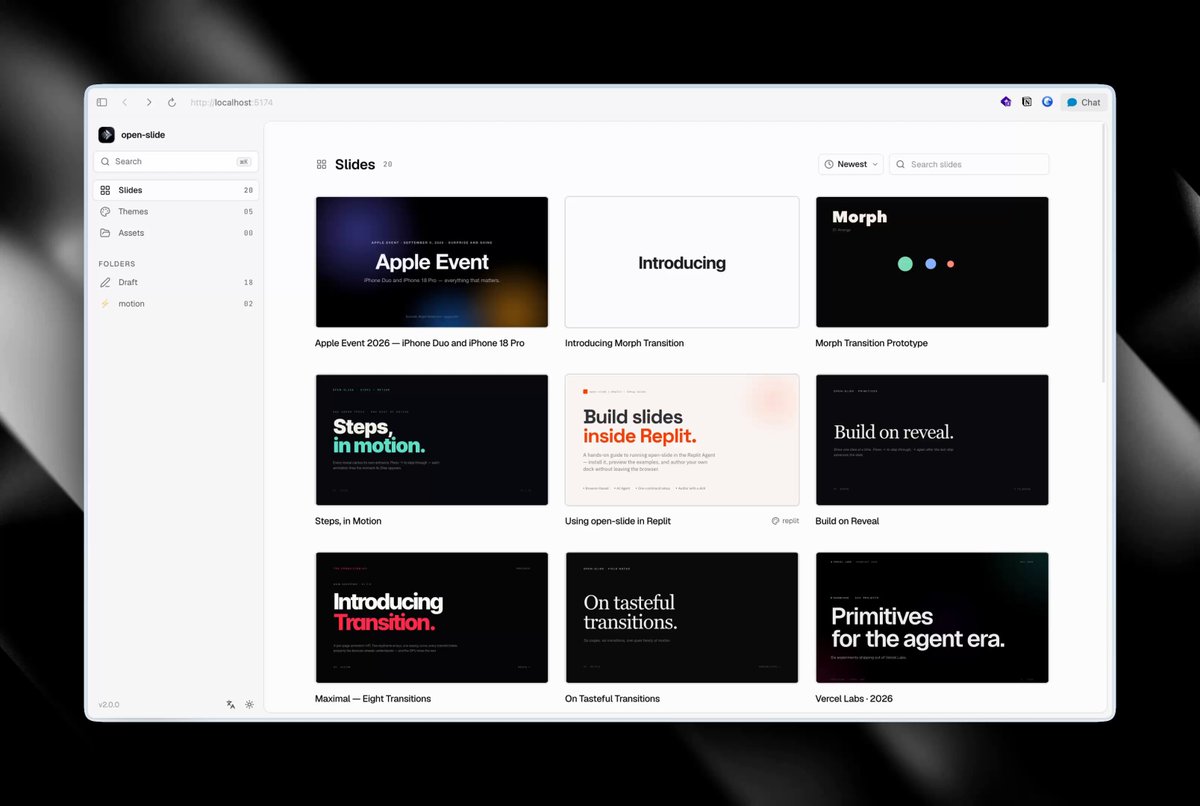
2.0 reorganizes the workspace and navigation and adds a Format panel that changes with the selected element. You can switch between the editing view and presentation preview, and in presenter mode you can see the next slide, notes, and a timer.
The agent writes the deck in React code
Instead of fixed slide templates or Markdown syntax, open-slide builds pages as React components on a 1920×1080 canvas. Each slide lives in slides/<deck-id>/index.tsx, and the agent writes the TSX code directly. When a coding agent reads a codebase and finds the parts it needs to work on, you can look at tools like jevgrep: an open-source CLI that finds only the code your AI coding agent needs and cuts cost alongside it.
The /create-slide skill writes a whole deck from the topic, mood, page count, text density, and whether you want motion. /slide-authoring tells the agent the canvas, font size, color, and layout rules, and if you leave comments on elements in the browser and then run /apply-comments, the agent applies your requests in one go. The scaffold preconfigures skills for Claude Code, and you can open the project and use it in code-editing agents such as Claude Code, Codex, and Cursor.
Install it and make your first slide
You need Node.js 20.19 or later and a Node package manager. Create a new project and run the dev server.
npx @open-slide/cli init my-slide
cd my-slide
pnpm dev
If you use npm, you can run the dev server with npm run dev. Open the project in your agent and ask like this.
/create-slide for "Q2 launch — 3 chapters, mixed text density, subtle motion, dark aesthetic"That means: "Build the Q2 launch material in three chapters, with a mix of text density, subtle motion, and a dark look." After you polish the agent's draft directly in the browser, export it to PPTX. You can deploy the static build to Vercel, Cloudflare Pages, Netlify, and more. If you are looking at agent runtime environments, you can also see Google's AI agent runtime, AX.
If you are on a 1.x project, see the v2 migration guide. For details such as installation and agent skill setup, check the GitHub repo and the official site.
Open-source license and cost of use
open-slide is released free under the MIT license. It is not a separate paid slide generation service but a tool you use with a coding agent in a local project, so the cost of drafting depends on the pricing of the agent you use. The 2.0.1 patch came out on September 27 at 13:03 KST, and the repo was updated again on September 28 at 01:22 KST.
Related posts
Whiteboard: An open-source review tool that links AI coding agent designs to code