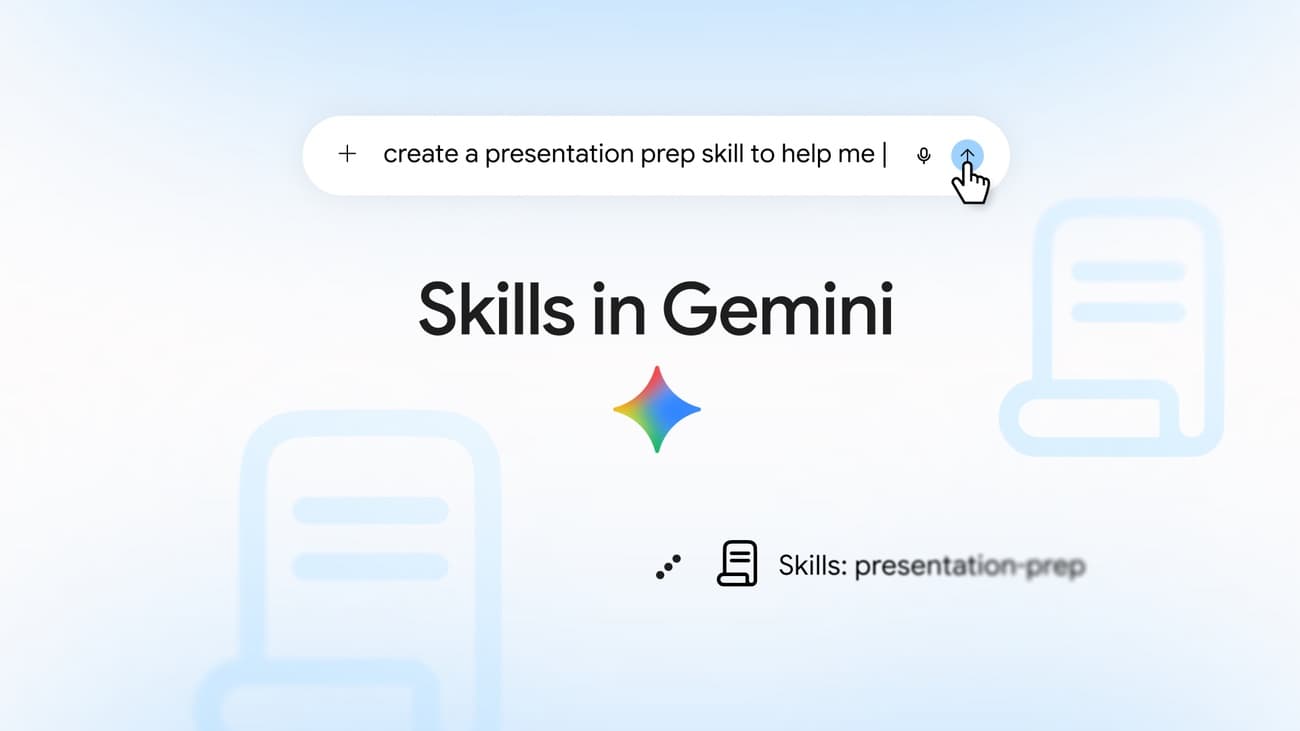
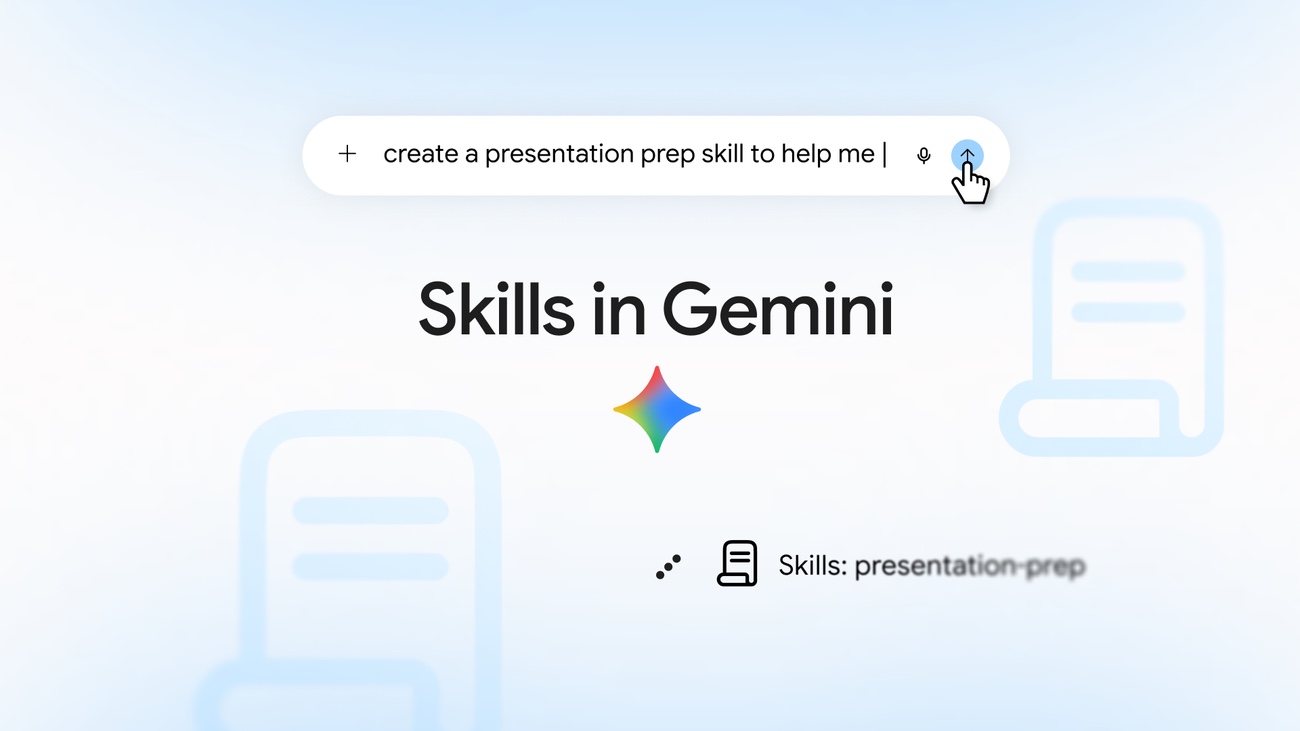
At 1 AM (KST) on October 1, Google launched Skills for repeat tasks in Gemini chat worldwide. You save instructions you use often once, call them back with a slash command, and existing Gems are automatically migrated to Skills. Gems support for personal accounts ends in November.
Source: X @Google
Saved instructions you call with one slash
Skills is a feature that saves multi-step instructions and reference material together. Type / and the skill name in the chat input box to run it again, and a skill that is enabled can also be applied automatically by Gemini on related requests. Skills first came to Gemini Spark, the personal AI agent in the Gemini app, and now it has widened to regular Gemini chat. Gems will soon be replaced by Skills too.
Presentation prep, writing style, and multiple perspectives
The use cases Google gave are presentation prep, applying a writing style, and comparing several perspectives. You can prepare a slide outline, talking points, and expected questions for a presentation, create drafts in your own voice across Workspace apps, or look at a single topic from 3 to 5 perspectives.
In the official demo, you first ask create a skill to help me get ready for class presentations to save a presentation-prep skill. Then you ask for help preparing a market segmentation class by specifying /presentation-prep along with your notes, and it creates a slide-by-slide outline, visual suggestions, and talking points. Next, type create a slide deck from this outline to generate a 7-slide presentation in Google Slides.
Combining skills and reference material
You can combine several skills in one task. For example, using a skill that applies your writing style together with a brand guidelines skill lets you make material that keeps to brand standards while carrying your voice. Starting today, you can add text documents, PDFs, and images as reference files, and within a few weeks, skill sharing and the ability to add Google Drive files and Gemini Notebook notebooks are due to be offered too.
How to make a Gemini skill
Open settings from the sidebar on gemini.google.com or in the Mac app and go to the Skills page. You can build one together with Gemini, edit a pre-filled template, or start from a blank template. You can also make one by uploading a file or folder, or by asking in chat for a skill to be made.
When you upload a folder, put SKILL.md at the top level of the folder. Write the skill name in lowercase letters and hyphens like my-new-skill, and the upload bundle must be 100MB or less in total. On the Skills page, you can turn automatic use on and off and edit, delete, or download skills.
It is currently available to personal Google accounts for users 18 and older, and Keep Activity must be turned on. You can use it on the web, the mobile app, and the Mac app, and it launches worldwide on all Google AI subscription tiers. Accounts under 18 are coming soon, and Workspace Business, Enterprise, Nonprofit, and Education customers will be able to use it within a few weeks.
Gems auto-migrate to Skills, with support ending from November
When Gems support ends, existing Gems are automatically migrated to Skills. The end-of-support schedule by account type is as follows.
| Account | Gems support ends |
|---|---|
| Personal accounts | November 2026 |
| Workspace Business, Enterprise, Nonprofit | March 2027 |
| Workspace Education | June 2027 |
Opal, the experimental service for building mini apps, also ends in November. Gems in Google Labs are not migrated to Skills. You can find how to switch from Gems to Skills in the help pages.
Source: X @GeminiApp
Skills, which started in Claude Code, become an industry standard
Anthropic announced Agent Skills, which began in Claude Code, on October 16, 2025. It is a format that puts a task procedure into SKILL.md and a folder of scripts and reference material so an agent can use it repeatedly. In December, it released it as an open standard. Anthropic's Agent Skills introduction explains the background and format.
OpenAI also introduced Skills in the same format to ChatGPT and the API. The OpenAI Academy guide was published on April 10, 2026, and the API docs cover compatibility with the Agent Skills format. Google Cloud has also released an official Skills repository that you can use in Gemini CLI and more. Gemini Skills can also be used by uploading a folder that contains SKILL.md.
Starting with Claude Code, Skills is settling in as something like a standard across the AI industry.
Related posts
- Claude Code draws UI mockups from a single "/design" line
- How to install anything2explainer: making code-based AI explainer videos from a topic
- The Gemini app passes 1 billion monthly users, Google's fastest ever