AI & Services

Preview Markdown Files in Google Drive and Edit and Collaborate Right in Docs.

Preview Markdown in Google Drive and edit, comment, and collaborate in Docs without converting the file format. Here is how it works and where it's rolling out.

· Huuush

Preview Markdown Files in Google Drive and Edit and Collaborate Right in Docs

Key takeaways

  1. 1Drive shows .md and .markdown files as a rendered preview.
  2. 2In Docs you can edit, comment, and collaborate without changing the file format.
  3. 3It is rolling out gradually over up to 15 days from October 5, 2026, to all Workspace customers and personal Google accounts.
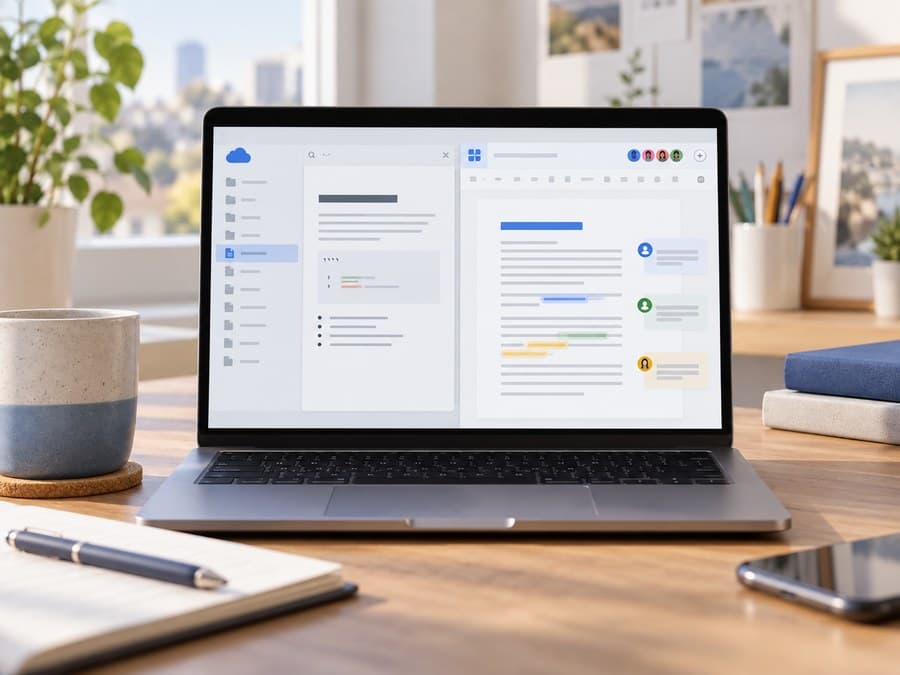
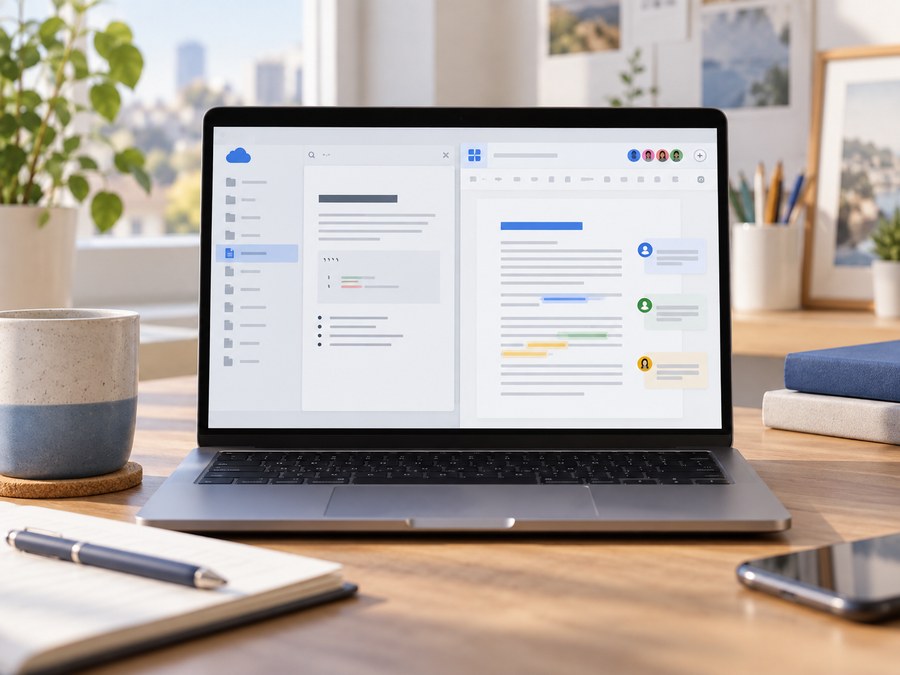
A laptop screen previewing a Markdown document while several people exchange comments and edits

What if you could keep Markdown files in Drive and still check and edit them together like documents? Google announced that Drive now provides a rendered preview of .md and .markdown files, and that in Google Docs you can open them without changing the file format, edit them, and exchange comments.
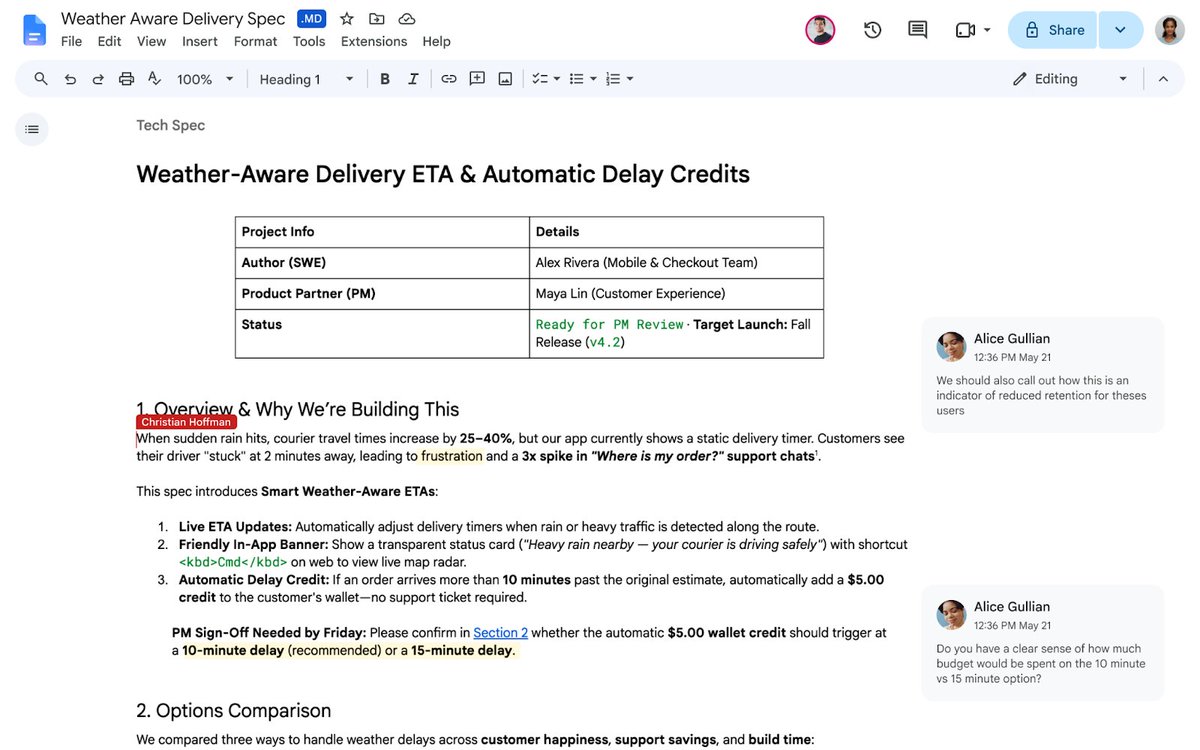
Example of the Markdown editing and collaboration screen in Docs that Google released
Markdown support in Google Drive and Docs. Image source: Chandu Thota's official announcement post.

From a Drive preview to collaborative editing in Docs

In Drive you can preview a Markdown file in rendered form. If you need to edit, you can open the file in Docs, change its content, add comments, and collaborate with others. According to Google's guidance, you don't need to convert the file to Google Docs format in the process.

This feature is useful for teams that trade Markdown as working documents. You can use Docs' collaboration features while keeping the original file format. You can check the feature and rollout scope in Google Workspace Updates' official announcement.

Who can use it?

The rollout began on October 5, 2026, for all Google Workspace customers and personal Google accounts. It is scheduled to roll out gradually over up to 15 days to Rapid Release and Scheduled Release domains. So it doesn't mean it shows up on every account at the same time on the day of the announcement.

Chandu Thota, a Google Workspace engineering leader, also introduced Drive preview, Docs editing, commenting, and collaboration, and who gets it, in three consecutive posts.

Loading X post.

Unable to load the X post. Please try again.

Loading X post.

Unable to load the X post. Please try again.

Loading X post.

Unable to load the X post. Please try again.

For other Google product updates, see Google AI Mode's web information tracking alerts, and for an agent runtime, the post on Google AX Agent Executor.

Frequently asked questions

Can I view Markdown files in Google Drive?
Yes. Drive shows .md and .markdown files as a rendered preview.
Does editing in Docs convert it to a Google document?
According to the official announcement, you can open it in Docs to edit and collaborate without changing the file format.
Are comments and collaboration supported too?
Yes. In Docs you can comment on a Markdown file and collaborate with other users.
When can I use the feature?
It is rolling out gradually over up to 15 days from October 5, 2026, to all Workspace customers and personal Google accounts.

Related articles