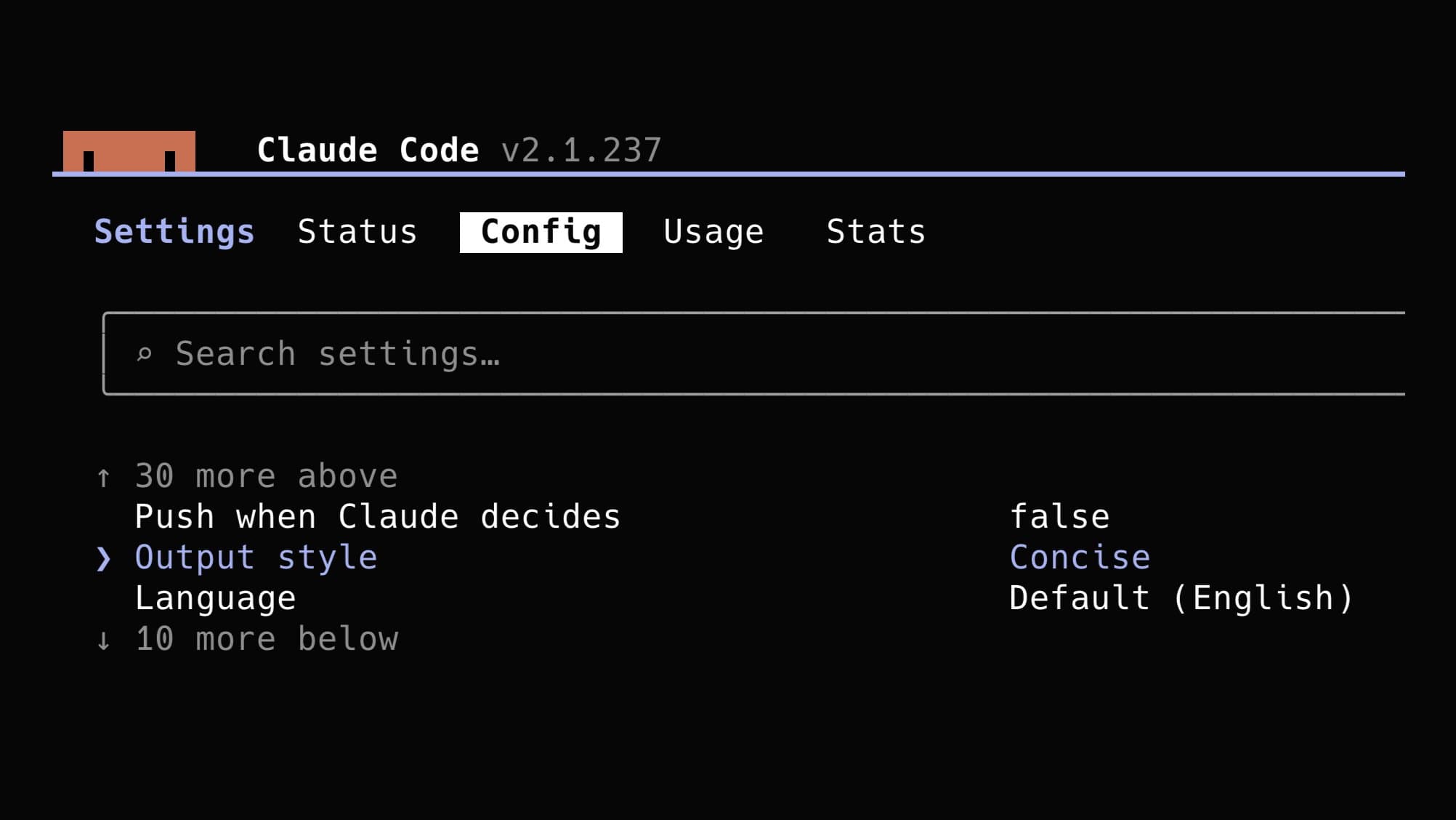
Developer influencer Miguel Ángel Durán (@midudev) shared in a thread at 11:03 p.m. KST on August 20, 2026 how to enable the Concise output mode, saying "if you use Claude Code, turn this on to save tokens."
The feature was first announced by Anthropic's official account (@ClaudeDevs). According to the official docs, it is available from Claude Code v2.1.237.
How to turn it on
There are three steps. First, type the /config command in Claude Code. Second, type "Output" in the settings search box. Third, change the Output style setting to "Concise."
Concise mode cuts explanations and descriptions of the process and shows the result first. The official docs say you can ask for a detailed explanation whenever you need one.
Per project or global?
In a follow-up reply, midudev pointed out that "/config applies only to the current project and is not a global setting." To apply it to every session, you have to add the line "outputStyle": "Concise" to settings.json yourself.
The change takes effect only after you run /clear or start a new session, because the output style is part of the system prompt, which is read once at session start. The desktop app doesn't have a dedicated selection menu yet, so you need to edit the settings file directly.
What you can get out of it
Since the explanations and step-by-step narration attached to each response are reduced, you can expect lower token use in sessions with a lot of repetitive work. However, neither the official announcement nor midudev's thread gives a specific savings figure (in percent).
In the replies, someone asked how it compares with the third-party plugin "Caveman." midudev answered that "Caveman is a more aggressive external plugin, and the official feature is probably the more trustworthy place to start."
What still needs confirmation
Token savings will vary by type of work and session length, so there is no official number. And because Concise mode provides explanations only "on request" rather than never, learning and debugging sessions that need frequent detail may end up with more back-and-forth requests.