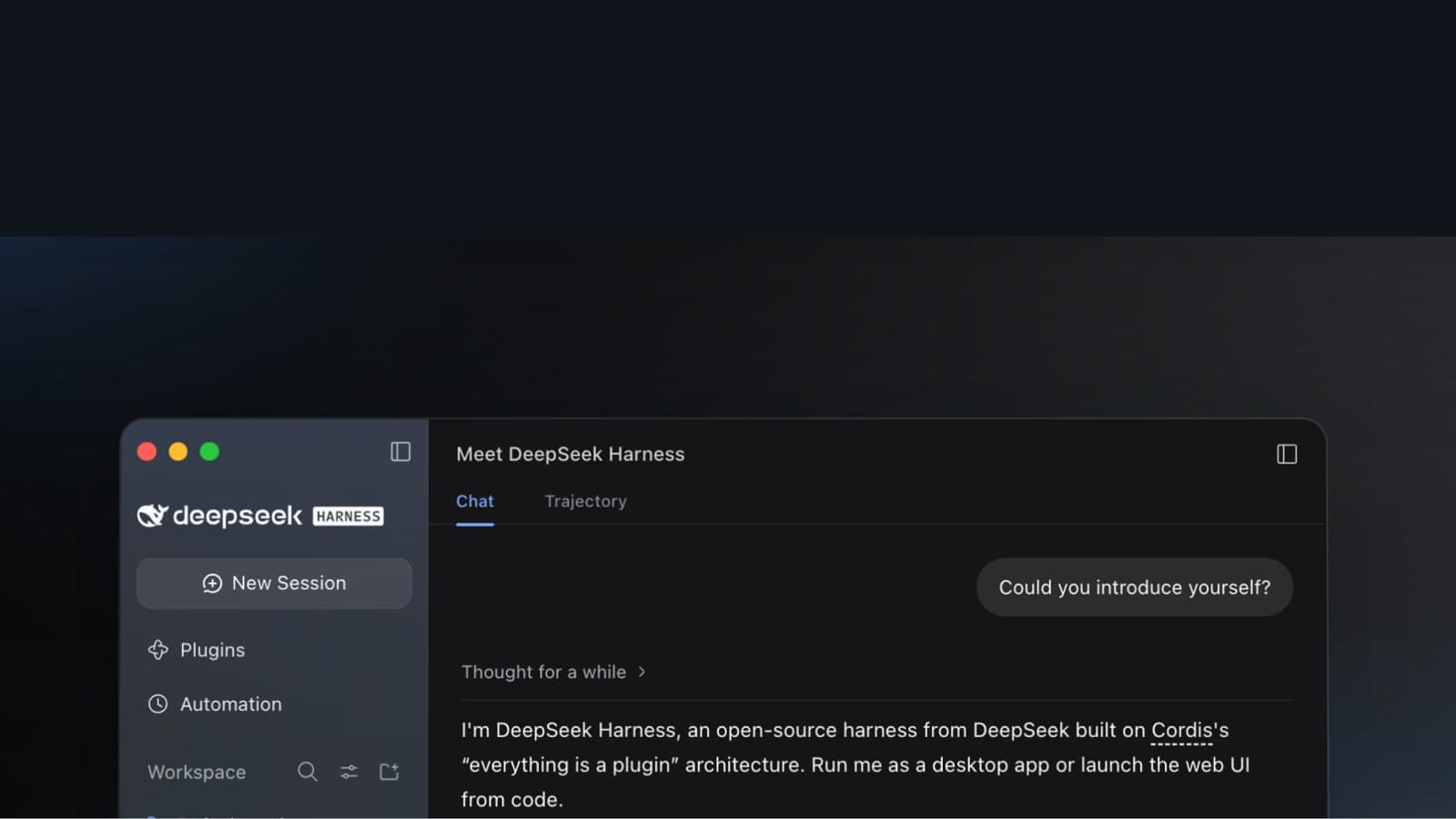
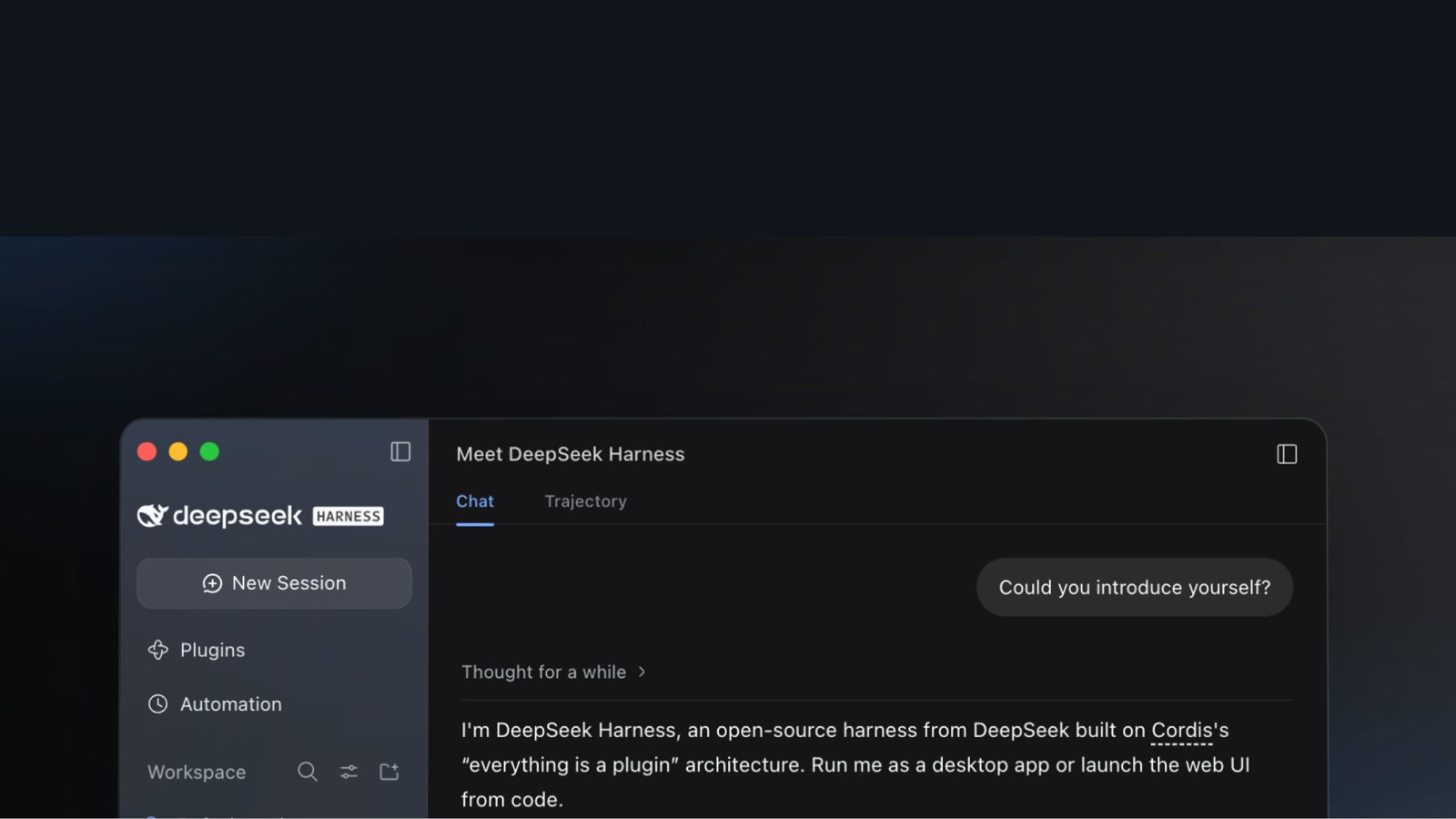
DeepSeek is now jumping into the race for AI workspaces. DeepSeek Harness has launched as a desktop app for macOS and Windows. It handles everything from analyzing documents, spreadsheets, and PDFs to making charts and slides and editing and running code in a single conversation, and you can see the results right away.
The official DeepSeek Harness account announced the v0.2 preview at 01:13 KST on October 1. It released apps for macOS and Windows worldwide, and the project is open source. A month and a half after releasing v0.1 for developers in August, it has widened its scope to a desktop app. You can also see the early version in the DeepSeek Harness v0.1 open-source release.
Source: X @DeepSeekHarness
Documents and code work in one conversation
You can send documents, spreadsheets, and PDFs and ask it to organize information, analyze data, and make charts and slides. You can also hand it development work like editing project files and running code. The official announcement showed an example of turning a travel guide into slides and an HTML page.
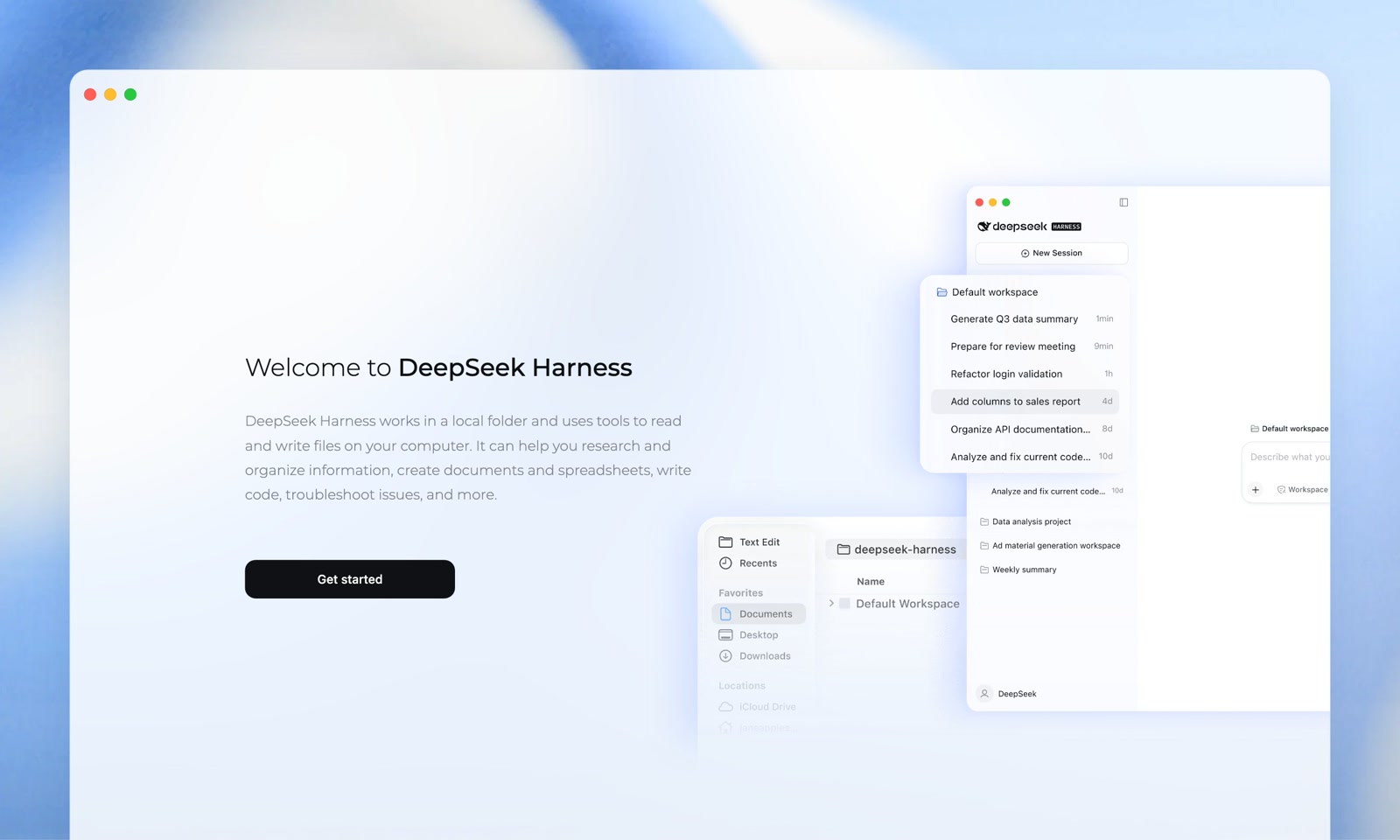
Generated files and code changes appear right in the conversation. In the right sidebar you can preview files, check code, or review changes, then ask for further edits. You can also open files in apps installed on your computer and keep editing there. Harness reads and writes files in a working folder on your computer.
You can preview Word (docx), Excel (xlsx), PDF, HTML, Markdown, TypeScript, and Python files, among others, inside the app.
We also covered another app that extends the AI workspace as open source, OpenDots, based on OpenAI Dots.
Schedule recurring work to run automatically
Turn on Automation Task in the plugin panel to schedule recurring work. You can also look through run history and adjust the schedule and task instructions in the panel. The official example is a task that organizes "this week's project notes into a weekly report every Friday at 17:00 (Beijing time)." In Korea time that is 18:00 every Friday.
You can also choose how much detail to show about the steps the agent takes during a conversation. You can view progress briefly or check each step in more detail as you work.
Everything is a plugin
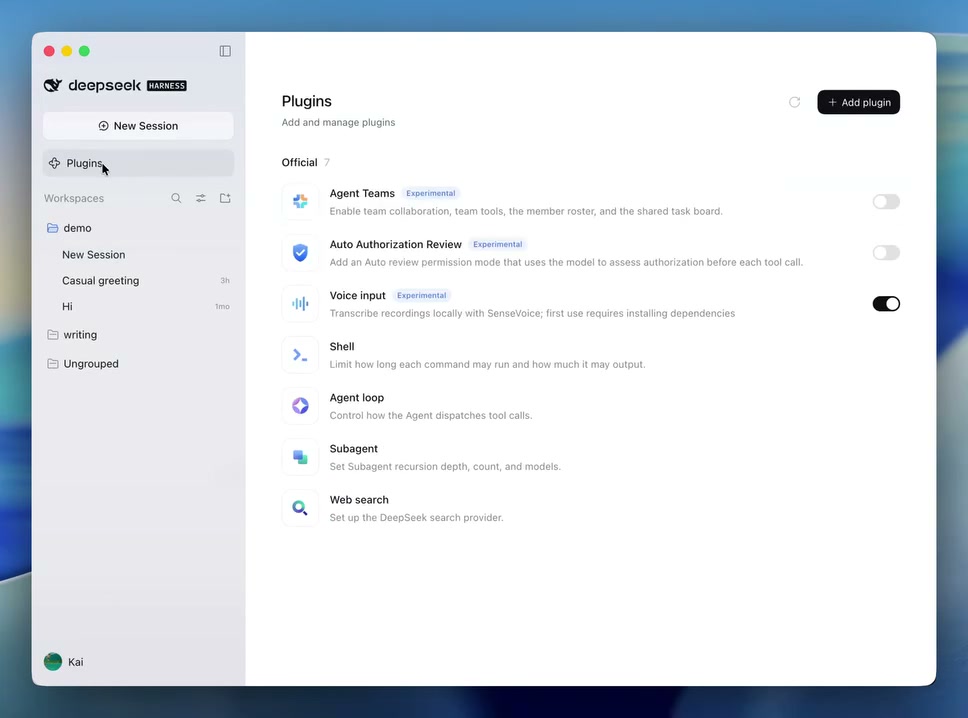
DeepSeek Harness's basic direction is "Everything is a plugin." From a single tool to an entire product interface, you can add and combine them as plugins. Enter a package name in the new plugin manager to install one without terminal commands, and in one place you can turn plugins off or delete them and check their descriptions and sources.
The app includes ready-to-use plugins ranging from building work teams to web search.
| Plugin | What it does |
|---|---|
| Agent Teams (experimental) | Provides agent team collaboration, a member list and team tools, and a shared task board. |
| Auto Authorization Review (experimental) | An automatic review mode where the model reviews permissions first when a tool is called. |
| Voice input (experimental) | Transcribes speech on your device with SenseVoice. It installs components the first time you use it. |
| Shell | Limits command run time and output volume. |
| Agent loop | Adjusts how the agent calls tools. |
| Subagent | Sets the depth and number of subagents and the model they use. |
| Web search | Sets the DeepSeek search provider. |
In the experimental Creator mode, you can describe the feature you need in words to create a plugin. A plugin you generate is ready to use right away, and it is saved automatically and also appears in the plugin manager. The official demo spends 5 minutes 24 seconds creating a Pomodoro timer plugin, installing it, and checking that it works.
Download and model setup
The macOS app supports Apple silicon and macOS 13 or later, and the Windows app supports 64-bit Windows 10 or later. You can download them from the official DeepSeek Harness page. On Linux you can use the @deepseek-ai/dsh package from npm.
Source: X @deepseek_ai
If you install Node.js, you can run the web UI with the npx @deepseek-ai/dsh web command. To start from the source code, use git clone https://github.com/deepseek-ai/deepseek-harness. The installation and first run are covered in the developer docs Quickstart.
Connect a model and API key under Settings → Models. Besides a DeepSeek API key, you can set up other providers or OpenAI-compatible APIs. The default model in the app is DeepSeek-V4.1-Flash, released on September 10 (KST). For more on the model, see the DeepSeek V4 Flash multimodal release. Model costs come from your DeepSeek API balance or the rates of the API you connect.
Next steps for growing the plugin ecosystem
DeepSeek Harness said that about 60% of users who use the model through the official API use third-party plugins. It also said Harness has become the most widely used coding agent among official API users, measured by DAU and daily sessions.
DeepSeek says third-party plugins are central to the Harness experience, and it plans to make plugins easier to find, install, and manage, and to create an official plugin marketplace. It said it will refine the plugin API to be clearer and more stable so compatibility holds across version changes.
Going forward, it plans to strengthen the sandbox and security, improve agent teams, and add personal long-term memory. Browser and other GUI app automation, remote and mobile access, and session sharing and collaboration are also on the development roadmap.
Once the official plugin marketplace opens, Harness's plugin ecosystem looks likely to grow larger.